Software Upgrade
Vantage 5000
1.1v-09.2019 8 | Page
1.4 System Reset Procedure
A system reset will delete all existing information on the pump
and should only be used when necessary. It will not be possible
to recover previously saved job information once the system
reset has been carried out.
Verder strongly recommend backing up job les/system
settings in case it is necessary to perform a system reset.
The system reset procedure is detailed as follows:
1. Turn OFF the Vantage 5000 pump using the ON/OFF
switch on the back of the pump.
2. Hold down both the red stop button and green start button.
3. Whilst holding these two buttons, switch ON the pump
using the ON/OFF switch on the back of the pump.
4. Continue to hold these two buttons for at least 30 seconds.
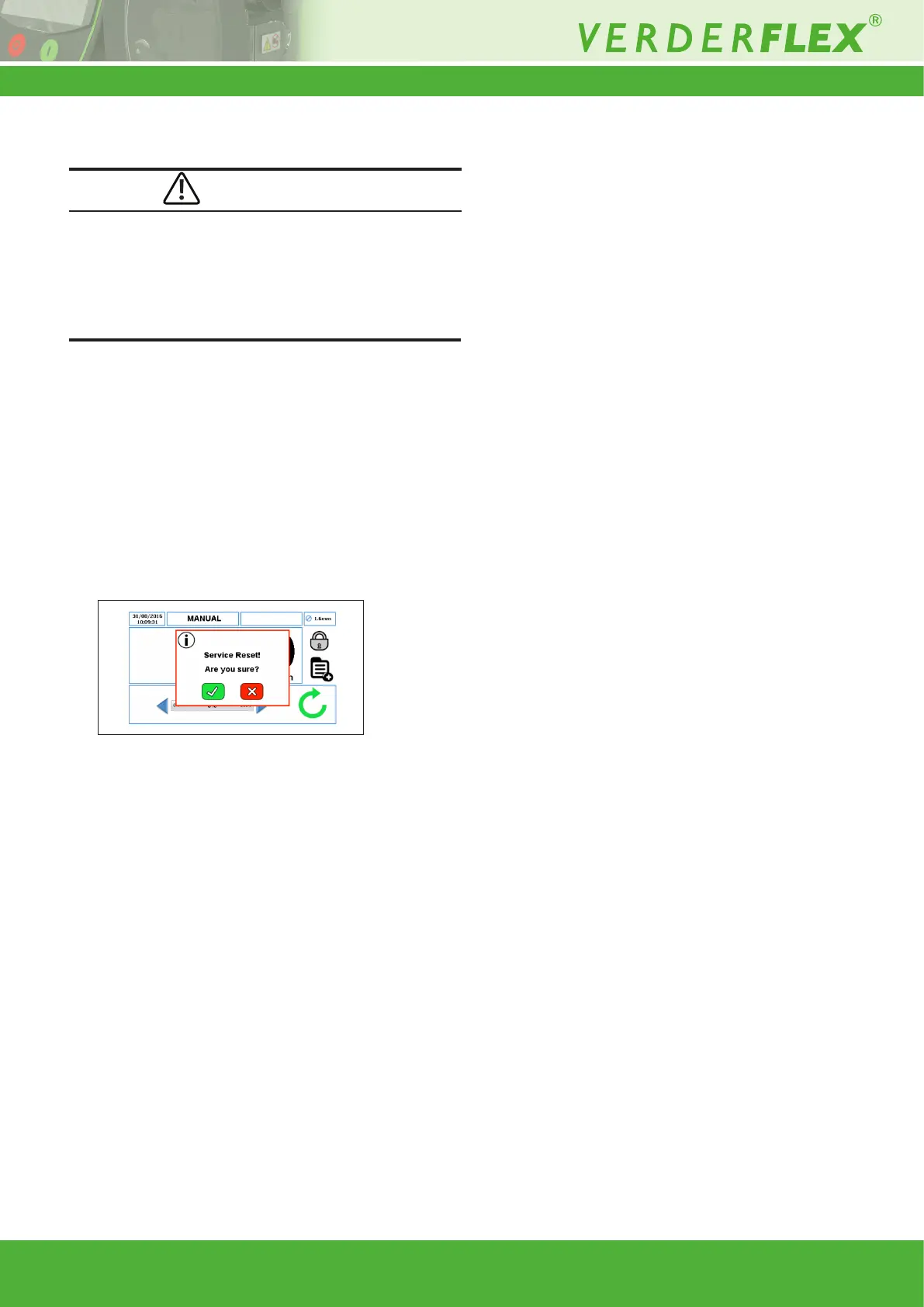
The user will be prompted to conrm the selection as per
Figure 6:
5. Press “p” to perform the system reset or press “x” if the
reset was requested by mistake.
6. When the pump is turned back ON, follow the instructions
displayed on the screen to calibrate the touchscreen.
(g 1.5 Vantage 5000 Screen Calibration)
Figure 6 Service Reset
CAUTION
1.5 Vantage 5000 Screen Calibration
1.5.1 Introduction
The Vantage 5000 allows touchscreen calibration.
Users will be prompted for screen calibration when:
• the software has been updated (g 1.3 Vantage 5000
Software Update Process)
• the system reset has been carried out (g 1.4 System
Reset Procedure)



 To Next Page