12 MX 800 SERIES INSTALLATION GUIDE
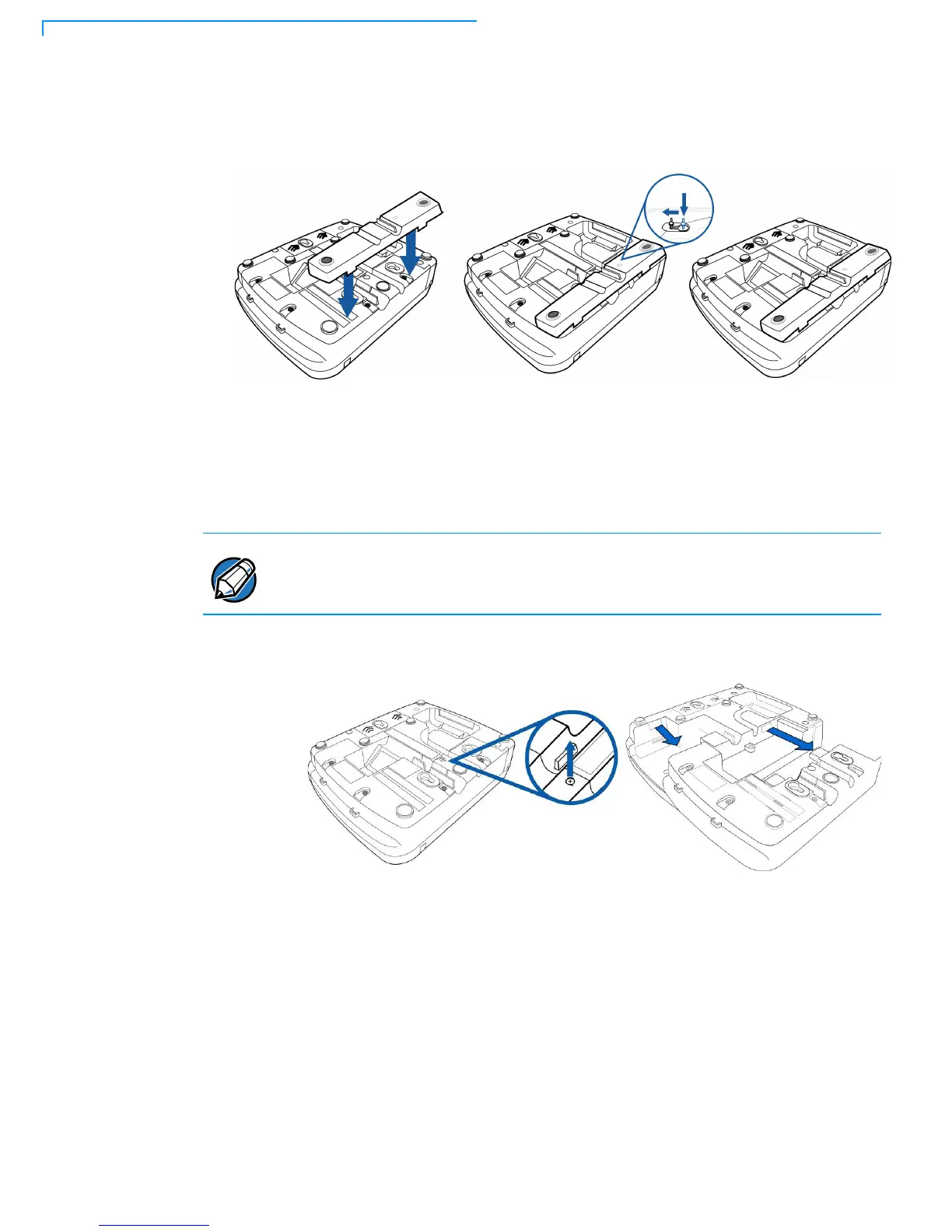
3 Route the multiport cable through the races in the countertop wedge or
through the races underneath the wedge.
Figure 4 Installing the Countertop Wedge
.
Installing I/O
Modules
Use the following steps to install optional I/O modules:
1 Loosen the module retaining screw on the bottom of the terminal (Figure 5)
until the old module can slide out.
Figure 5 Removing the old I/O Module
The retaining screws are captive, which means they do not actually separate
from their seats, but only from the mounting hole.



 To Next Page