SYSTEM MESSAGES
Error Messages
52 P200/P400 REFERENCE GUIDE
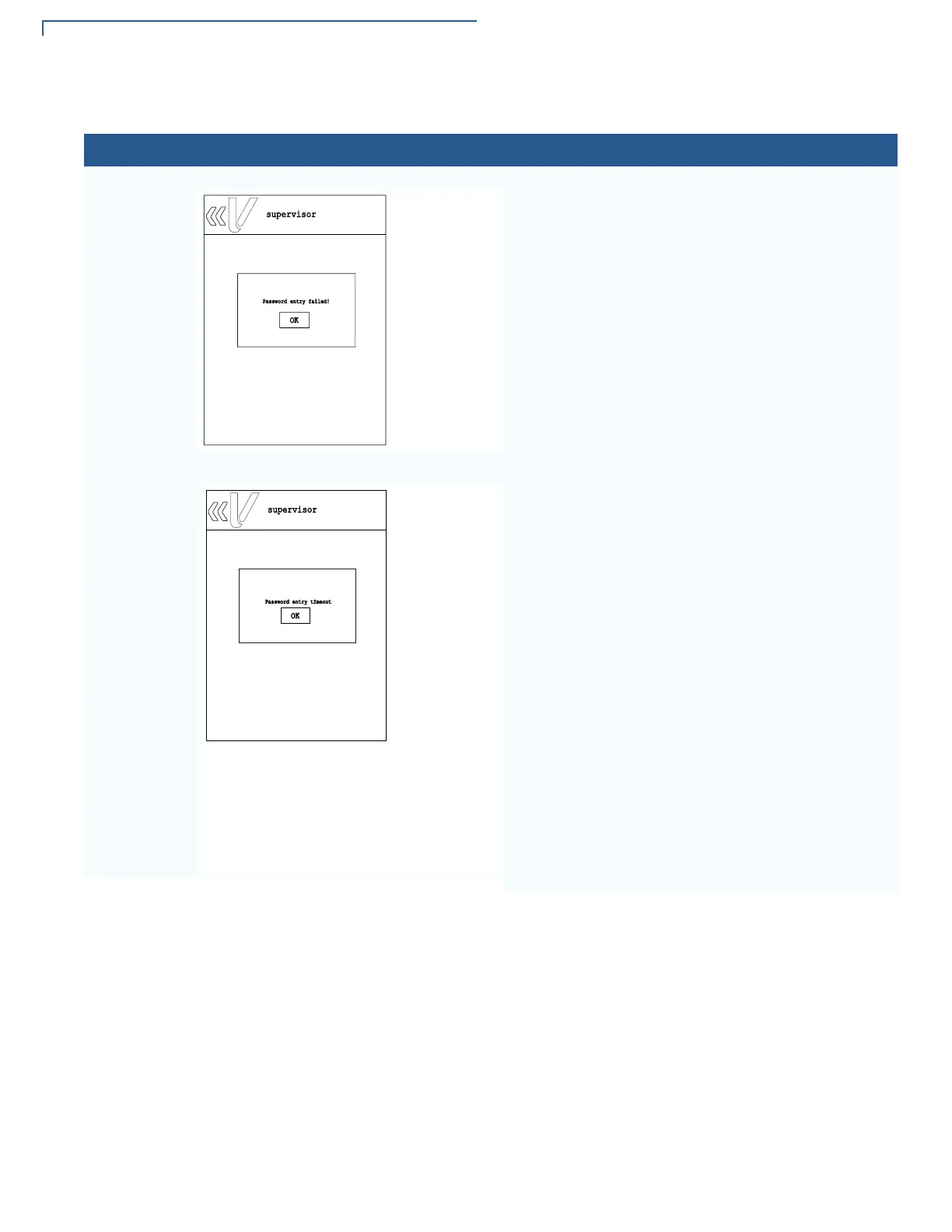
This error is displayed when entered password does
not meet the required number of characters or when
the entered password exceeded the number of
characters set for the user. Password must be at least
seven characters.
This error appears when the user failed to enter his
password within 60 seconds or within the set timeout
period.
Select OK and enter the user password again.
Table 7 Error Messages
Display Action
supervisor
Password entry failed!
OK
supervisor
Password entry timeout
OK














 To Next Page