SYSTEM MESSAGES
Error Messages
54 P200/P400 REFERENCE GUIDE
DOWNLOADING ERRORS
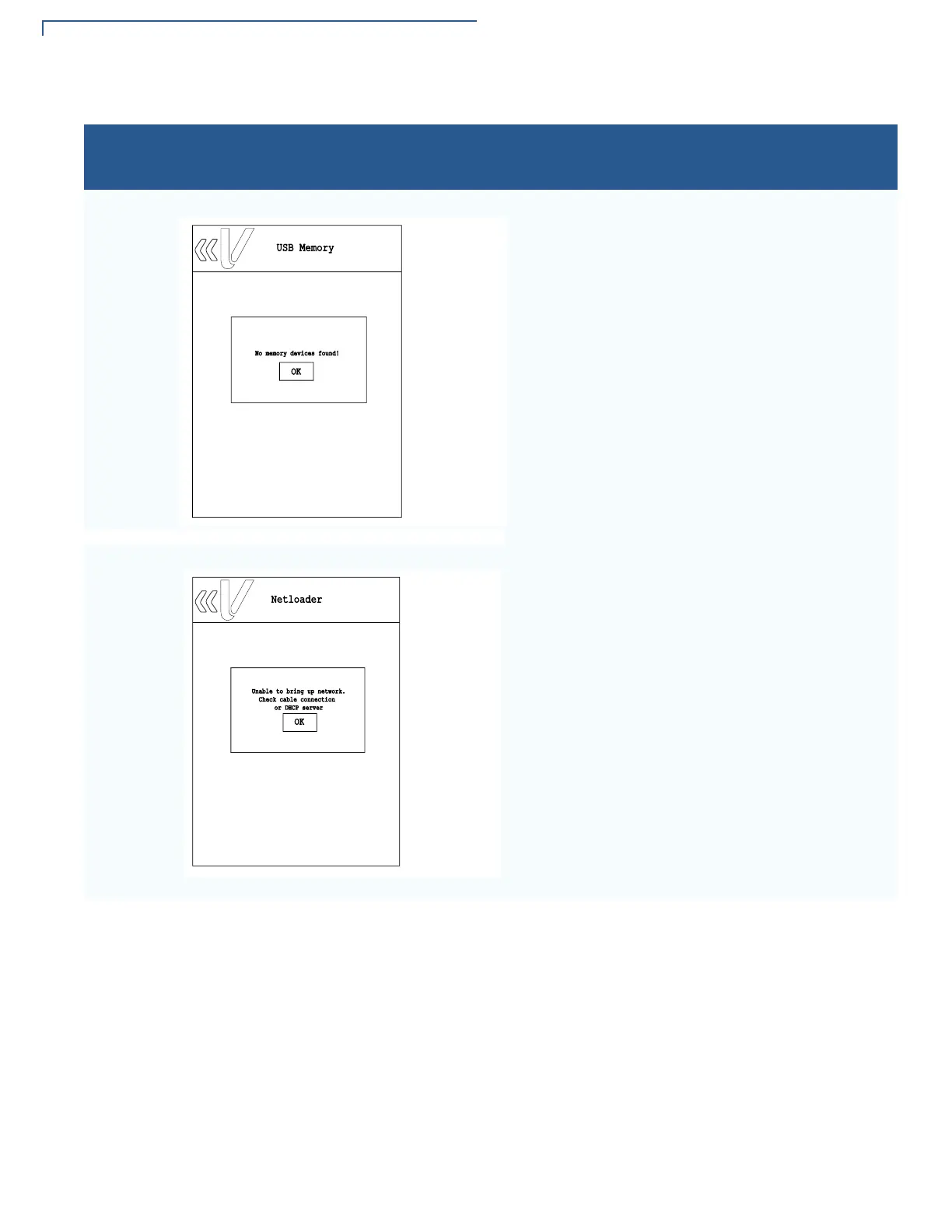
This error message is displayed when System Mode is
unable to detect the USB Memory or SD card.
Select OK to close the error message. Connect the
USB Memory or SD card and try the download/update
option again.
This message is displayed once Netloader is selected
and System mode is unable to detect connection to the
server.
Select OK to close the error message, check cable
and network connection, then try selecting Netloader
again.
Table 7 Error Messages
Display Action
USB Memory
No memory devices found!
OK
Netloader
Unable to bring up network.
Check cable connection
or DHCP server
OK














 To Next Page