SETUP
VX 690 Wi-Fi/BT Support
VX 685/VX 690 I
NSTALLATION GUIDE 31
V
E
R
I
F
O
N
E
C
O
N
F
I
D
E
N
T
IA
L
R
E
V
I
S
I
O
N
B
.
1
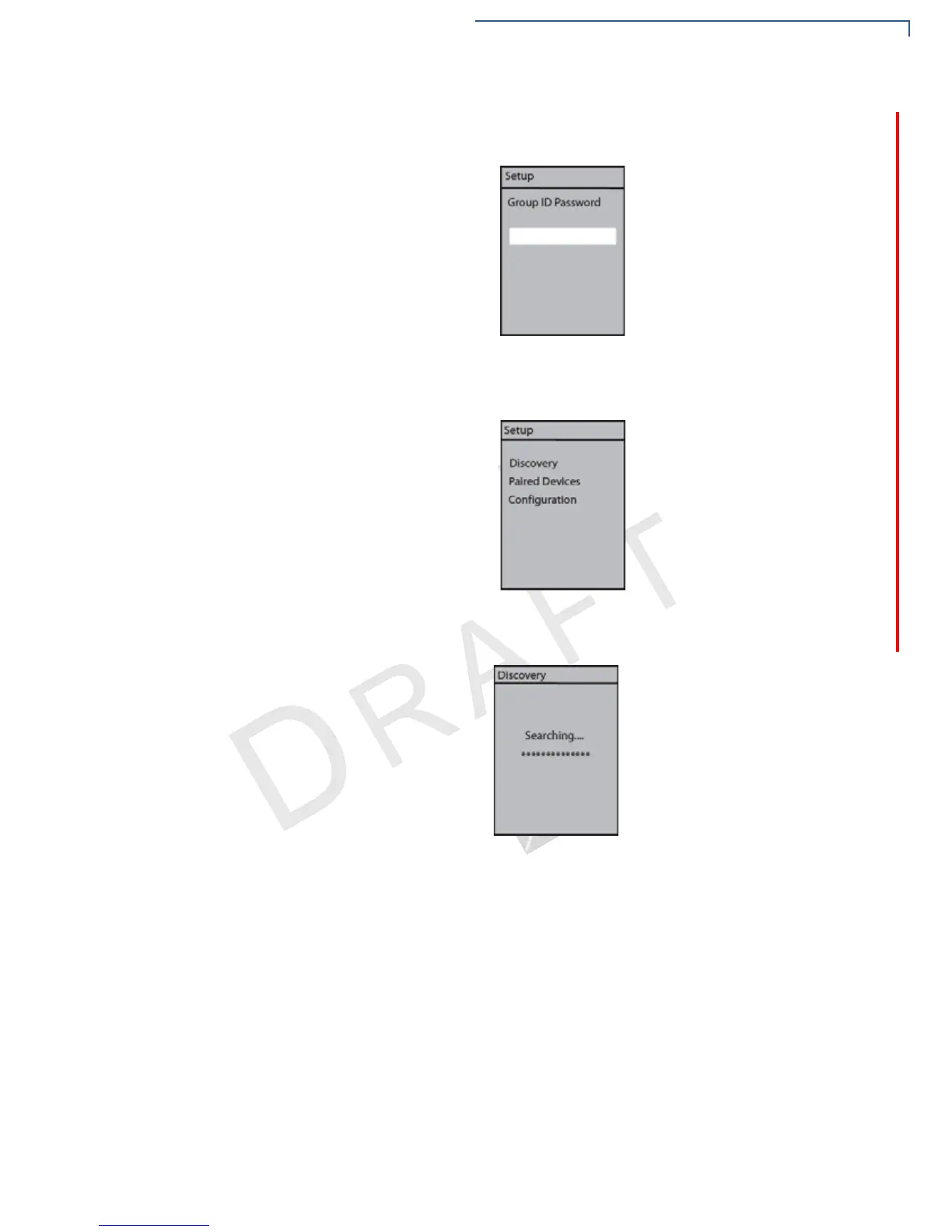
3 Before you can access the Setup menu, you will be asked to enter your
password. Enter your password, then press the Enter key.
4 On the Setup menu, Discovery is selected by default. Press the Enter key to
start searching for a base station.
5 There is a short delay as the terminal searches for the base station. The
message is shown on the terminal display.



 To Next Page