SETUP
Using the Smart Card Reader
34 VX 685/VX 690 INSTALLATION GUIDE
V
E
R
I
F
O
N
E
C
O
N
F
I
D
E
N
T
IA
L
R
E
V
I
S
I
O
N
B
.
1
4 The Bluetooth AP Base Station’s friendly name will disappear from the display
when the base station is removed.
Removing a Paired
Device via Network
Control Panel of EOS
To remove a paired device via Network Control Panel of EOS:
1 On the Menu, select Bluetooth.
2 On the Bluetooth menu, select Setup.
3 On the Setup menu, select a paired device, then, select Remove.
Wireless
Transaction
VX 690 supports wireless transactions.
Conducsting Wireless
Transactions
To conduct wireless transaction:
1 Ensure the terminal is in an optimal position for transmitting.
2 Follow the on-screen instructions provided with your application.
Using the Smart
Card Reader
The smart card transaction procedure can vary depending on the application.
Verify the proper procedure with your application provider before performing a
smart card transaction.
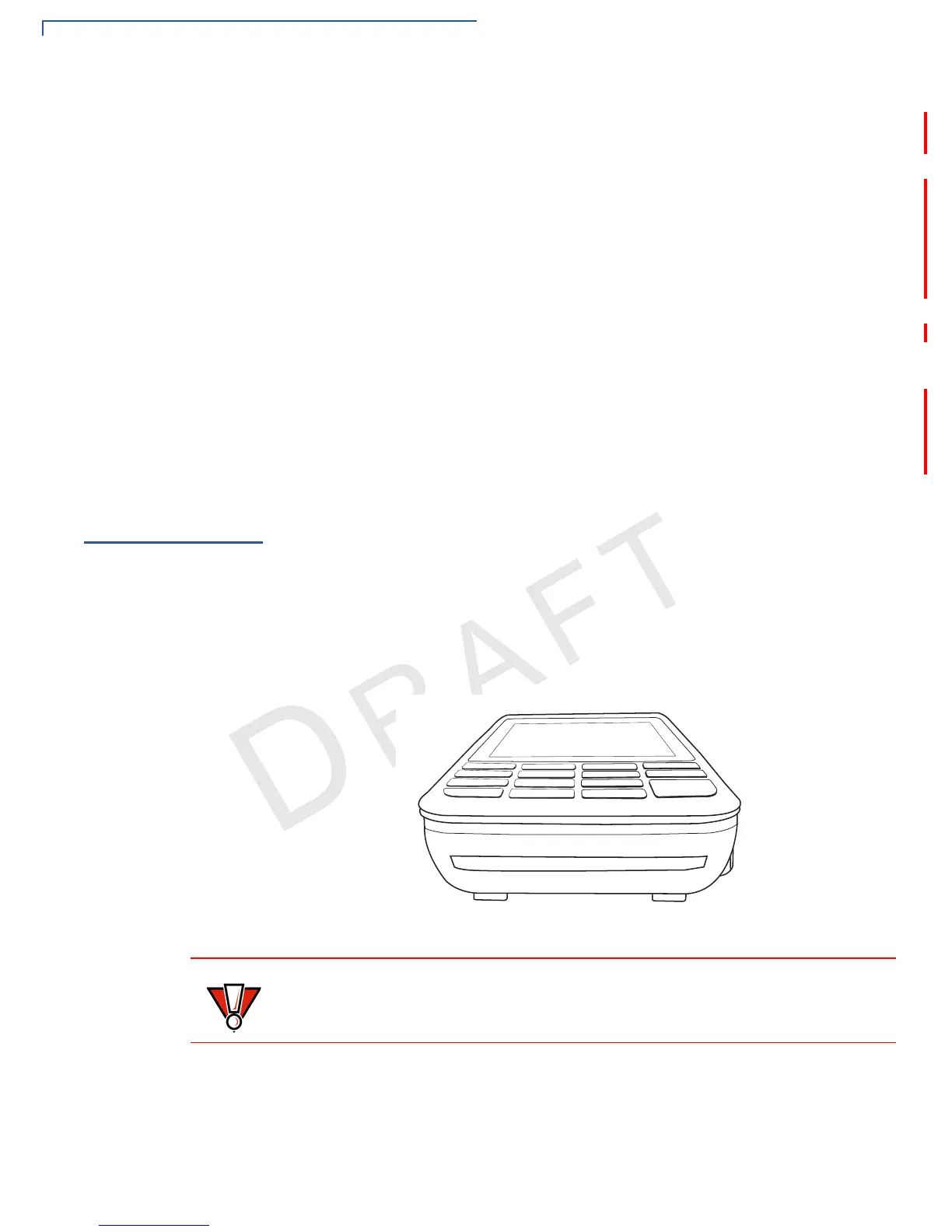
To Use the Smart
Card Reader
1 Position the smart card with the gold contacts facing upward.
2 Insert the card into the smart card reader slot in a smooth, continuous motion
until it sets firmly.
3 Remove the card only when the display indicates the transaction is complete.
Figure 22 Smart Card Reader
Leave the smart card in the card reader until the transaction is completed.
Premature card removal can invalidate a transaction.


 To Next Page