SETUP
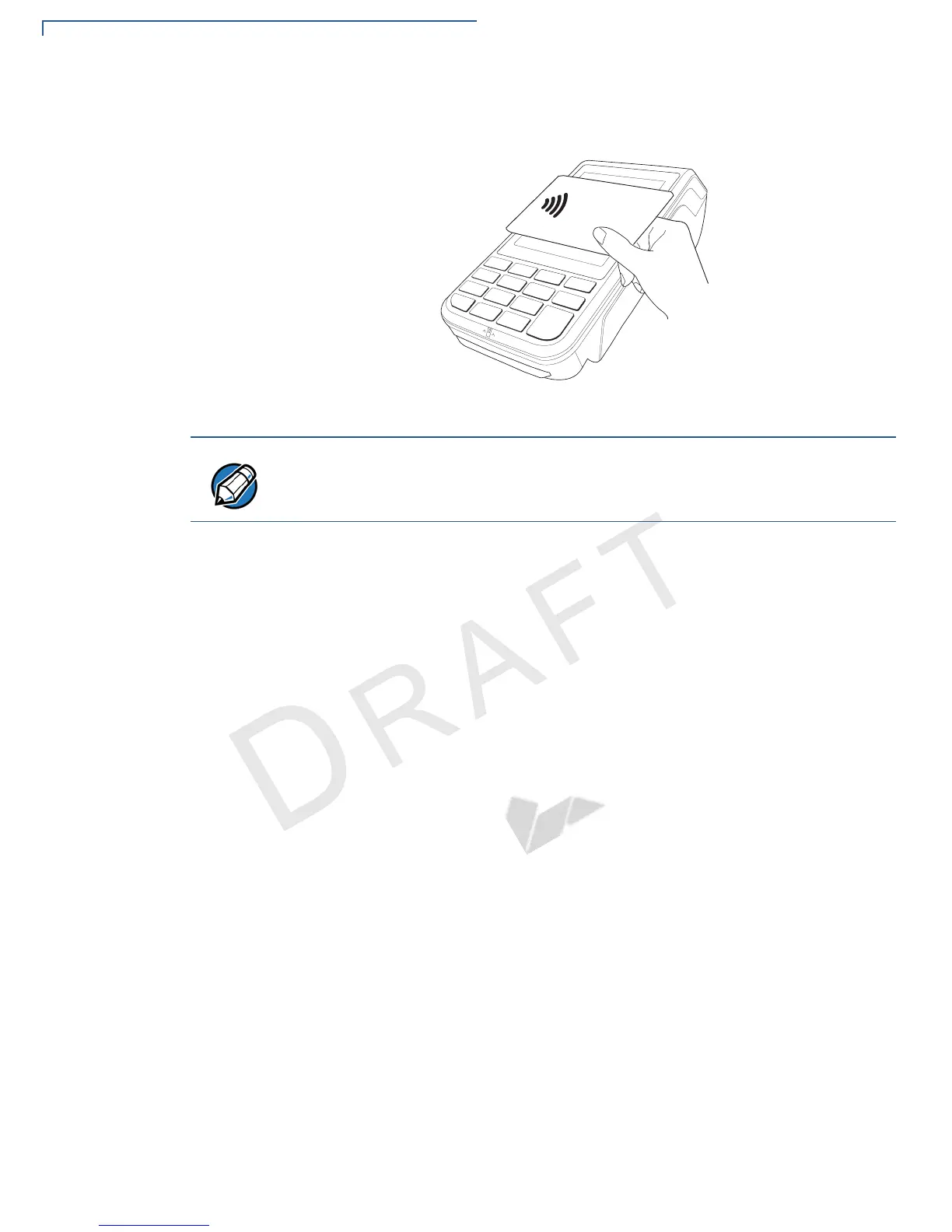
Performing a Contactless Smart Card Transaction
36 VX 685/VX 690 INSTALLATION GUIDE
V
E
R
I
F
O
N
E
C
O
N
F
I
D
E
N
T
IA
L
R
E
V
I
S
I
O
N
B
.
1
2 An activated LED visual on the display accompanied by a short beeping sound
indicates a successful transaction.
Figure 24 Contactless Smart Card Transaction
Do not let metallic surfaces come in contact with the contactless module to
ensure that it works properly.


 To Next Page