DEBIT CARD SALE (CONTACT/CONTACTLESS):
TERMINAL DISPLAY OPERATOR ACTION
Date & Time
Sale
Settlement
Void
Amount:
$ 0.00
Type Sale Amount Press ENTER
Sale
Total: $ 0.00
Pass Terminal
to Customer
Press ENTER and pass or turn terminal to customer
(Where Practical)
Press ENTER
Sale
$
Card Entry/Acct #:
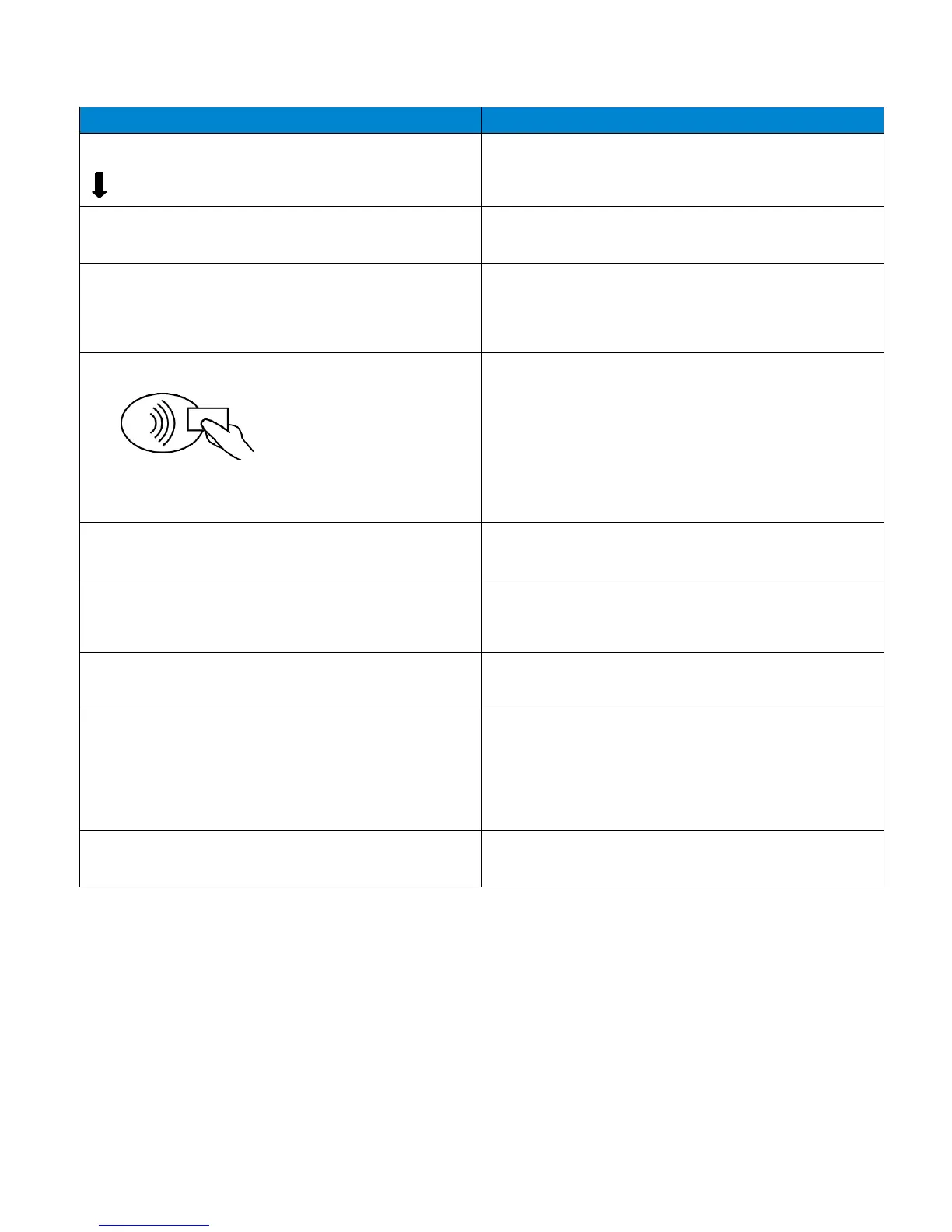
Tap or Hold Contactless Card, Fob, Phone
Insert Card (Swipe if no chip)
VISA / MASTERCARD DEBIT
US DEBIT
Press F1 for Signature Debit
Sale
Total:
$
Press F1 Yes
Press F2 No
Transmitting...Receiving
Remove Card
Remove Card from Terminal
Sale
Total:
$
Return Terminal
to Clerk
Press ENTER
Prt Customer Copy?
Press F1 Yes
Press F2 No
9
Press F2 Sale
Yes
No
OR
0.00
OR
Yes
No
0.00
0.00


 To Next Page
 Loading...













