53
Machine Introduction
EN53
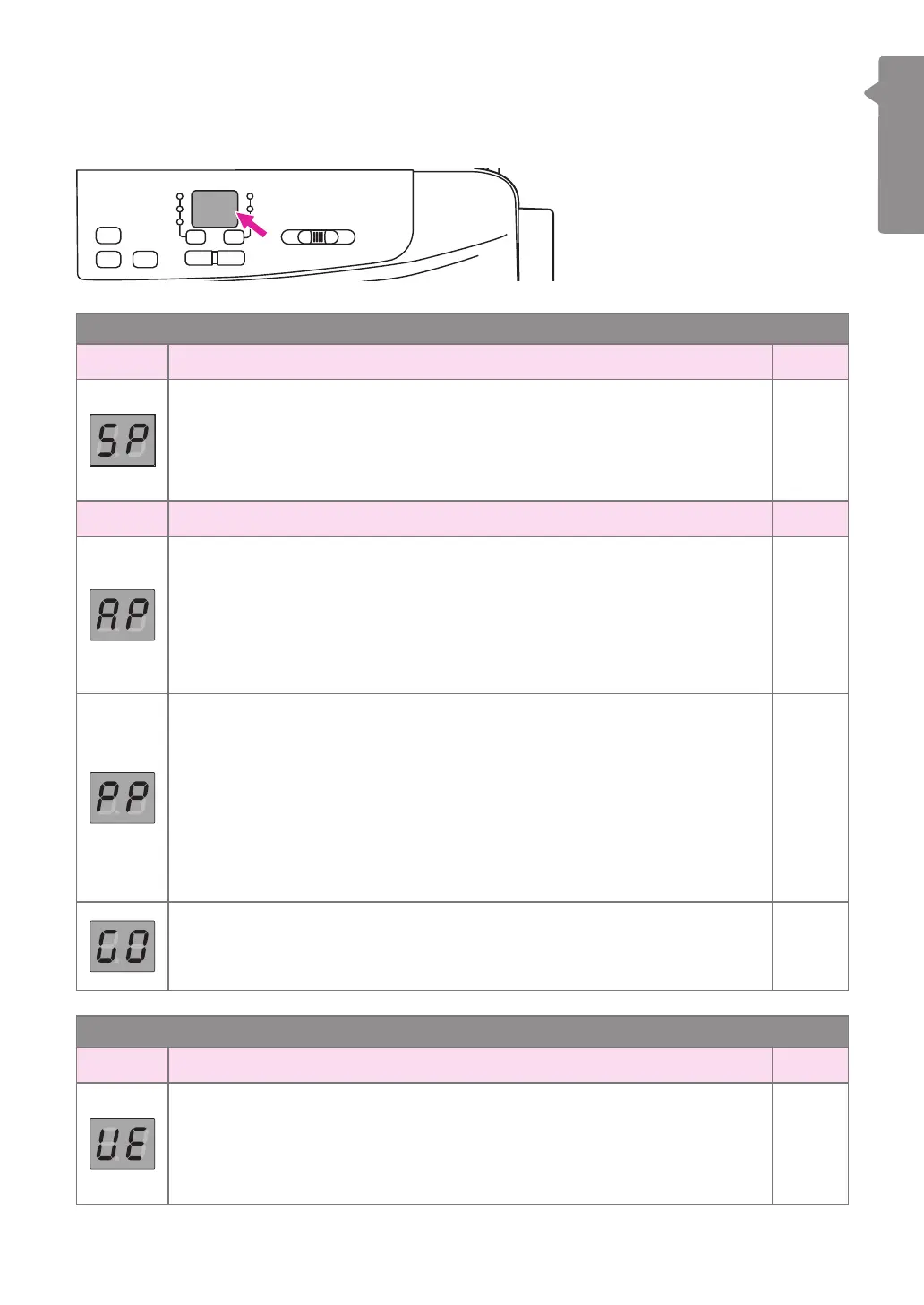
Display instruction
v
Screen
Operation mode
Screen In general Page
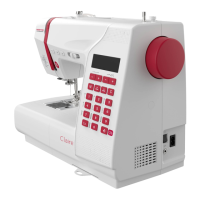
Winding the bobbin
Bobbin winder spindle is on the right for bobbin winding. Push the spindle
to the left for sewing.
Please refer to "Winding the bobbin" chapter for more information.
56-58
Screen Embroidery mode Page
Router mode (AP) starting
Under this mode, the machine connects with the mobile device thru the
router. Once the setting was done, the machine will connect with the
router automatically next time.
Please refer to "Starting the connection" "Connection mode: Router"
chapter for more information.
83-85
Point-to-point mode starting
Under this mode, the machine connects with the mobile device directly,
and the internet access is not available for the mobile device during the
connection.
Please use this mode when the wi service is not available or its quality
is not well.
Please refer to "Starting the connection" "Connection mode: Point-to-
point" chapter for more information.
83,86
Machine connected with tablet devices
Please refer to "Starting the connection" "Connection mode: Router"
"Connection mode: Point-to-point" chapter for more information.
83-86
Error messages
Screen In general Page
Upper thread error
The upper thread is broken or running out soon.
Please change and re-threading the upper thread. Please refer to
"Threading the upper thread" chapter for more information.
59-61


 To Next Page