Veriteq vLog 4.4 User’s Guide
57
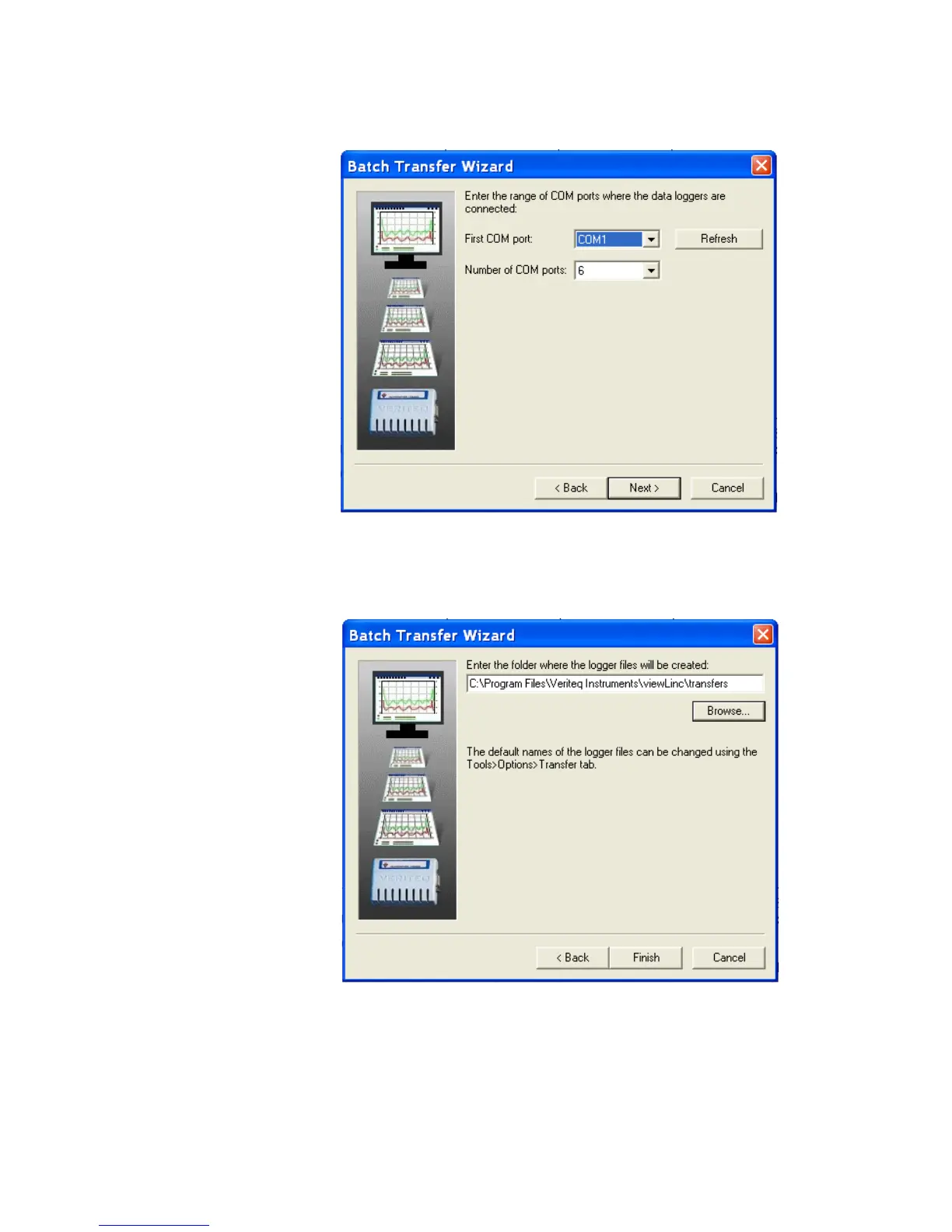
gers on COM ports 2,4, and 6, the number of COM ports selected should
read 5, not 3.)
8. Click Next.
9. Accept the default folder where the Logger files will be created, or click the
Browse... button to select a different location.
10. Click Finish.



 To Next Page