Transferring Logger Files
58
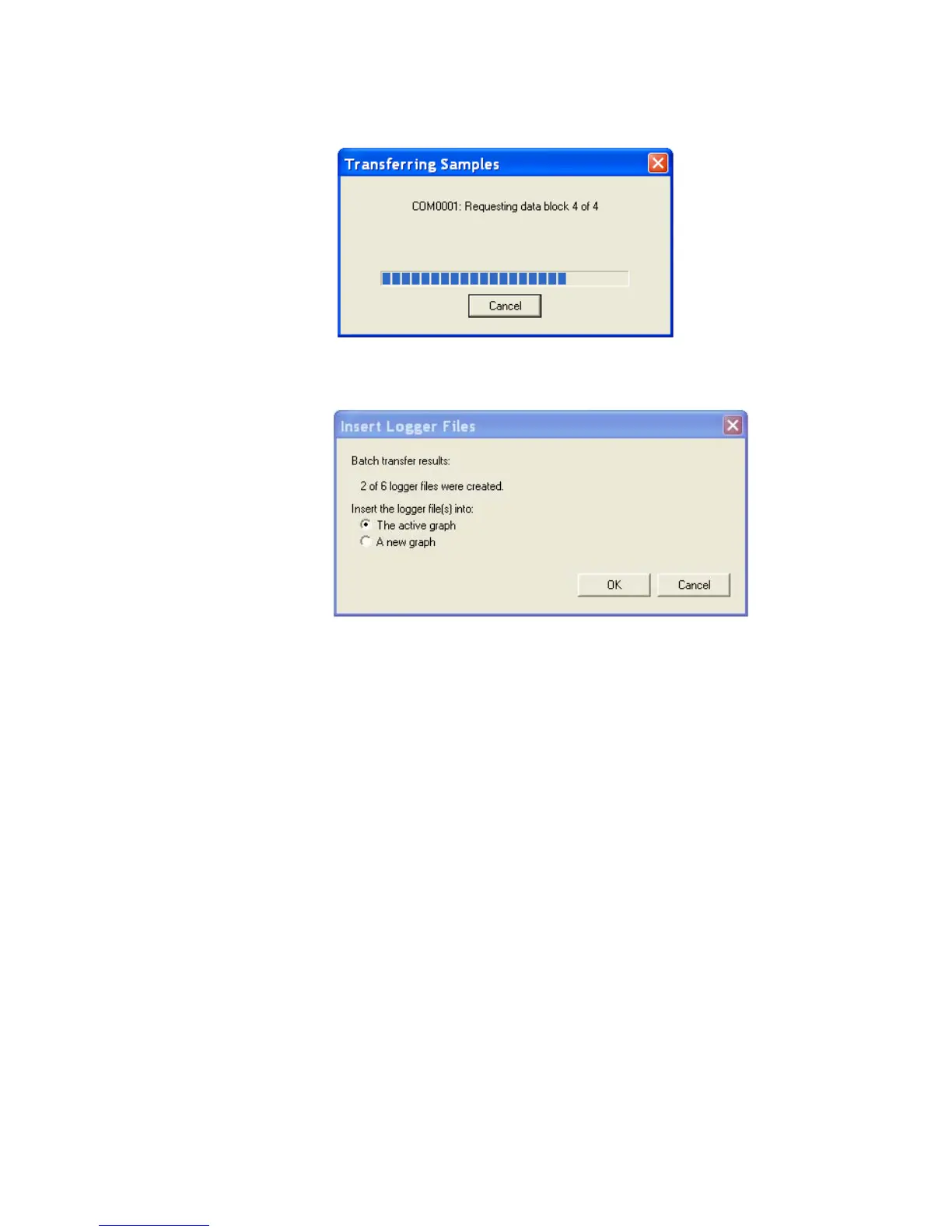
The loggers transfer their data to the PC while displaying the progress of
the transfer in the Transferring Samples window.
11. After all samples have been transferred, a dialog box appears prompting
you to insert the newly transferred files into a new graph or the active (cur-
rent) graph. Choose the appropriate radio button.
12. Click OK.



 To Next Page