Veriteq vLog 4.4 User’s Guide
83
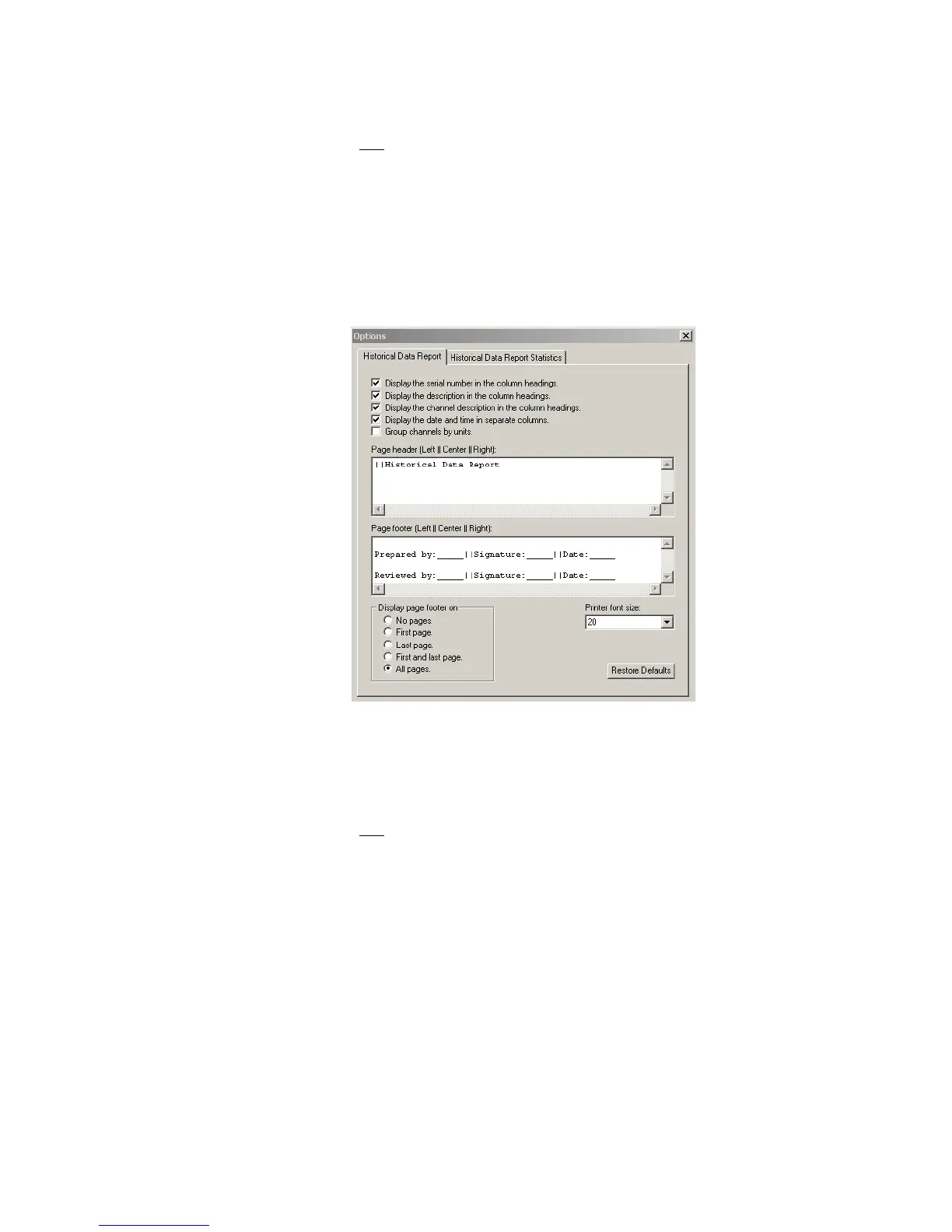
To customize column headings:
1. Do one of the following:
• From vLog, select Tools>Options then choose the Historical Data
Report tab.
• From the Historical Data Report window, select Tools>Options, then
choose the Historical Data Report tab.
• From the Historical Data Report window, right-click and choose
Options, then choose the Historical Data Report tab.
2. From the Historical Data Report tab, select or deselect various items to ap-
pear in column headings.
3. Click OK.
You can also change the font size for the Historical Data printed report. Chang-
ing this setting does not affect the on-screen appearance of the report.
To change the font size in printed reports:
1. Do one of the following:
• From vLog, select Tools>Options, then choose the Historical Data
Report tab.
• From the Historical Data Report window, select Tools>Options, then
choose the Historical Data Report tab.
• From the Historical Data Report window, right-click and choose
Options, then choose the Historical Data Report tab.



 To Next Page