Viewing Reports and Statistics
84
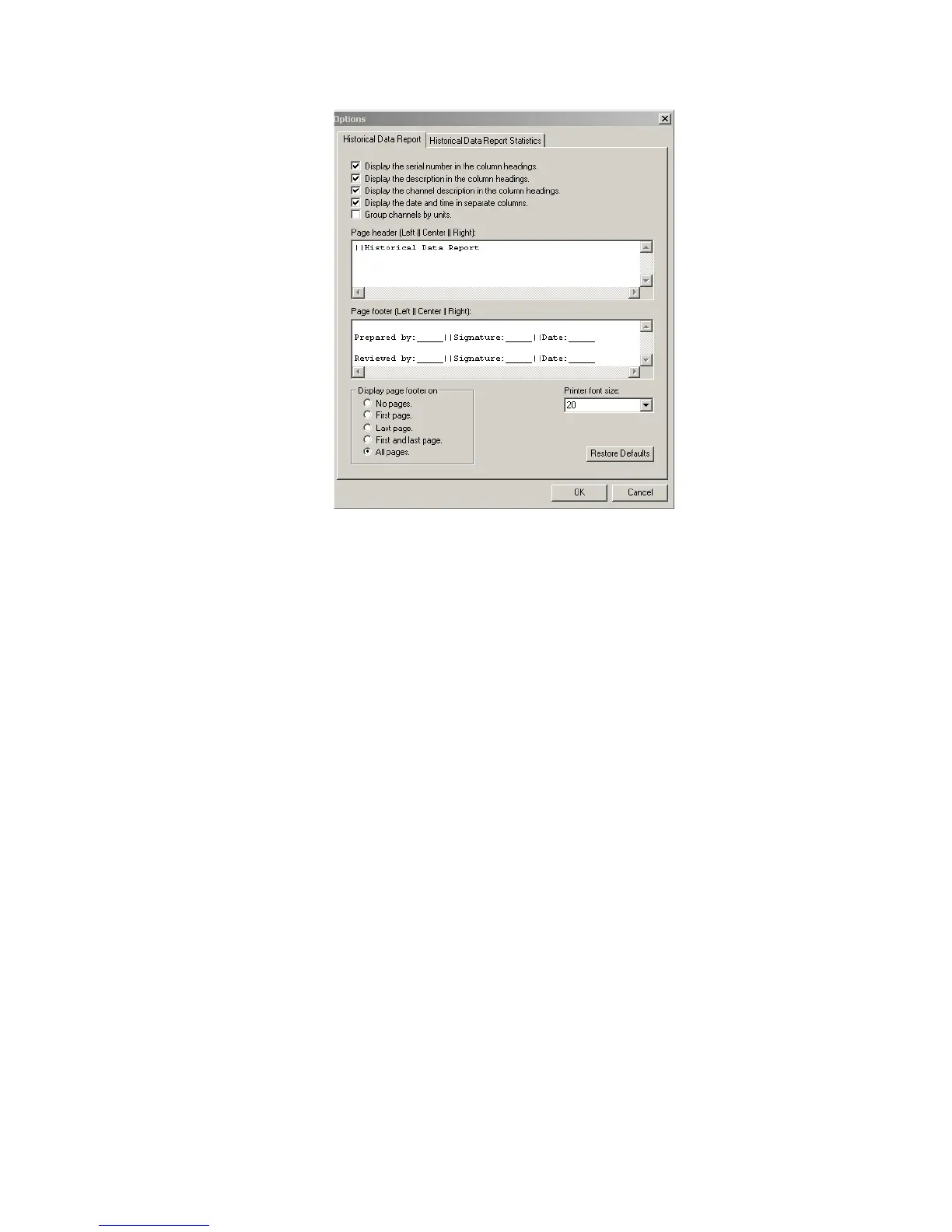
2. From the Historical Data Report tab, on the Printer font size box, select an
option from the drop-down list, or type the desired font size.
3. Click OK.
Customizing Headers and Footers in Printed Reports
You can add specific headers and footers to printed Historical Data Reports.
For example, you can add sign-off lines in footers for authorized signatures and
space for that person to indicate the date and time of the signature.
When you specify a header, what you specify is added to every page in the
printed report.
When you specify a footer, you can choose to have what you specify displayed
on:
• no pages
• first page
• last page
• first and last pages
• all pages



 To Next Page