GETTING TO KNOW YOUR FIOS
HOME WI-FI EXTENDER
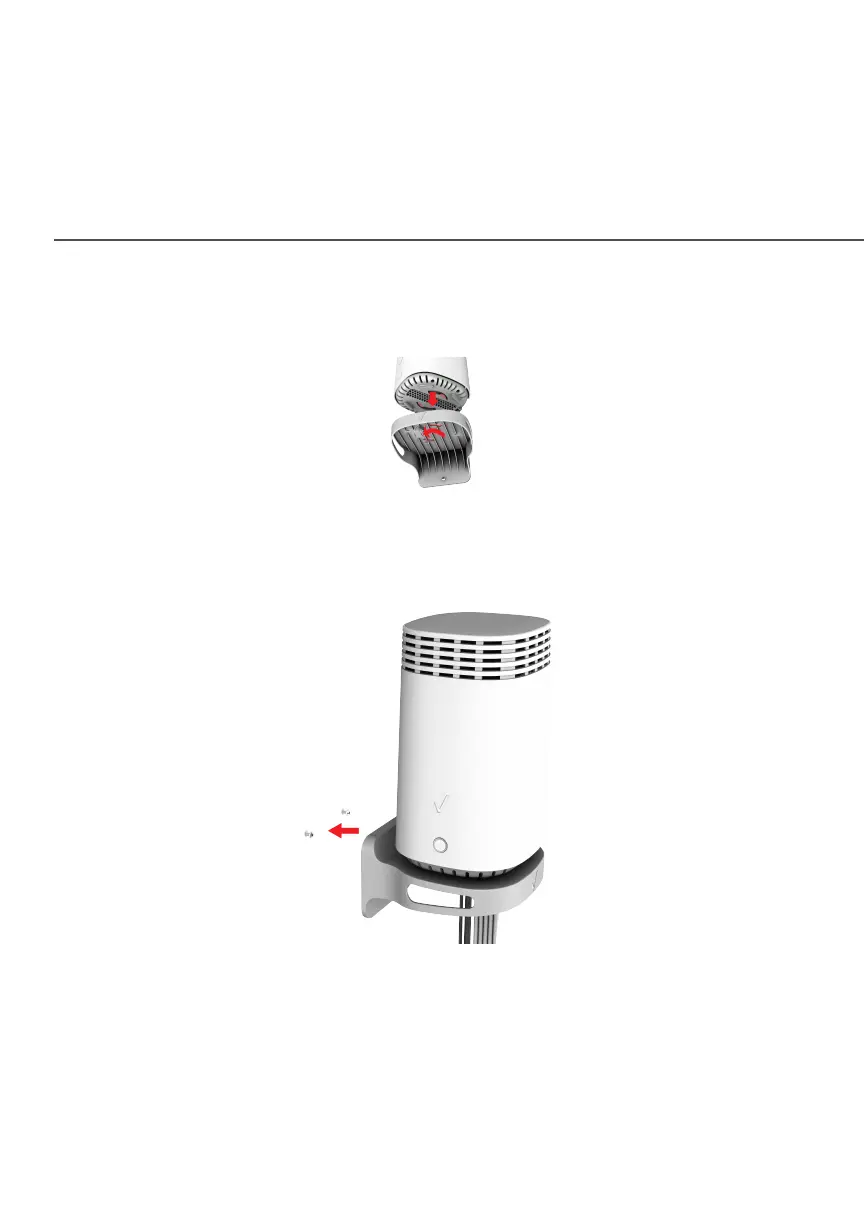
6. Attach the Wi-Fi Extender to the wall mount bracket through
an easy twist and lock action.
7. Align the wall mount bracket with the attached
Wi-Fi Extender to the screws, then slide the bracket down
until it locks in place.
8. To secure the bracket, place one screw into the small hole of
the bracket and tighten the screw into your wall.



 To Next Page