47
/ CONFIGURING
ADVANCED SETTINGS
verizon.com/fios | ©2019 Verizon. All Rights Reserved
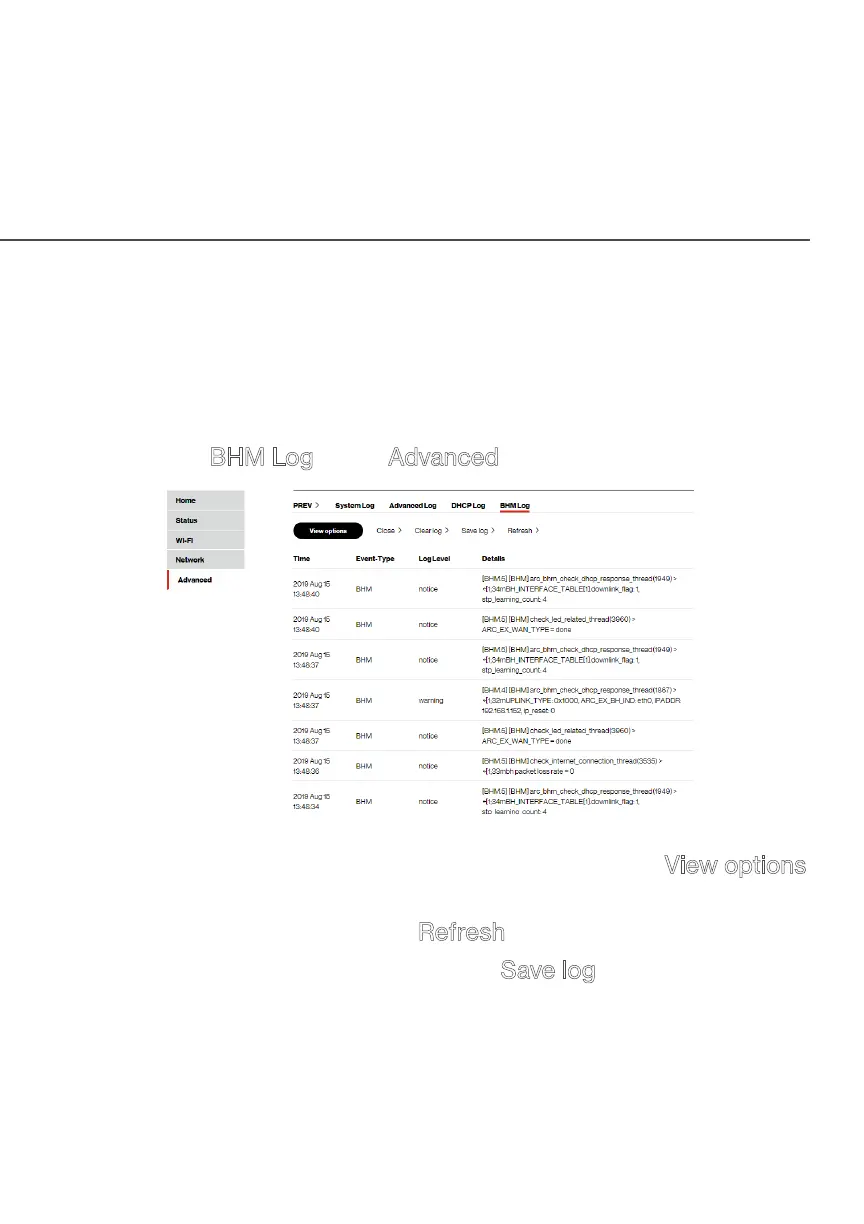
./ BHM LOG
You can view a summary of the BHM (backhaul modes: Ethernet,
coax and Wi-Fi) status of your Fios Home Wi-Fi Extender.
To view the backhaul modes log:
1. Select BHM Log in the Advanced section.
2. To view a specific time of log event, click on the View options
button.
3. To refresh the page, click Refresh.
4. To save the log information, click Save log.



 To Next Page