SETTING UP YOUR
FIOS HOME WIFI EXTENDER
4. When the wireless connection is established, extender will
start firmware update. It will take approximately 6 minutes
to complete the firmware update. Do NOT unplug extender
during the firmware upgrade (blinking white).
5. Once the firmware update is complete and the extender
starts fast blinking yellow, you can now unplug and move the
extender to an area between the router and an area with
spotty Wi-Fi coverage. Once plugged in, the light should turn
solid white again within a few minutes.
You’re all set! Your devices will connect automatically with the
same Wi-Fi network name and password as your Fios Home
Router.
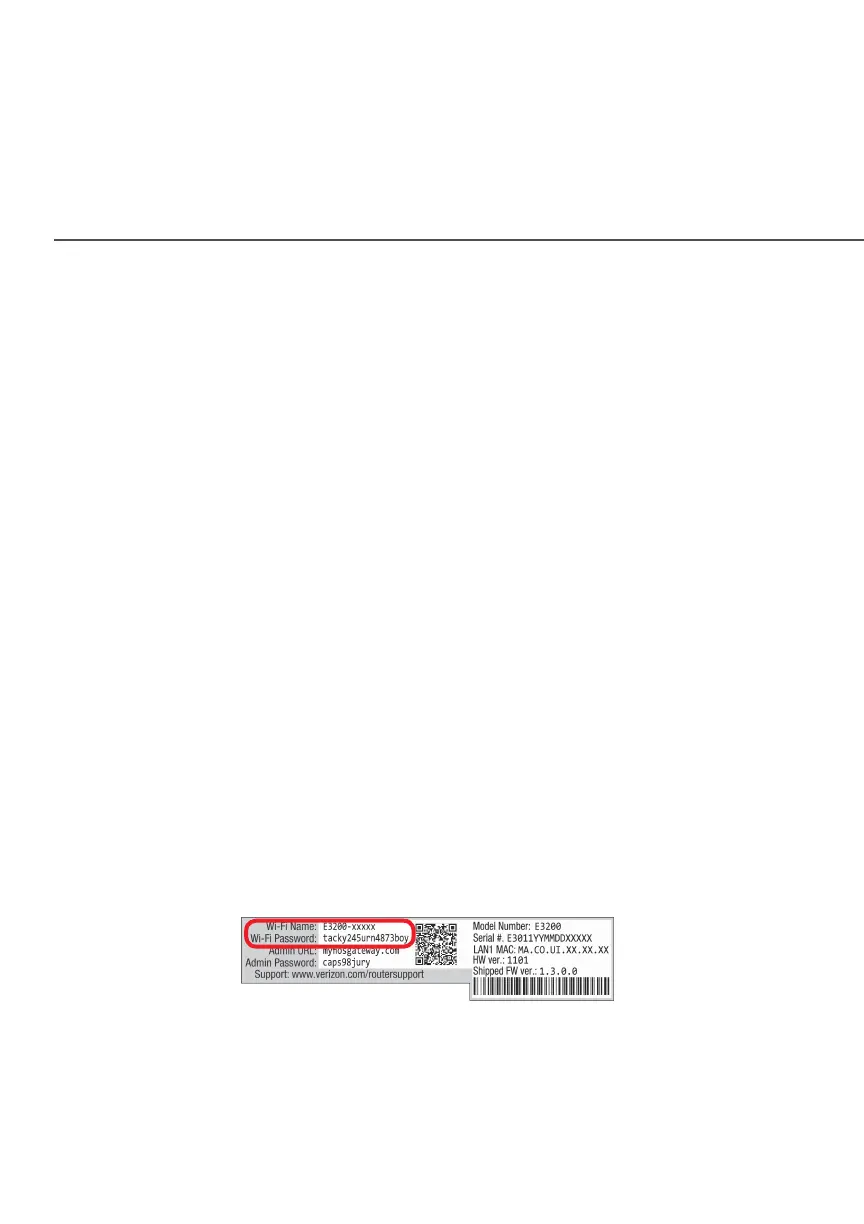
Note: The Fios Home Wi-Fi Extender has a Wi-Fi Name/Password
that is dierent from the Fios Home Router. When the Extender
connects to the router via Coax, Ethernet, or Wireless, the
extender is assigned the Wi-Fi Name/Password of the Router. At
this time, the extender doesn’t have the ability to use the Wi-Fi
Name/Password on the rear lable and only uses the same Wi-Fi
Name/Passord as the router. At a future date, this feature will
become available.



 To Next Page