DHCP LOG
./ DHCP LOG
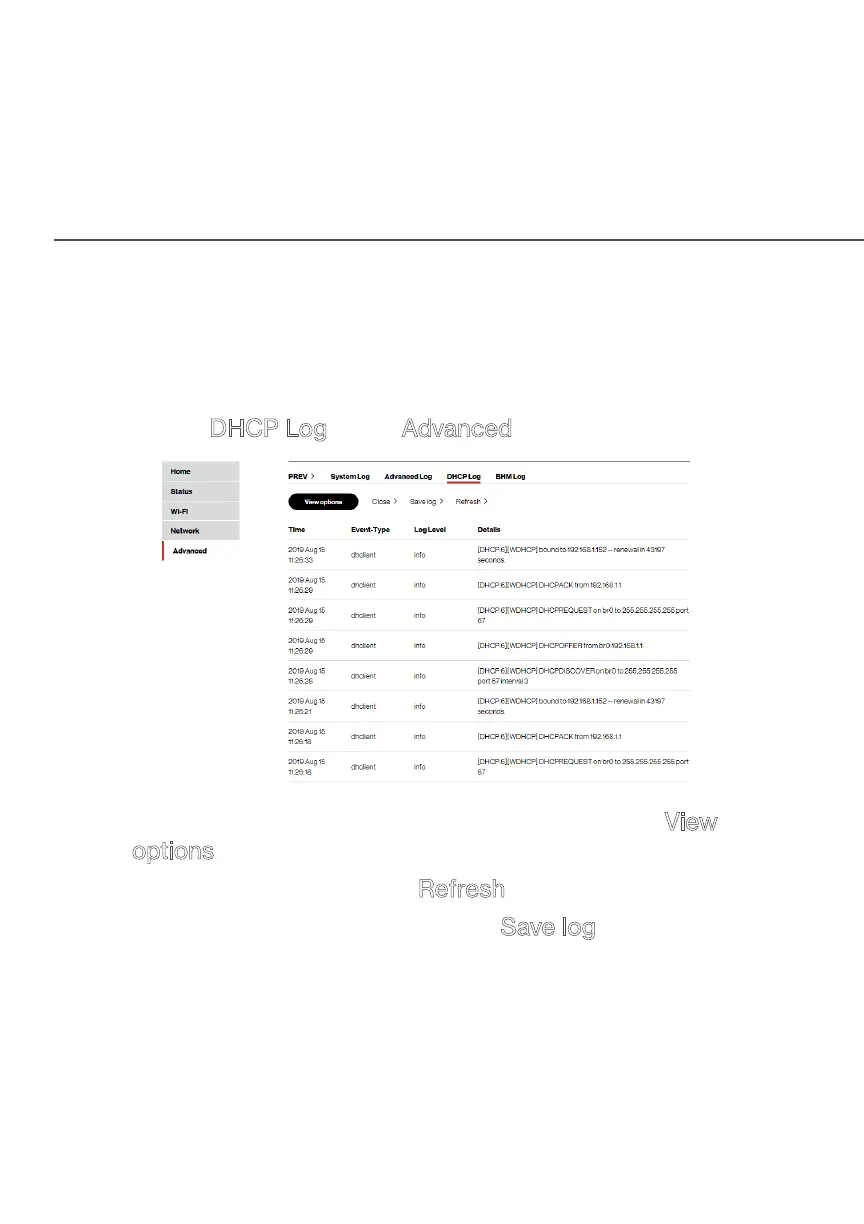
You can view a list of the connected DHCP clients on your network.
To view
a list of the connected DHCP clients
status:
1. Select DHCP Log in the Advanced section.
2. To view a specific time of log event, click on the View
options button.
3. To refresh the page, click Refresh.
4. To save the log information, click Save log.



 To Next Page