19
/ CONNECTING YOUR
FIOS HOME WIFI EXTENDER
verizon.com/fios | ©2019 Verizon. All Rights Reserved
4. The light on the extender should turn solid white within a few
minutes, indicating the connection is complete.
You’re all set! Your devices will connect automatically with the same
Wi-Fi network name and password as your Fios Home Router.
2.0b/ WIRELESS INSTALLATION
1. Place the Fios Home Wi-Fi Extender directly next to the Fios
Home Router.
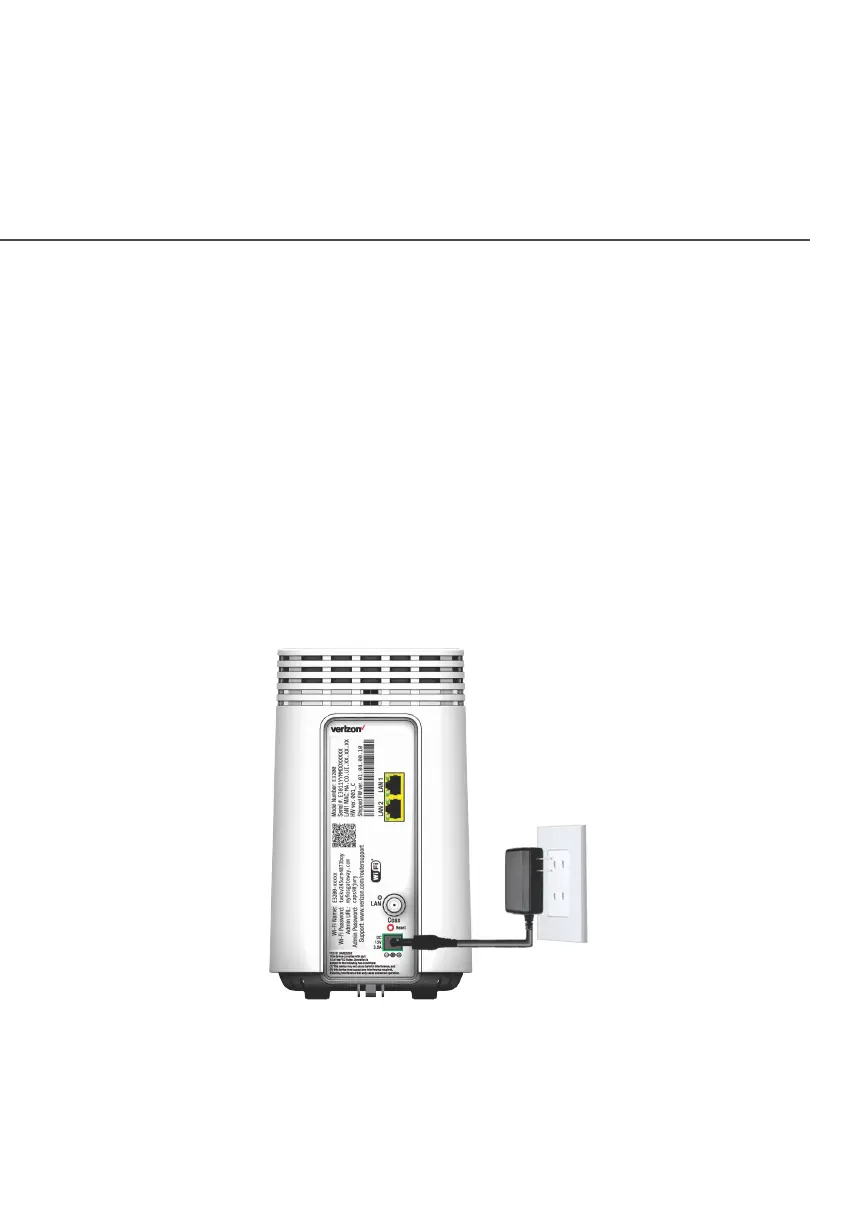
2. Connect the power cord from the extender to an electrical
outlet.
3. When the light on the extender is solid yellow, press and hold
the front buttons on both the router and extender for about
5 seconds. The lights on the router and extender should turn
solid blue while the wireless connection is initiating.



 To Next Page