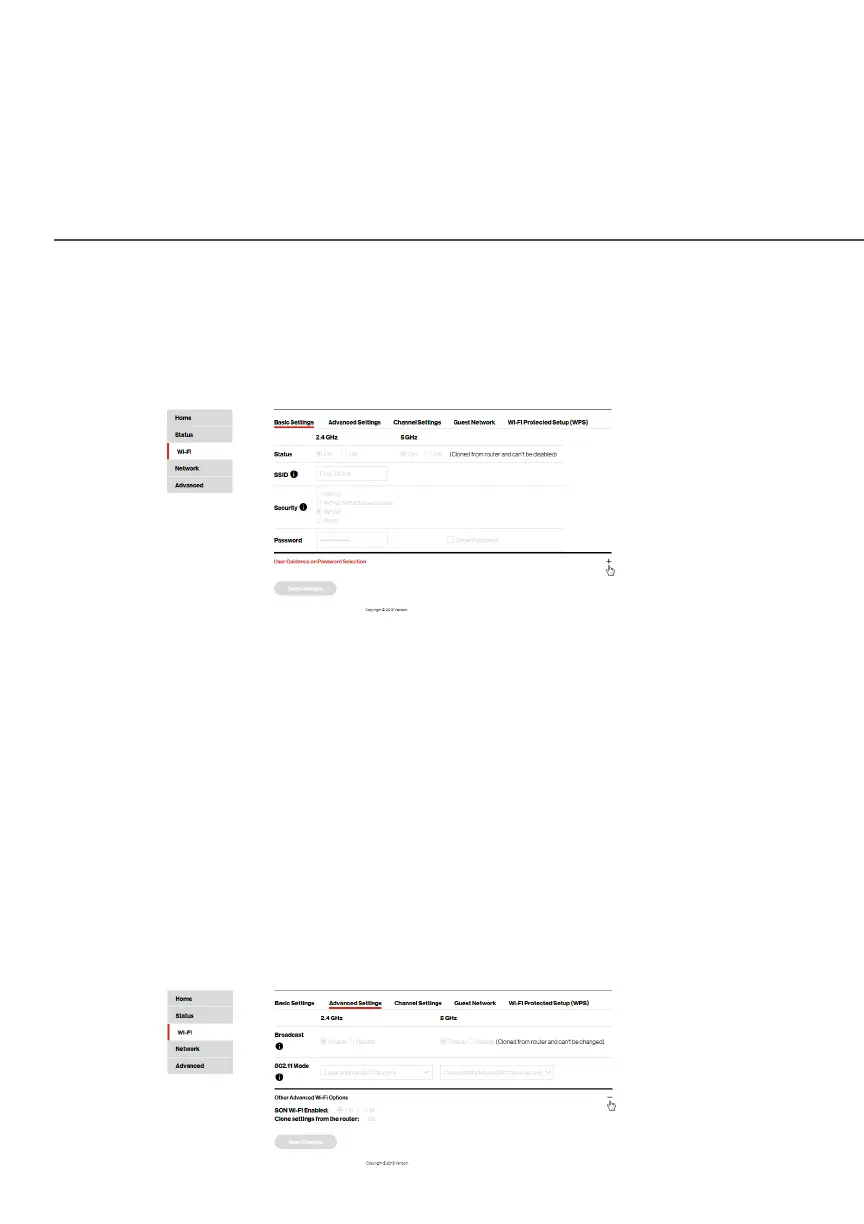
BASIC SETTINGS
./ BASIC SETTINGS
You can view the basic security settings for either 2.4 GHz or
5 GHz of your Wi-Fi network.
To view the basic security radio, SSID and security settings:
Select Wi-Fi from the left pane, and then click Basic Settings Basic Settings.
./ ADVANCED SETTINGS
You can view your advanced Wi-Fi security settings, such as SSID
broadcast, Wi-Fi MAC authentication of limiting access to specific
Wi-Fi devices, advanced mesh Wi-Fi options, and the Wi-Fi mode
for limiting or allowing access to your Wi-Fi network based on the
type of technology.



 To Next Page