47
/ CONFIGURING
ADVANCED SETTINGS
verizon.com/fios | ©2020 Verizon. All Rights Reserved
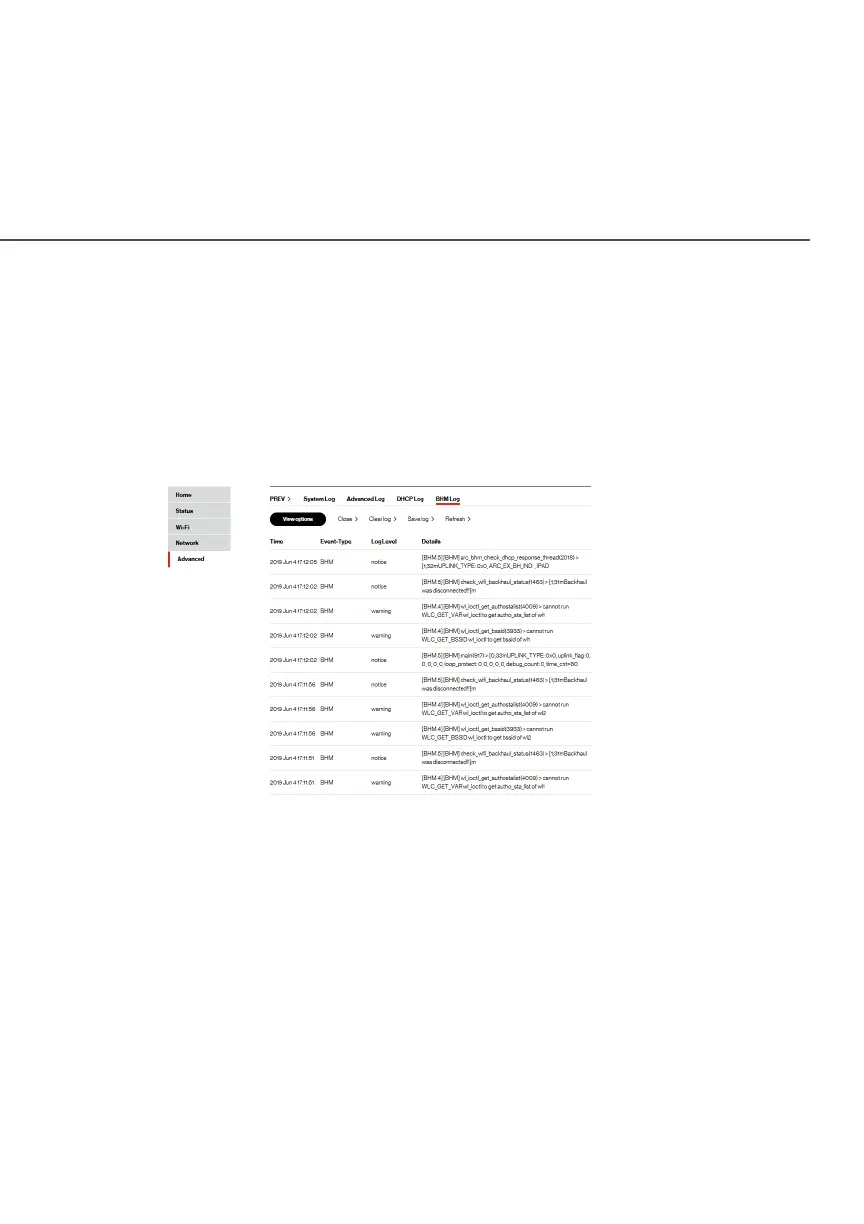
./ BHM LOG
You can view a summary of the BHM (backhaul modes: Ethernet,
coax and Wi-Fi) status of your Fios Extender.
To view the backhaul modes log:
1. Select BHM LogBHM Log in the AdvancedAdvanced section.
2. To view a specific time of log event, click on the View optionsView options
button.
3. To refresh the page, click
RefreshRefresh.
4. To save the log information, click
Save logSave log.



 To Next Page