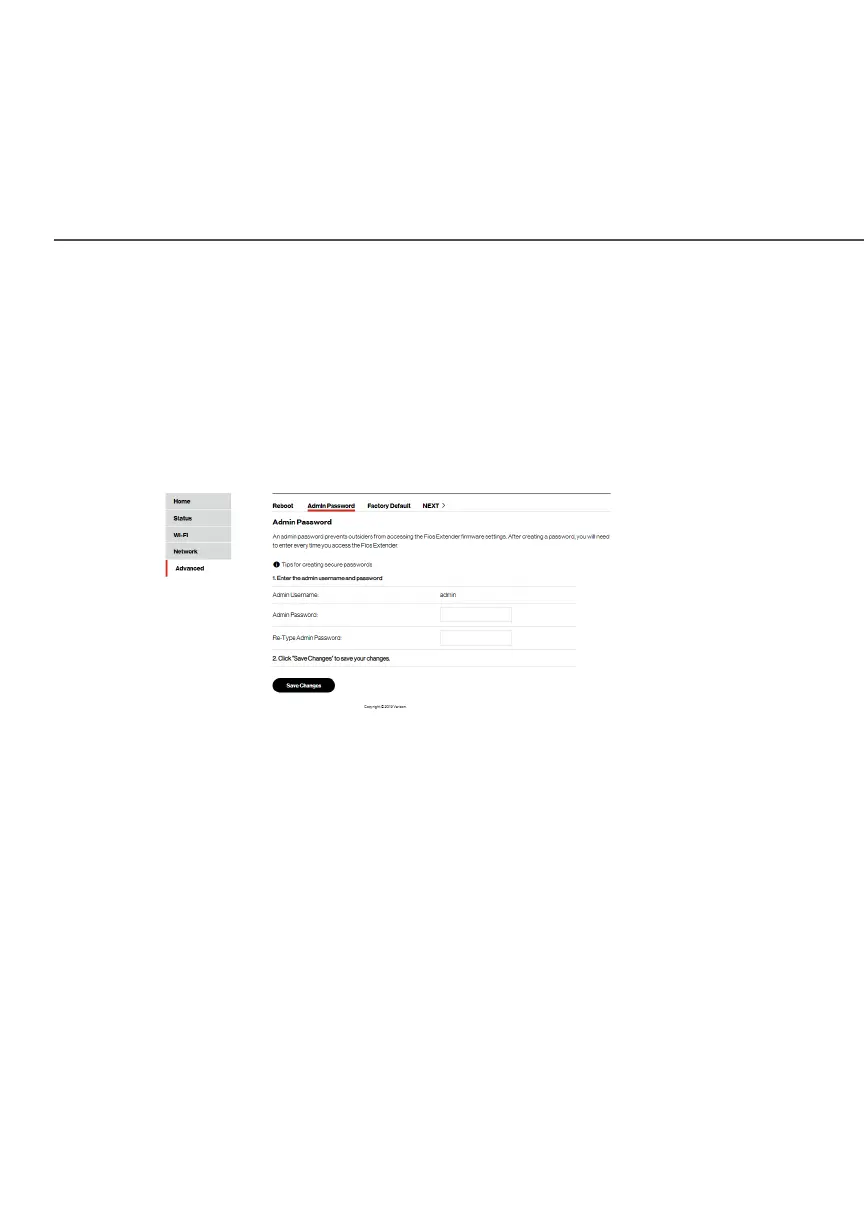
ADMIN PASSWORD
./ ADMIN PASSWORD
Use the Admin PasswordAdmin Password screen to set the password for
management security of your Fios Extender.
To set the password of administration:
1. Select Admin PasswordAdmin Password in the AdvancedAdvanced section.
2. Enter the user name and password on the screen.
3. Enter the password again in the Re-Type Admin PasswordRe-Type Admin Password
filed. The password entered in this field must match the one
above for the password to be set.
4. Click Save ChangesSave Changes to save your settings.



 To Next Page