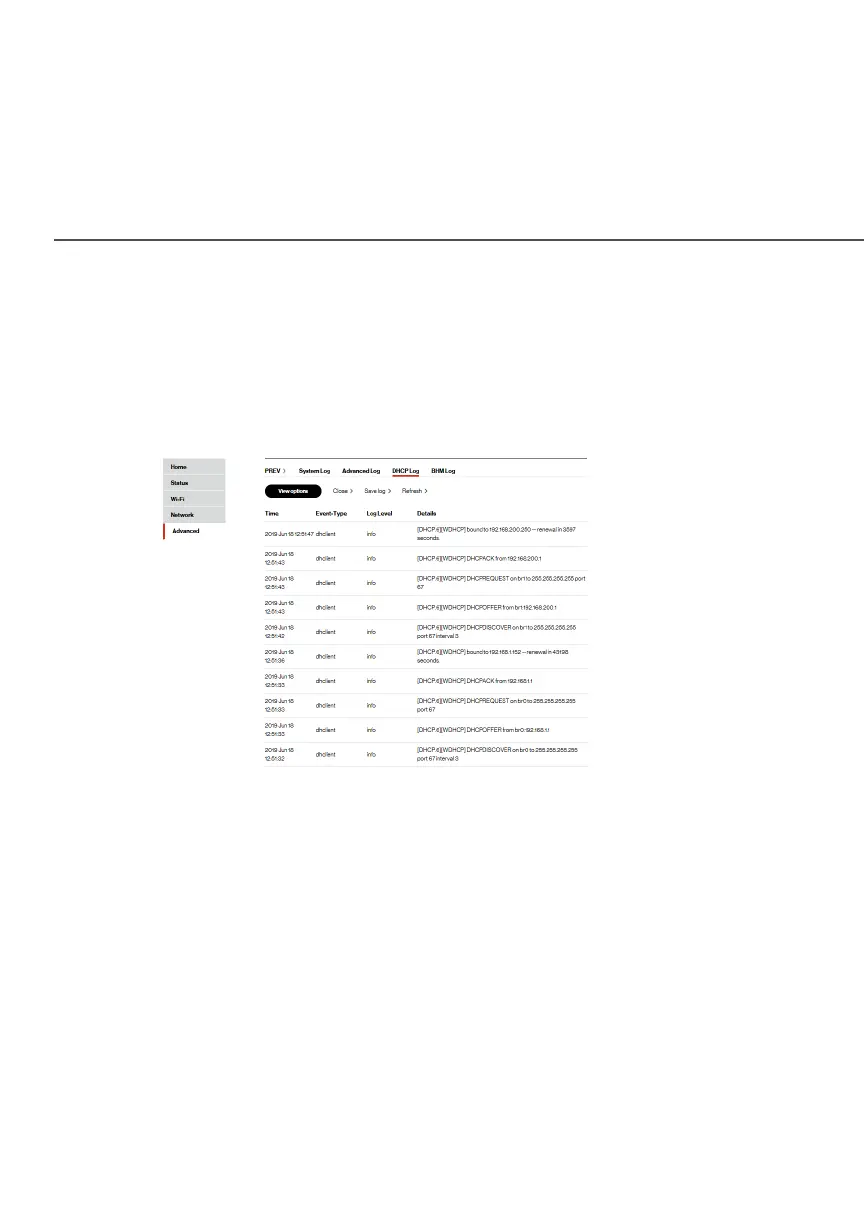
DHCP LOG
./ DHCP LOG
You can view a list of the connected DHCP clients on your network.
To view
a list of the connected DHCP clients
status:
1. Select DHCP LogDHCP Log in the AdvancedAdvanced section.
2. To view a specific time of log event, click on the View View
optionsoptions button.
3. To refresh the page, click RefreshRefresh.
4. To save the log information, click Save logSave log.



 To Next Page