GUEST NETWORK
./ GUEST NETWORK
3.5a/ GUEST WIFI
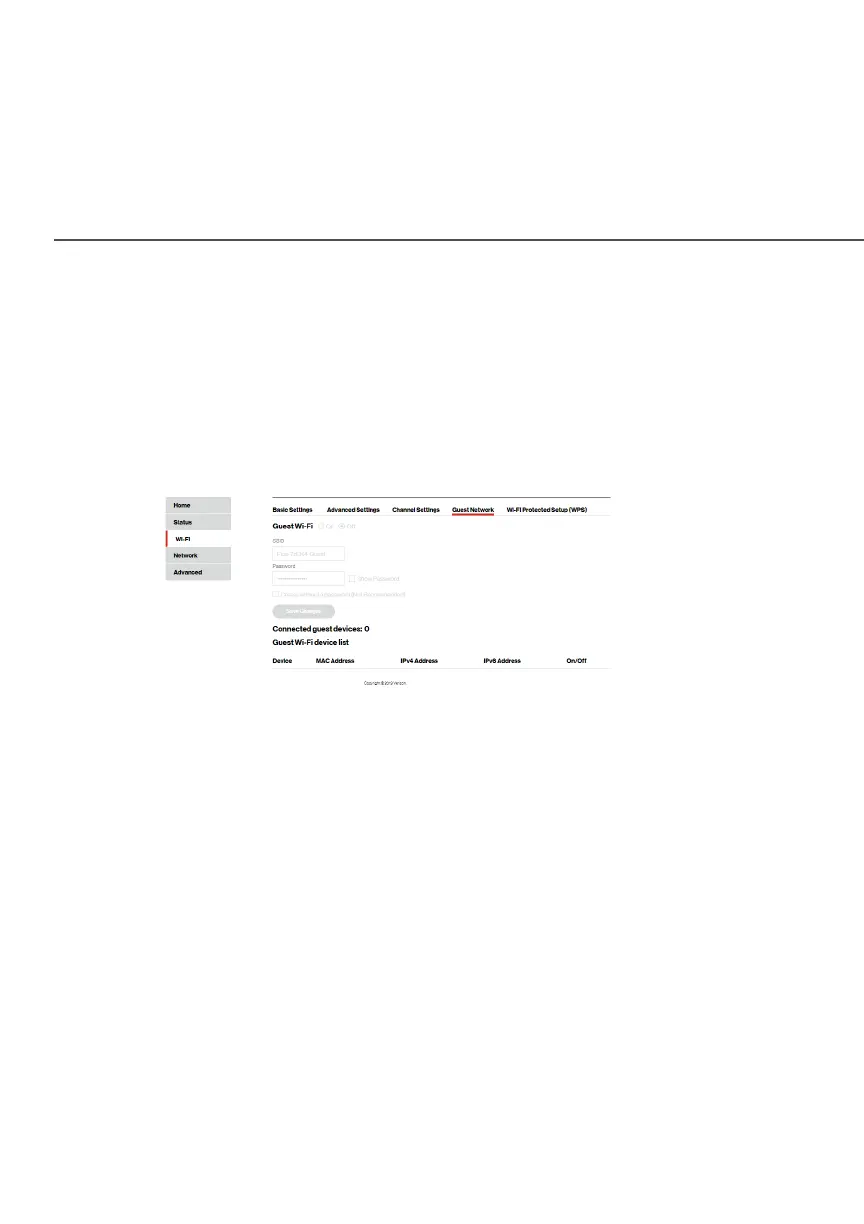
The Guest NetworkGuest Network is designed to provide internet connectivity
to your guests but restricts access to your primary network and
shared files. The primary network and the guest network are
separated from each other through firewalls of your router.
To view Guest Wi-Fi:
From the main menu, select Wi-FiWi-Fi, then select Guest NetworkGuest Network.
3.5b/ GUEST WIFI DEVICE LIST
The devices on the Guest NetworkGuest Network can be viewed on the Guest Guest
Wi-Fi device listWi-Fi device list. If the admin toggles the button next to a device to
OO, that device will be blocked from accessing the internet.
Refer to “Connecting A Wi-Fi Device Using WPS” on page 24
for the Wi-Fi Protected Setup (WPS) setup.



 To Next Page