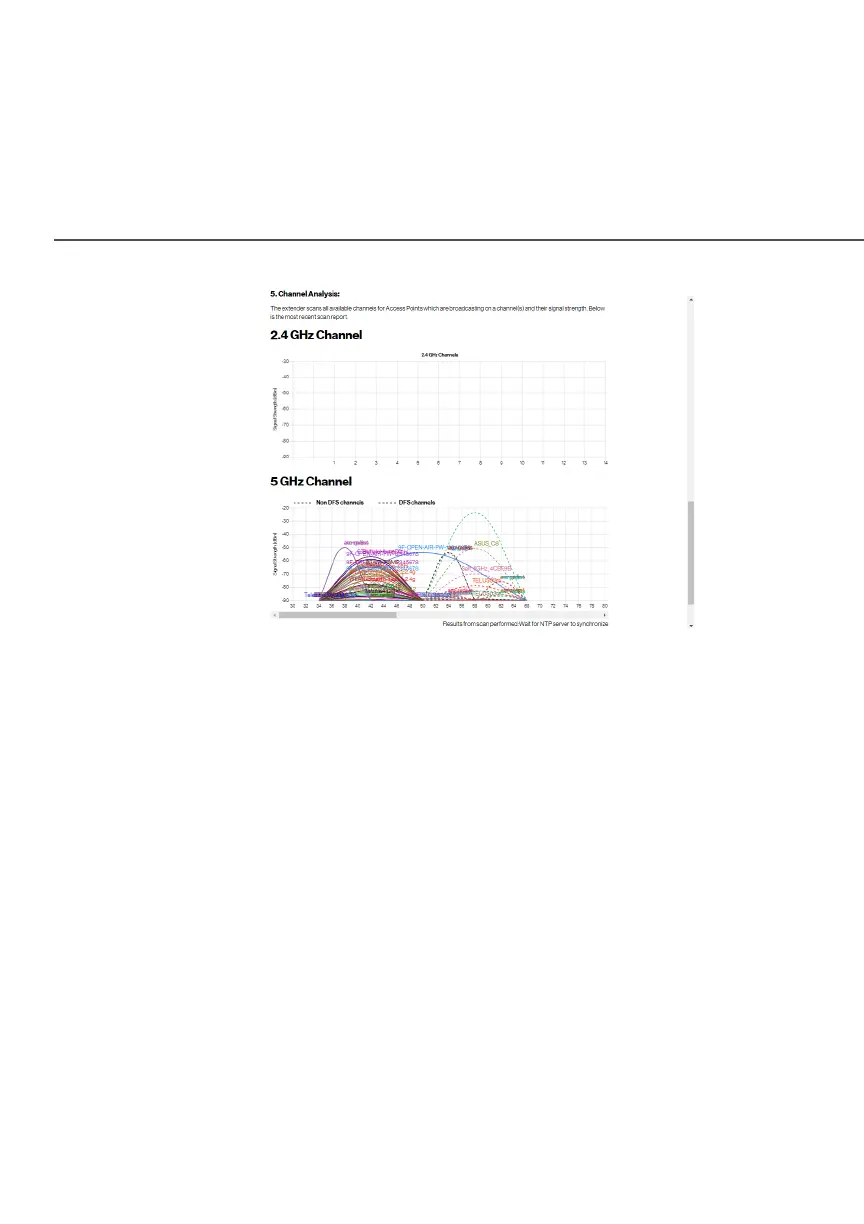
CHANNEL SETTINGS
On the Channel SettingsChannel Settings page for either 2.4 GHz or 5 GHz, the
following information displays:
• ChannelChannel - this is the radio channel used by the Extender and its
clients to communicate with each other. The channel must be
the same on the router/extender and all of its Wi-Fi clients.
– Select the channel you want the Wi-Fi radio to use to
communicate, or accept the default AutomaticAutomatic channel
selection. Then the Extender will automatically assign itself
a radio channel.
– Select the Keep my channel selection during power cycleKeep my channel selection during power cycle
check box to save your channel selection when your
Fios Extender is rebooted.



 To Next Page