4G LTE Network Extender
Verizon 4G LTE Network Extender User Guide
Copyright © 2020
5.1 Capacity & Network Coverage
Your LTE Network Extender has the following capacity and coverage:
• Capacity: Up to 14 active users plus one channel reserved for E911 calls.
• Coverage: Approximately 7500 square feet (50-foot radius)
Coverage may vary based on environmental factors, floor plan and RF absorption of building materials.
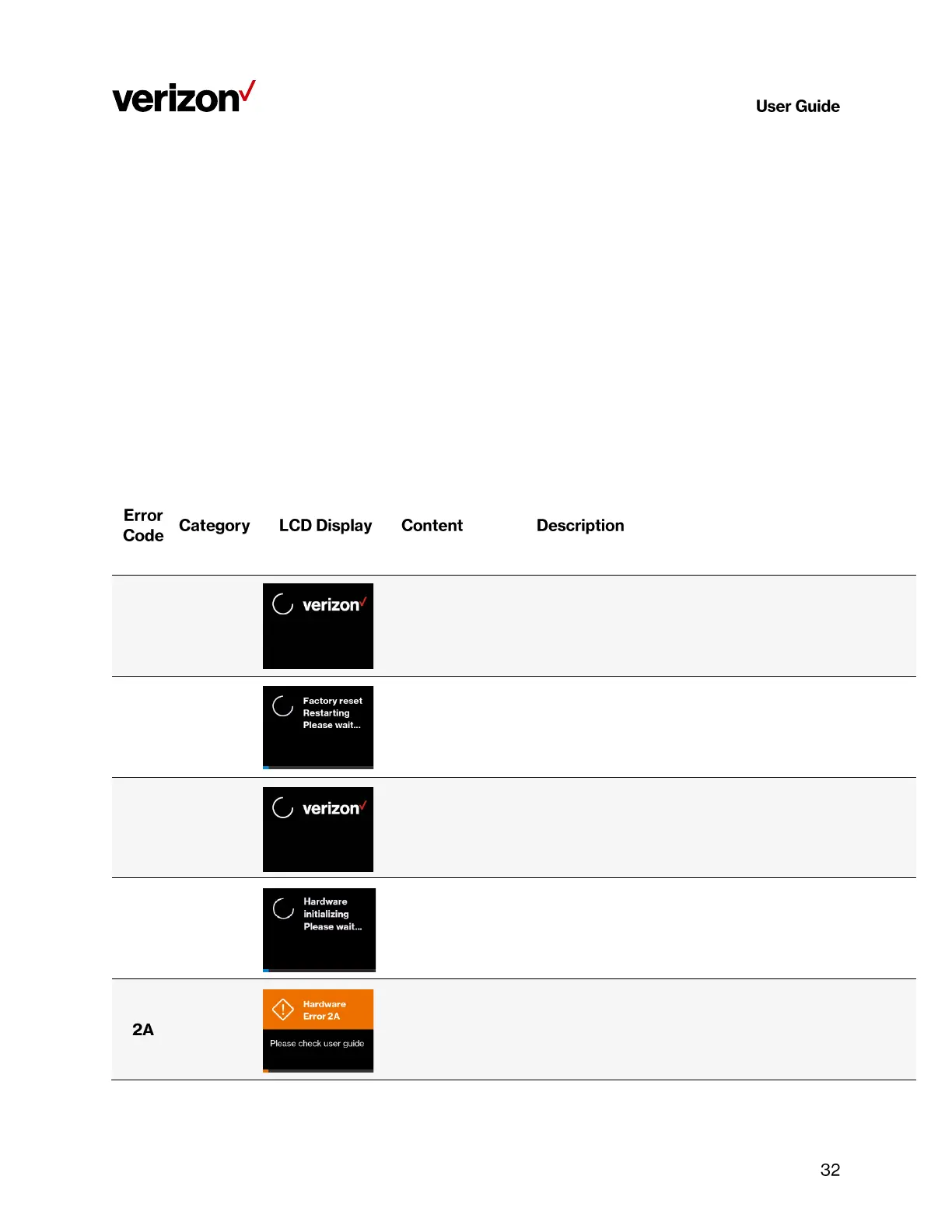
5.2 LCD Display Messages & Error Codes
The following messages or error codes may appear on the display of the LTE Network Extender during operation or
startup process:
The LTE Network Extender has a Hardware Error disrupting its
normal booting-up process, please try restarting the device. If the
error persists, please call Customer Service (800-922-0204).



 To Next Page