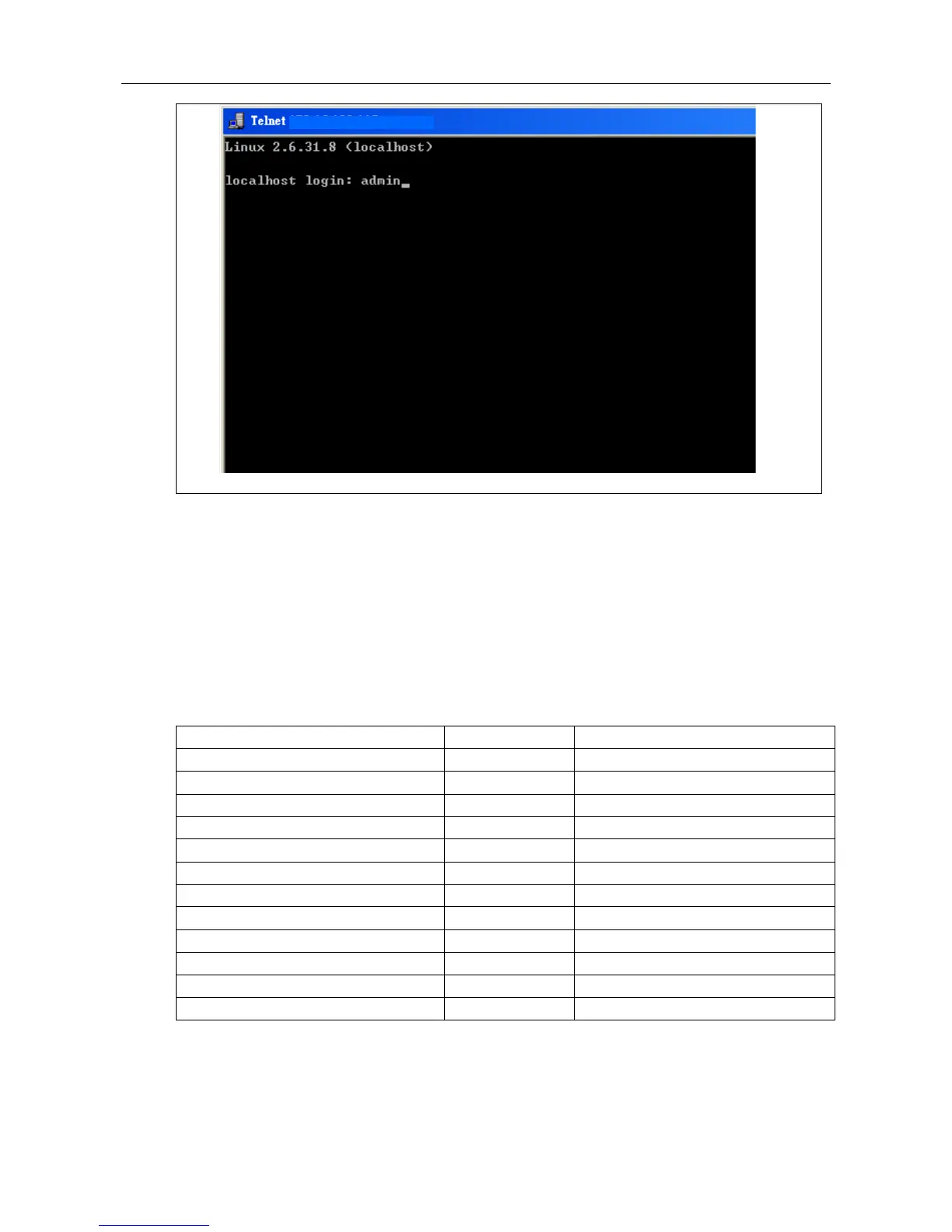
Figure 2-1 Screen Description
2.4 Execution Modes
The CLI contains several execution modes. Users will see different set of commands under
different execution modes. Table 2-1 lists all the execution modes and their purposes. When
users enter a certain execution mode, the corresponding mode prompt will be displayed
automatically on the screen. The mode prompts of all the execution modes are also listed in
Table 2-1.
Table 2-1 List of Execution Modes
Alarm Profile Config Mode
Gigabit Interface Config Mode
scheduler Profile Config Mode
Vlan Interface Config Mode
IGMP MVR Profile Config Mode
IGMP ACL Profile Config Mode
2.5 Getting help
The user can get help by entering a question mark ‘?’ at each position in the command. The
displayed result depends on the execution mode and previous input.


 To Next Page