VERSA HERO SERVICE MANUAL
11
7. Basic Operation
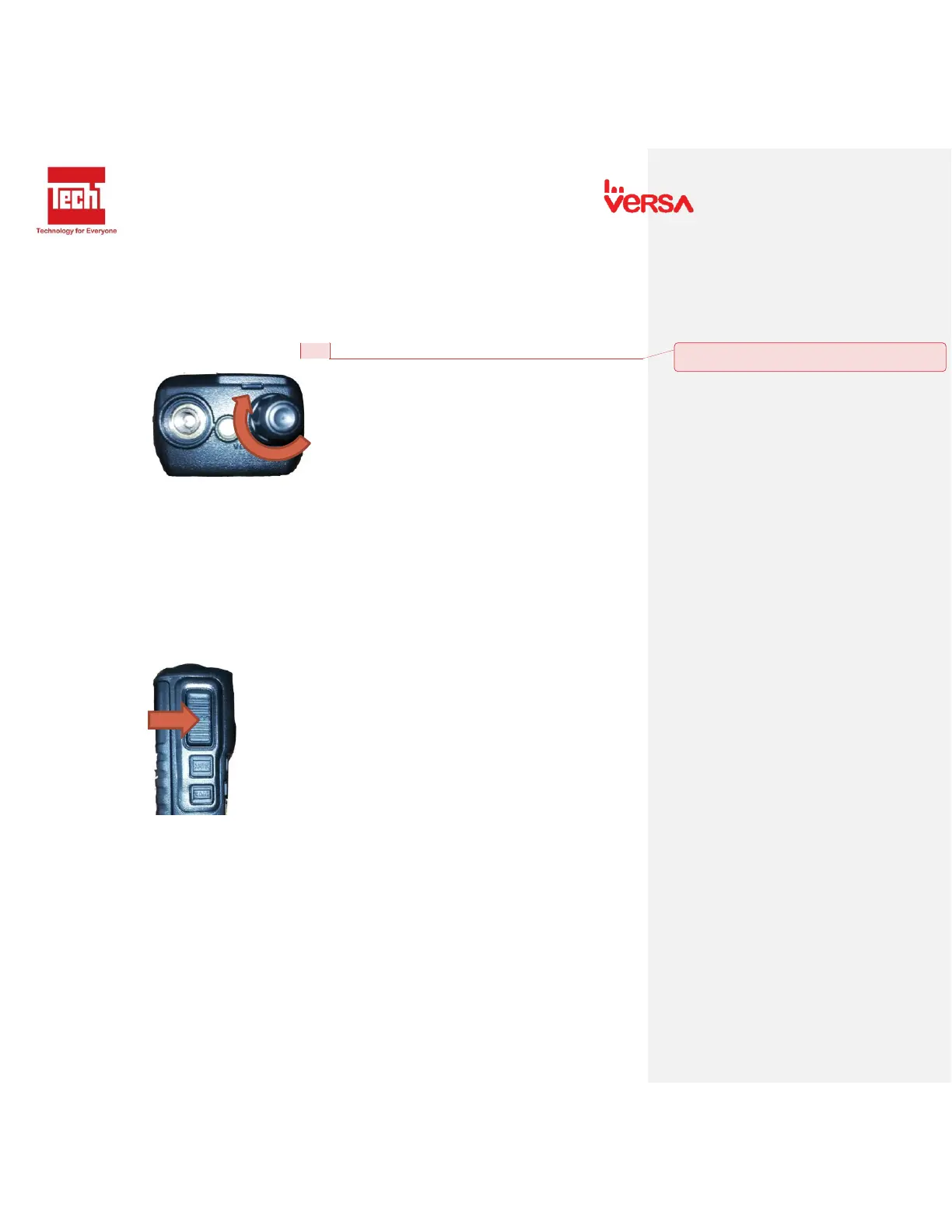
7.1 Power on and Adjust volume knob
- Turn the Power/ Volume knob clockwise. Beep sound indicates that the power is on.
- To adjust the sound, Press MON and rotate the Power/ Volume to desired level.
7.2 PTT button
- To make a call, Press PTT. Keep mouth 3-4cm away from mic when speaking.
- Release PTT button to receive signals.
- Light Indicator: Steady Red when Transmitting / Steady Green when Receiving.


 To Next Page