VERSA HERO SERVICE MANUAL
27
14.2. Radio PC Programming
1. Plug the programming cable and Power on the Hero unit to be programmed.
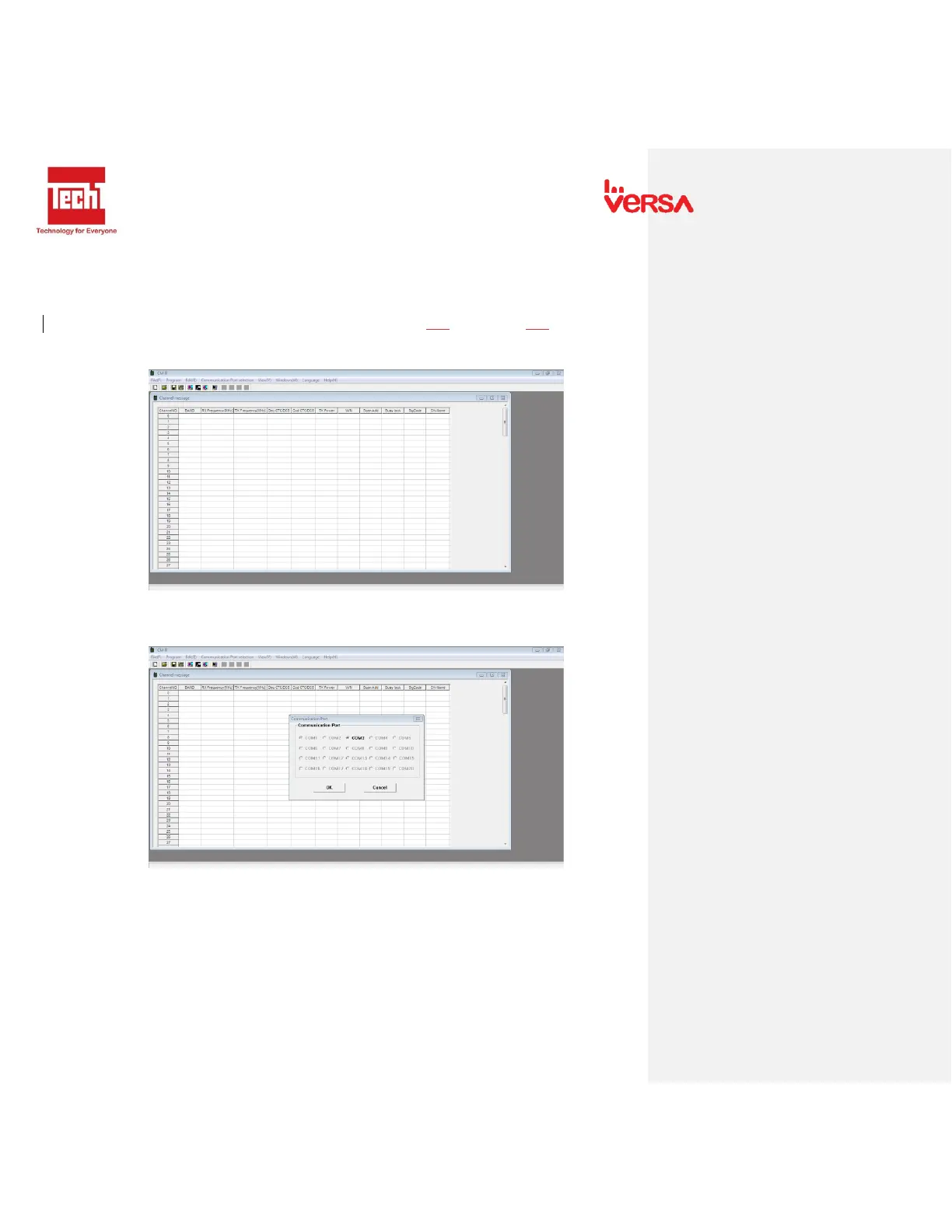
2. Open Hero.exe programming software. The following window will appear.
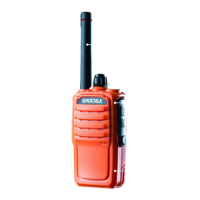
3. Setup the com port settings. Go to “Communication Port” and select active port. The
following window will appear.
- Check the available com port. If no com port is available check
the programming cable if connected properly.


 To Next Page