VERSA HERO SERVICE MANUAL
30
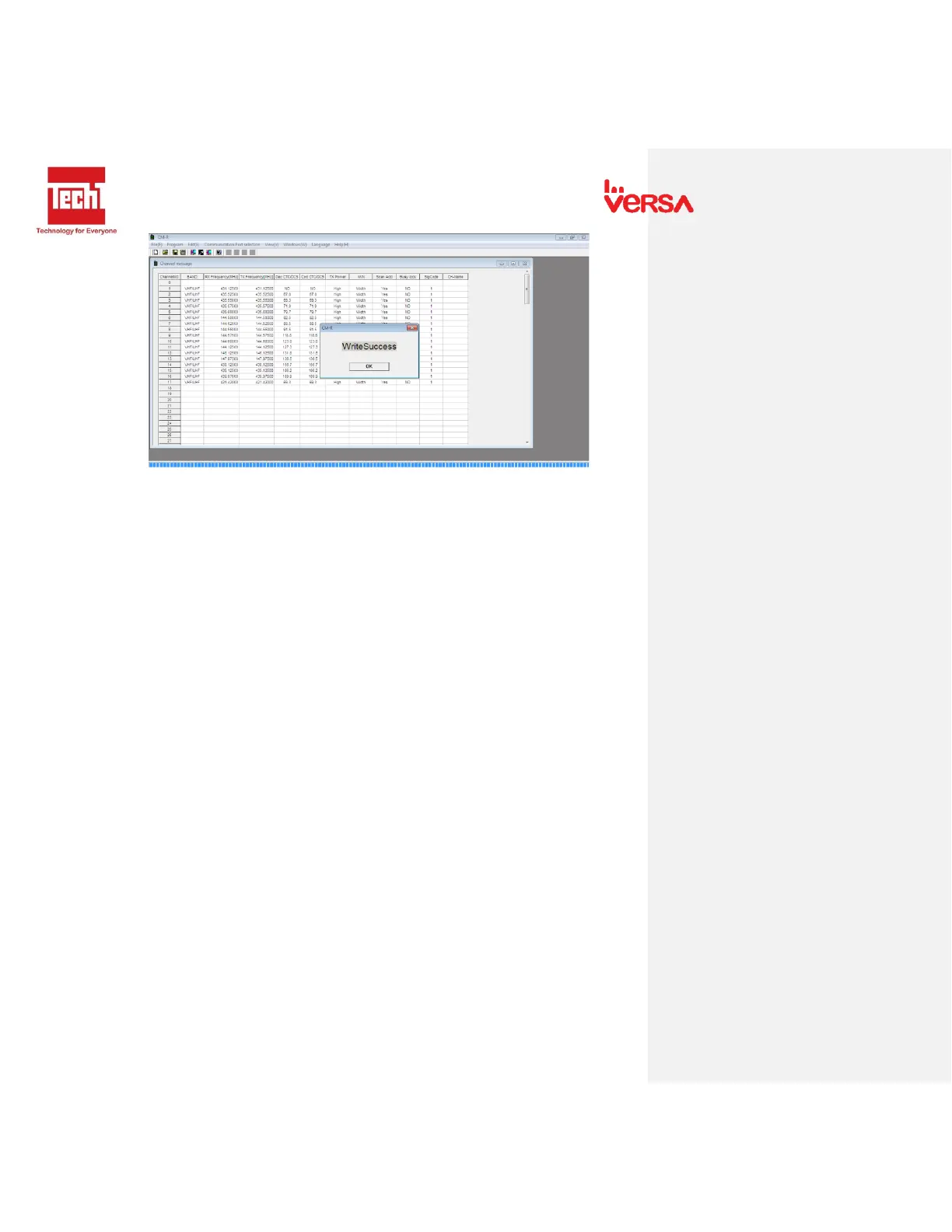
- Indication that writing program is successful.
14.3. Keypad Programming
1. Power on the radio.
2. Press “VFO/MR Button” and go to frequency mode.
- There are two types of mode: Frequency and Channel
3. In frequency Mode, Edit desired frequency using Numeric buttons.
- To switch frequency VHF or UHF press “Band”.
4. To add CTCSS or DCS code, For DCS press “Menu” then press “10” (Receive DCS) and “12”
(Transmit DCS) then set desired code, For CTCSS press “Menu” then press “11” (Receive CTCSS)
and “13” (Transmit CTCSS) then set desired code.
5. To save program from Frequency mode to Channel mode. Press “Menu” then press “27” Mem-
CH then press “Menu” to enter settings, input desired channel then press “Menu” to save
channel.
6. To delete channel, Press “Menu” then press “28” Del-CH press “Menu” again to enter settings
then input channel to delete the press “Menu” to delete channel.


 To Next Page