VERSA HERO SERVICE MANUAL
25
14. Reprogramming
14.1. Initial Setup
14.1.1. General Requirements
- Hero Programming software
- Hero Programming cable
- Hero Unit
14.1.2. Install Prolific USB to Serial Comm Port
1. Plug the Versa Programming cable for Hero.
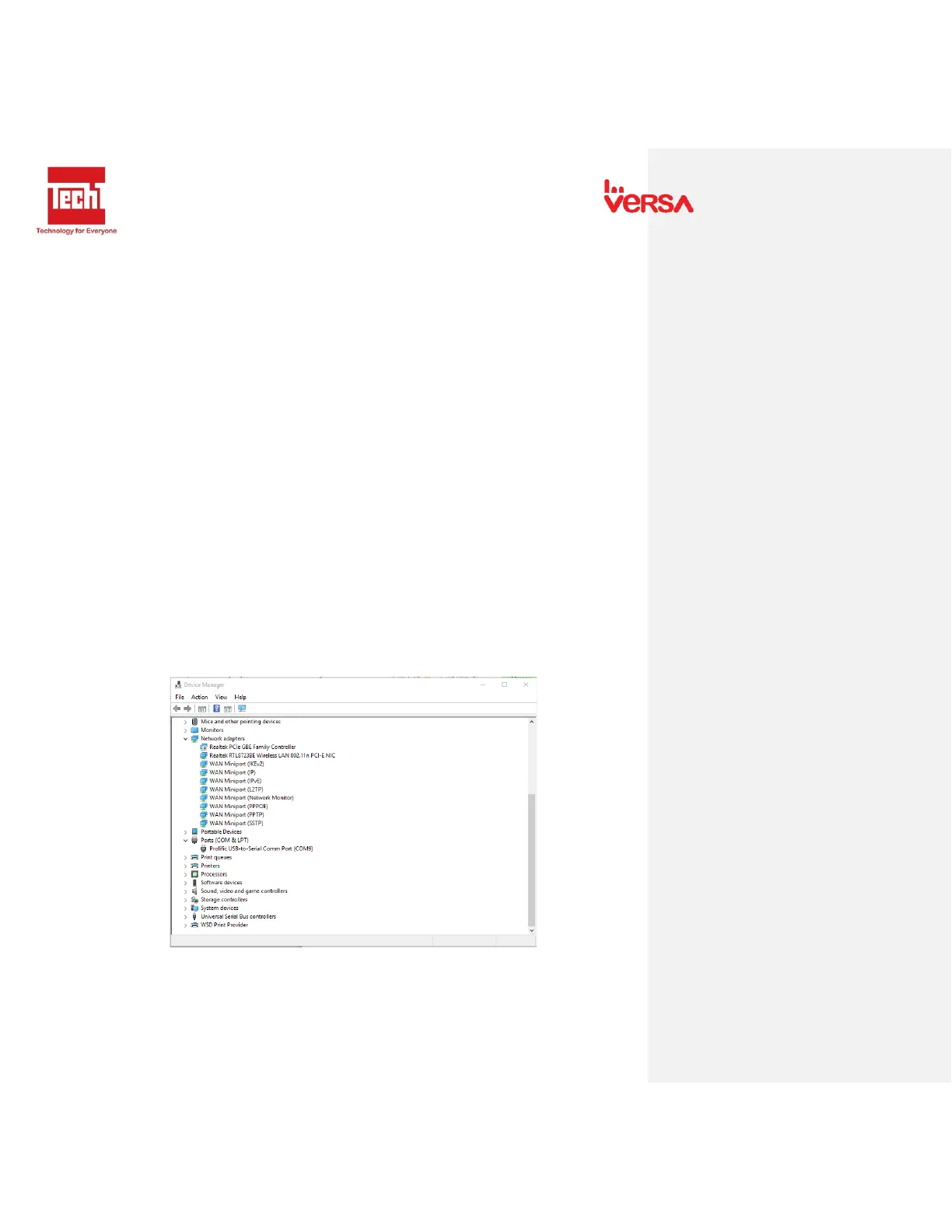
2. Go to Device Manager and click Ports. The following window appears.
3. Right click the Prolific USB-to-Serial Comm port then click Update Driver. The
following window appears.


 To Next Page