Page 66 Edge 120 Digital Executive Telephone User Guide
Speakerphone SPK
The Digital Executive Telephones of the DX-120 system are all
equipped with a high-quality, half-duplex speakerphone. This feature
makes it possible to place hands-free (conference room style) calls.
(Speakerphone is disabled when Headset Mode is enabled.)
Operation – Placing a Call
1. Press an idle outside line button or dial an intercom number.
2. The SPK button LED lights immediately and the speakerphone is
active.
3. Press SPK to hang up the call. (Or lift the handset to convert the
call from a hands-free speakerphone connection to a private
handset connection.)
Operation – Answering a Call
1. While your phone is ringing, press the SPK button.
2. The SPK button LED lights immediately and the speakerphone is
active.
3. Press SPK to hang up the call. (Or lift the handset to convert the
call from a hands-free speakerphone connection to a private
handset connection.)
Status Lamp
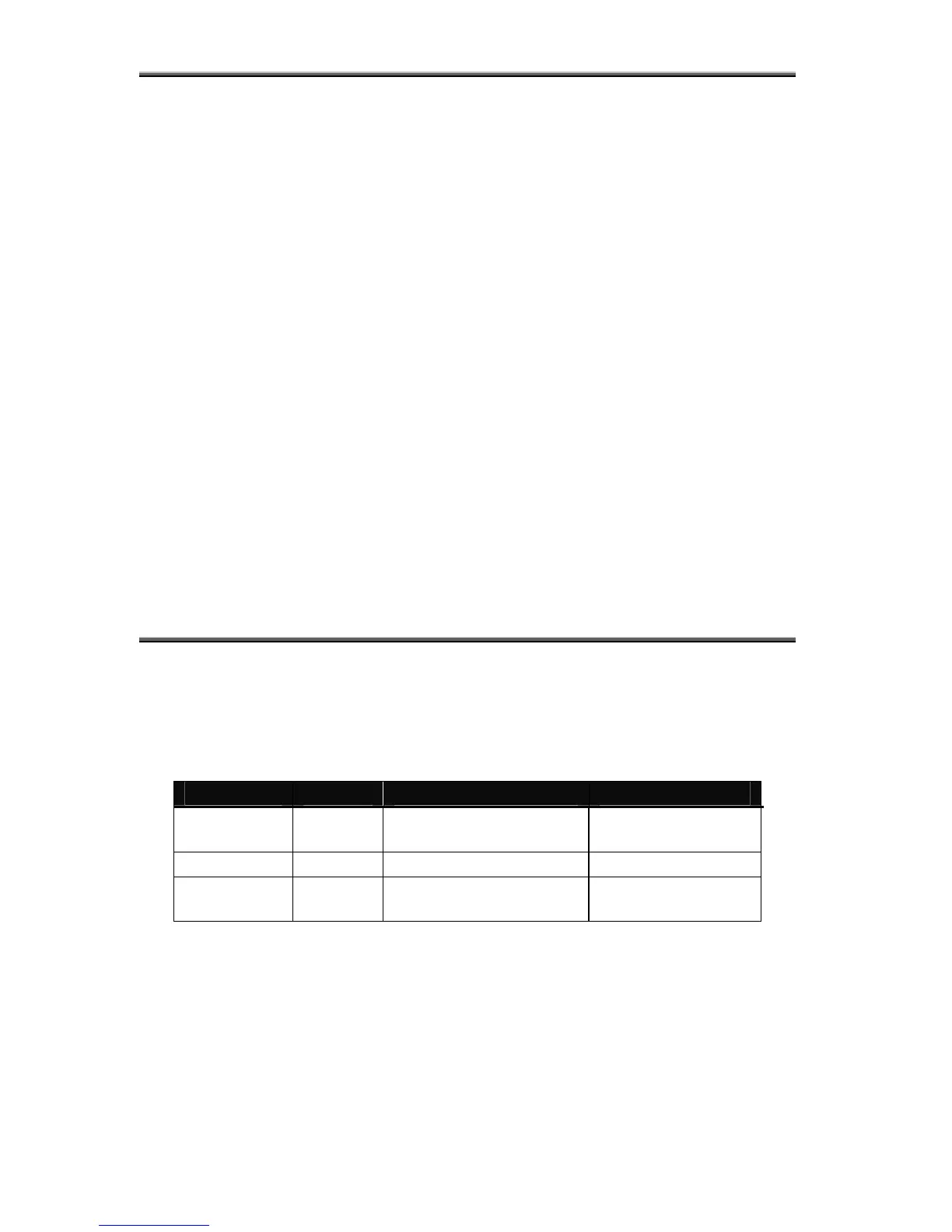
Each Digital Speakerphone is equipped with a dual colored LED
Status Lamp to assist you in recognizing the extension status. The
Status Lamp will give these visual indications:
Flash Rate Priority Red Lamp Green Lamp
Fast 1
Incoming outside line
Ringing
Incoming Intercom
Ringing
Slow 2 Mute Message Waiting
Steady 3
Speakerphone/Headset
in use
Call Forward active



 To Next Page