Micro-Controller
Vertiv | Liebert CRD10 | User Manual 75
6.3.3
Password Interface
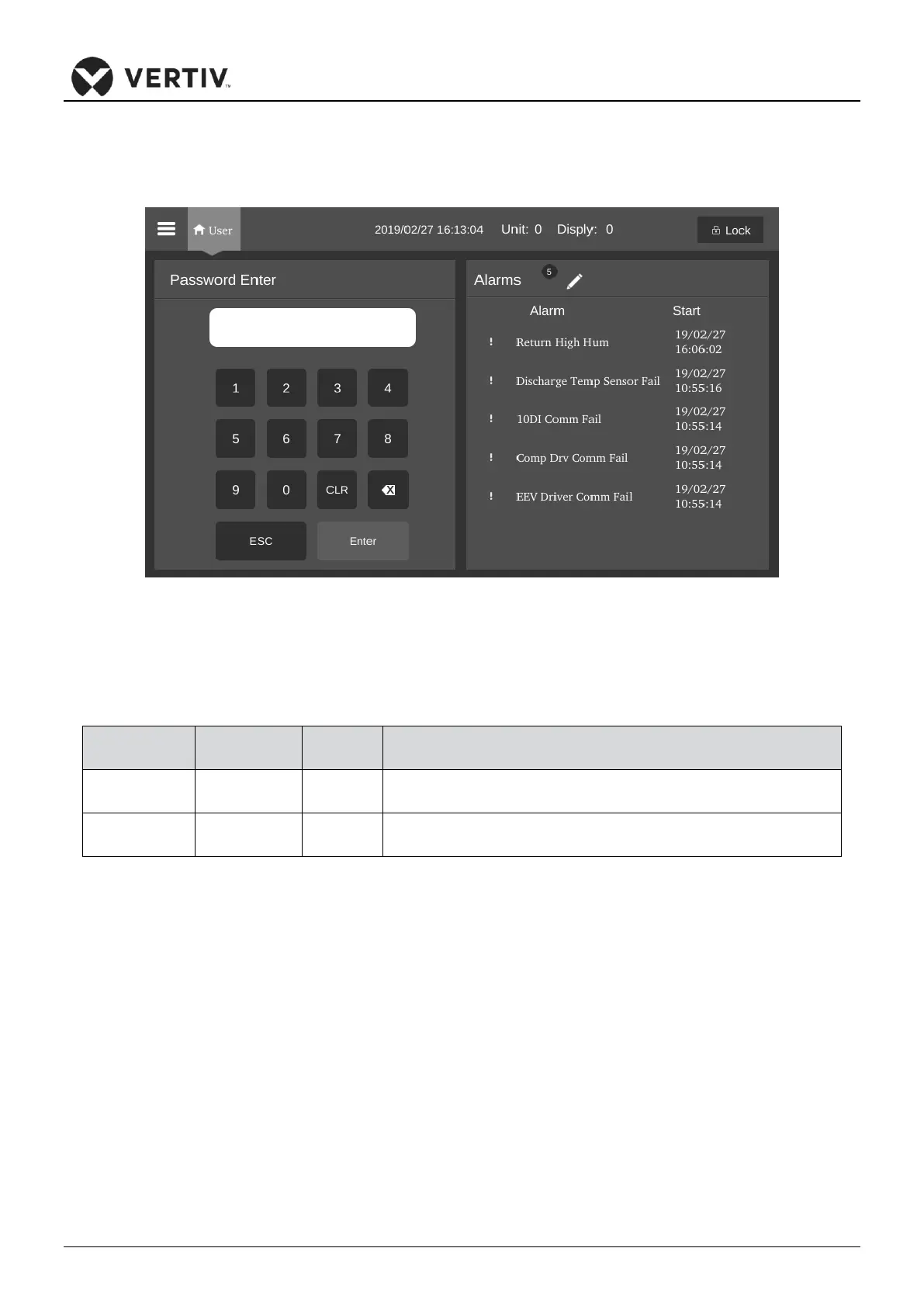
Press the unlock icon in the upper right corner of the display, the password interface is displayed, as shown
in Figure 6-5.
Figure 6-5 Password interface
The Table 6-5 reflects the 2 levels of passwords for accessing the menu.
Table 6-5 Password Level
Browse all menu information.
Set all parameters except running and maintenance menu.
Browse all menu information. Set some running and maintenance menu
parameters.
Users can’t change the settings when entering an incorrect password; however, they can view the menu. To
go back to the Main screen, press the Esc button and then click on the Enter button to get access to the
Password interface again.
NOTE: If the users do not enter a password and press the Enter button, the users can view the menu
settings but can’t change any parameters, similar to the incorrect password example.









 To Next Page