23
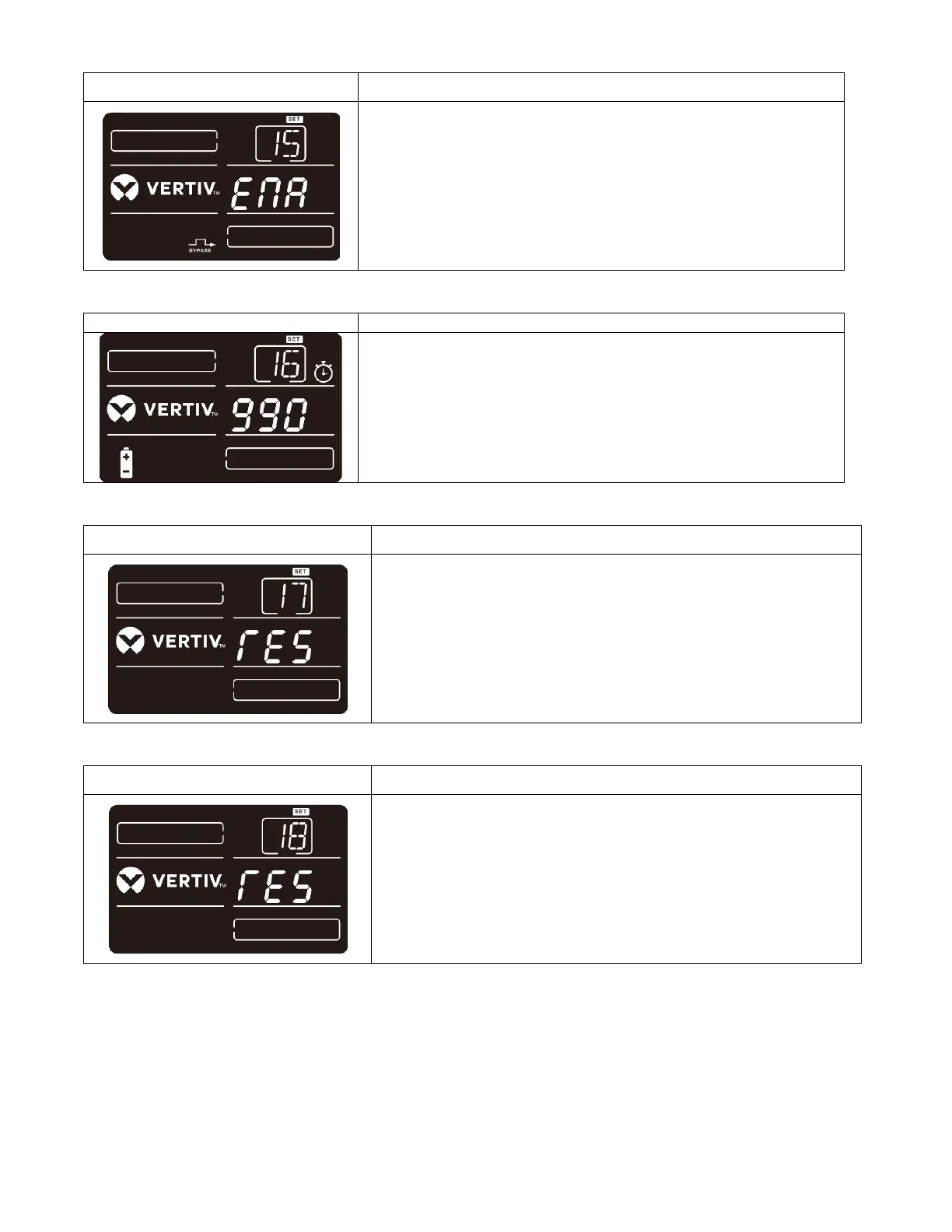
15: Manual bypass enable/disable
Parameter 2:
ENA: Bypass enabled. When selected, bypass mode is
activated.
DIS: Manual bypass disabled. When selected, automatic bypass
is acceptable, but manual bypass* is not allowed.
*Manual bypass means users manually operate UPS in Bypass
mode. For example, pressing OFF button in AC mode to turn into
Bypass mode.
16: Maximum battery discharge time setting
Parameter 2:
001~999: Set the maximum backup time from 1 min to 999 min.
UPS will shut down to protect battery after backup time arrives.
The default value is 990.
DIS: Disable battery discharge protection and backup time will
depend on battery capacity.
Reserved for future options.
Reserved for future options.







 To Next Page