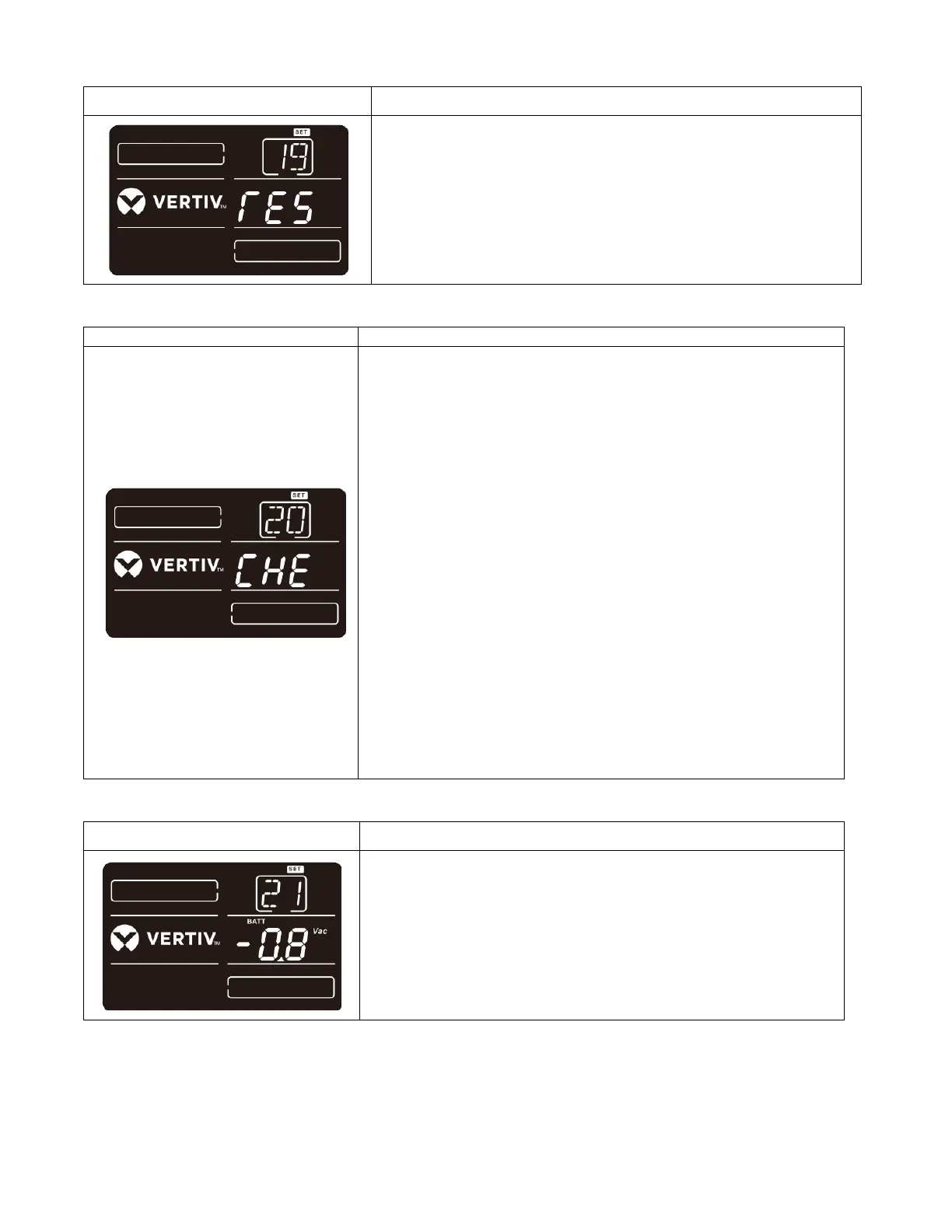
Parameter 2:
DIS: Disable the neutral loss detection function. The UPS will not
detect the neutral loss or not.
ATO: The UPS will automatically detect the neutral is lost or not.
If neutral loss is detected, an alarm will be generated. If the UPS
is turned on, it will transfer to battery mode. When neutral is
restored and detected, the alarm will be muted automatically and
the UPS will go back to normal mode automatically.
CHE: The UPS will automatically detect the neutral loss. If
neutral loss is detected, an alarm will be generated. If the UPS is
turned on, it will transfer to battery mode. When neutral is
restored, the
alarm will NOT be muted automatically and the UPS will NOT go
back to normal mode automatically.
Here, you must mute the alarm and make the UPS go back to
normal mode manually. The operation is: Firstly, enter this menu
and press the “Enter” key to make the “CHE” flash. Secondly,
press the “Enter” key again to activate the neutral detection
(check). If neutral is detected, the alarm will be muted and the
UPS will go back to normal mode. If neutral is not detected, the
UPS will continue alarming and stay on the latest status until the
neutral is detected well at next manual checking operation.
CHE is default setting.







 To Next Page