Last update: 2022/04/01 18:06 slice:qt https://www.vescent.com/manuals/doku.php?id=slice:qt
https://www.vescent.com/manuals/ Printed on 2022/04/05 13:27
Entering Values
In order to afford maximum resolution, the least significant digit will not necessarily change to
precisely your target value and will be coerced to the nearest acceptable value, which is limited by
the digitization scheme for the set point. For instance, you may select a set point temperature of
17.000°C, but the closest allowed digitized value may be 16.999°C.
In most instances, there are two methods for entering parameter values: the physical rotary knobs on
the front panel and the pop-up keypad on the touch screen. When using the knobs to change the
value of a parameter, changes take effect immediately. When using the keypad, changes do not take
effect until the enter key is depressed.
Rotary Knobs
If you touch an editable field for a brief moment, a cursor will appear under one of the digits of the
parameter value. By turning the right knob, it is possible to increase (cw) or decrease (ccw) the value
of the underlined digit. Turning the left knob will change which digit is editable (cw to move to the
right and ccw to move to the left).
Keypad
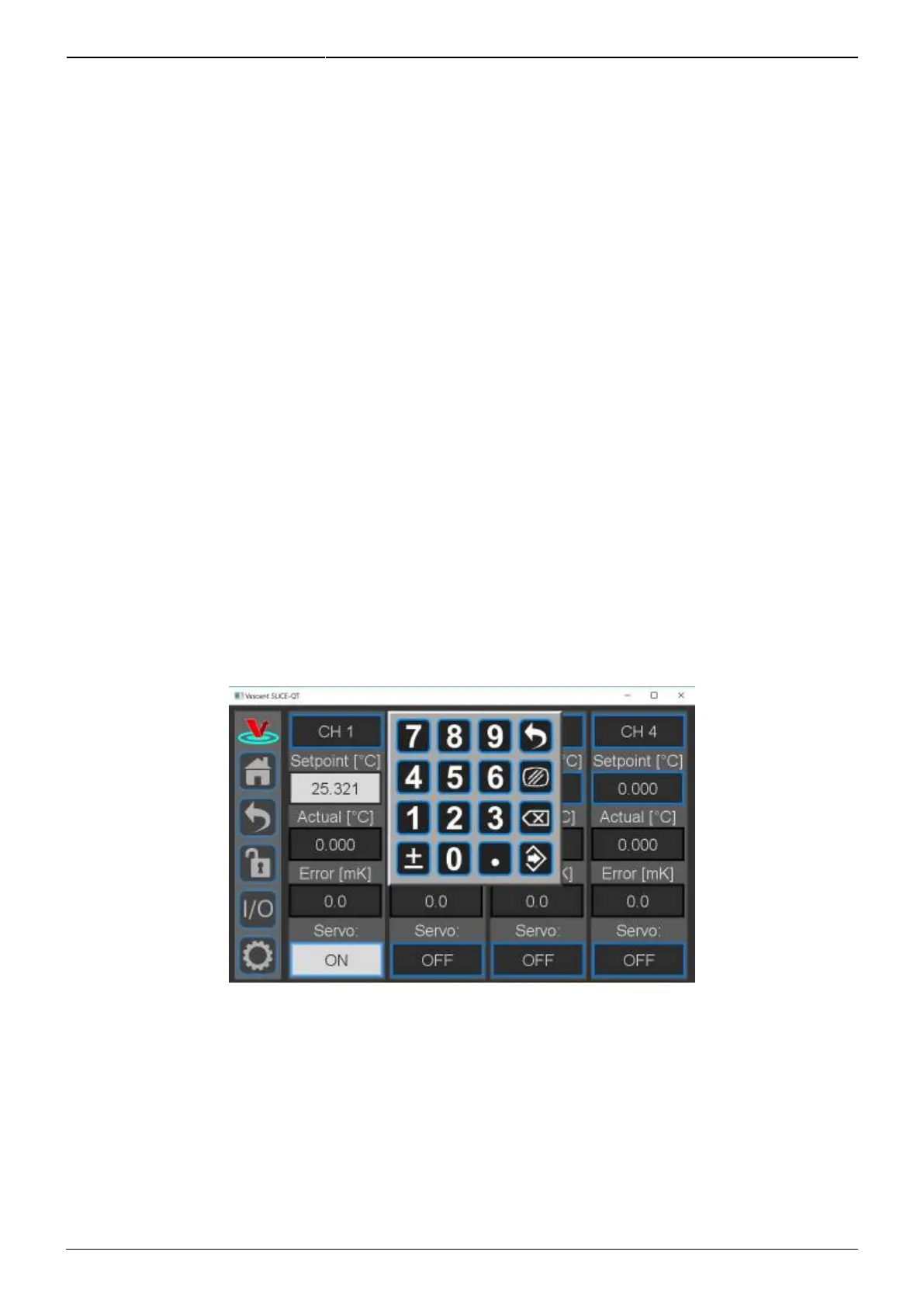
If you touch and hold an editable field such as the set point temperature, a numeric keypad will
appear as seen in figure 12. You can enter in the full value of the desired parameter with this keypad.
Fig. 12: Pop-up Keypad
The action initiated by each button is described below.
Escape



 To Next Page