Last update: 2022/04/01 18:06 slice:qt https://www.vescent.com/manuals/doku.php?id=slice:qt
https://www.vescent.com/manuals/ Printed on 2022/04/05 13:27
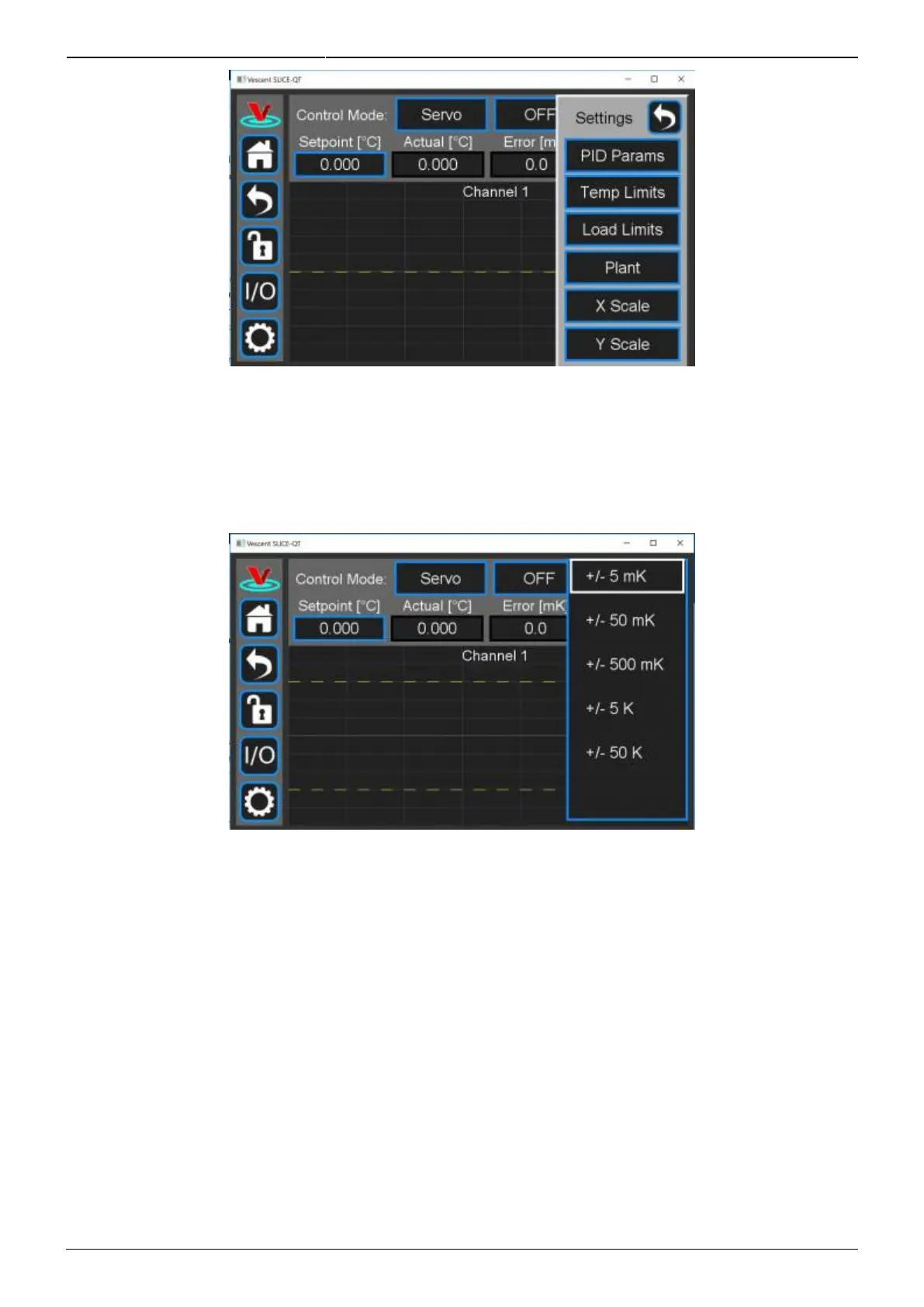
Fig. 20: Menu of settable parameters
Adjusting the Graph
To adjust the vertical range (∆T) of the graph from the Details screen, touch Settings > Y Scale. Select
the appropriate setting (figure 21).
Fig. 21: Setting the y-scale on ∆T vs. t graph
To adjust the time base of the graph from the Details screen, touch Settings > X Scale. Select the
appropriate setting.
Channel Settings
PID Filter and Slew Rate Adjustment
PID Settings



 To Next Page