DGT / DGT60 / DGTQ / DGTP
63
9. PRINTING THE HEADING
It is possible to programme from the PC the 4 alphanumeric heading lines of 24 characters each, which will be
printed in the manner which has been programmed until these are cancelled or substituted.
One configures the heading by using the DINI TOOLS software on the PC; by following the instructions of the relative
manual, while to select the printing mode of the heading follow the procedure described below:
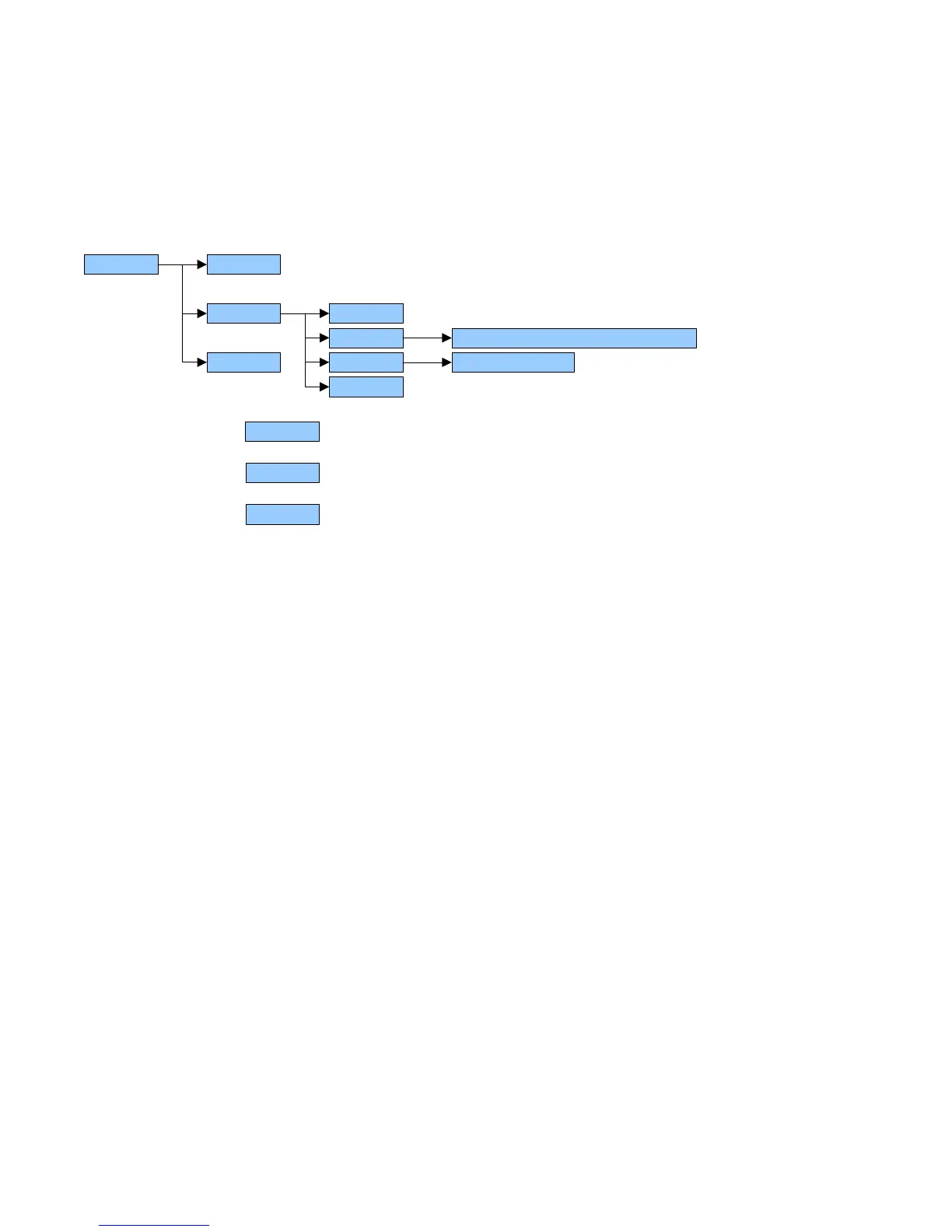
Enter in the TECHNICAL SET-UP >> SEtup >> SeriAL >> CoM.Prn
CoM.Prn
PrConF(§)
…...
doM
…...
nuMWEi both, no, tot, SuM
IntES Int no, Int Si, Int Fi, Int.SuM
…...
1. Enter in the step
CoM.Prn
2. Enter in the step
PrConF(§)
3. Enter in the step
IntES
4. Select the heading printing mode:
int no = does not print the heading
int Si = prints the heading (only with the first totalisation if a totalizer mode has been selected)
int F1 = if a totalizer mode is selected, it prints the heading in all the totalisations
int.SuM = if a totalizer mode is selected, it prints the heading in all the totalisations in the total.



 To Next Page