DGT / DGT60 / DGTQ / DGTP
26
SEr.nuM SERIAL NUMBER
Diagnostics check for use of the manufacturer.
4. CALIBRATION
There are two possible types of calibration, depending on the type of application chosen for the instrument: for
"IND.CH." type (independent channels) and for "DEP.CH." type (dependent channels, which could eventually be
digitally equalized) (see section 3.2: tYPE – Application type).
NOTE: For the type of "TRANSM." functioning (see section 3.2: tYPE – Application type) the calibration procedure is
the same as that of the scale with independent channels.
IMPORTANT: with Approved Instrument, the following parameters:
- are read only: "GrAV", "rAnGE 1", "rAnGE 2", "diV", "dECi", "u.M", "ntP", "ddt1", "ddt 2", ddt 3"
- are not displayed: "0Calib.", "tP0", "tP1", "tP2", "tP3".
4.1 Calibration procedure for the INDEPENDENT CHANNELS and "TRANSM" MODE
Premise: this procedure is to be followed if one has to calibrate from 1 to 4 independent scales, either in the
"IND.CH." or in the "TRANSM." functioning mode (see section 3.2: tYPE – Application type). Each single cell must be
connected to an instrument channel; if one wants to connect more than four cells it will be necessary to equalize
these externally using the junction box.
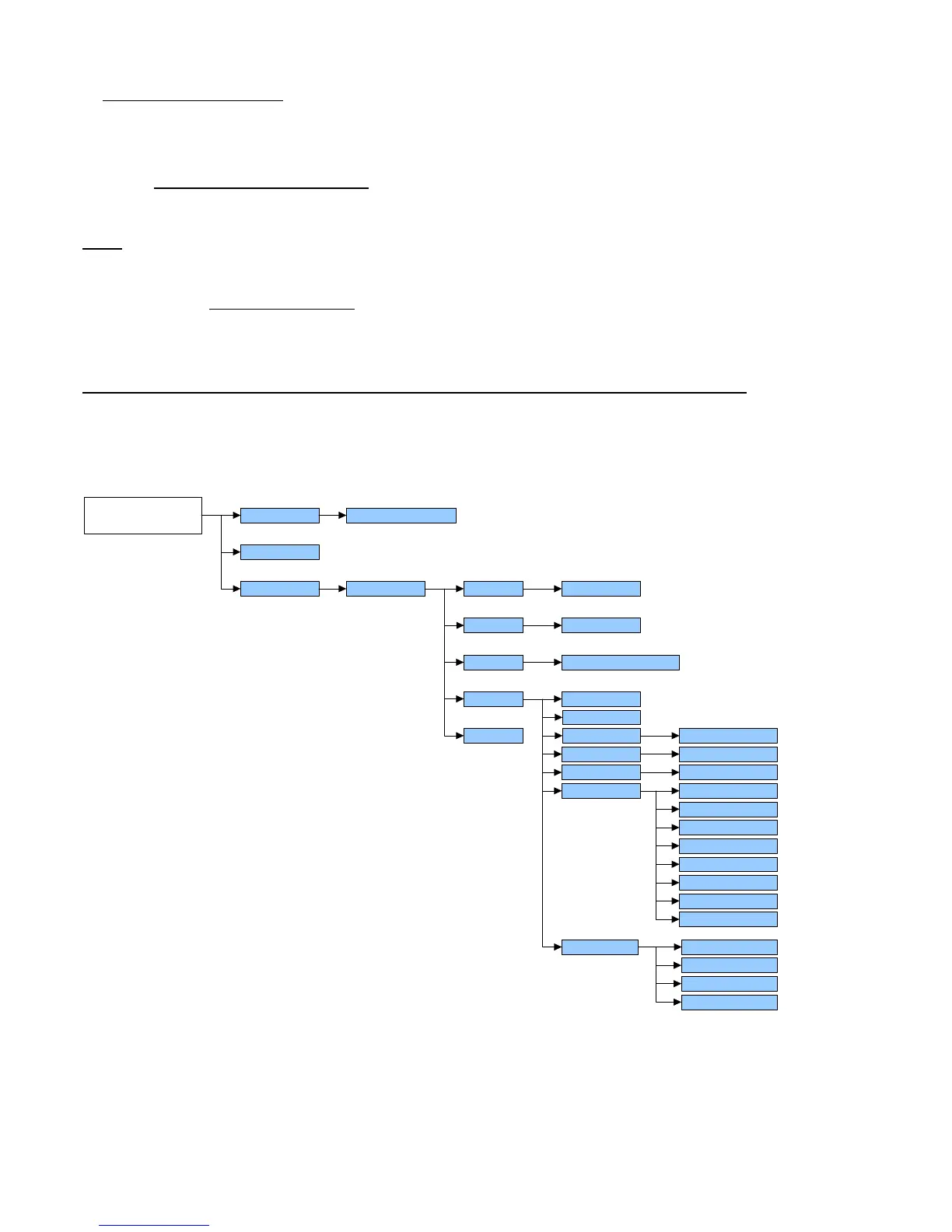
Calib (*)
ConFiG (§)
GrAV. (*) 9,75001 … 9,84999
diV
dECi
u.M.
1, 2, 5, 10, 20, 50
G, Lb, t, kG
CALib.P
1, 2, 3, no
rAnGE 1
rAnGE 2
tP 0
ddt 1
tp 1
ddt 2 (§)
n tP
tp 2 (§)
ddt 3 (§)
tp 3 (§)
0.CALib(*)
SEtuP nChan (*)
Chan (§)
1..4
1..4
...
SETUP
ENVIRONMENT
tYPE (*) (§) ind.Ch, trAnSM
CEL.SEn
CEL.CAP
dEAd.Ld
Kno.WGt
thEo.CA
(§) = shows that the parameter is visible only in certain programming conditions; see the explanation of the parameter for the details.
(*) = shows that with an approved instrument the parameter could be not visible or not enterable; see the explanation of the parameter
for further details.
1) Enter in the SET-UP ENVIRONMENT of the scale (when turned on, press for an instant the TARE key while
the firmware version is displayed ).
2) Select the type of appliaction:
Enter in the "tyPE" step and select the "ind.Ch" parameter.



 To Next Page