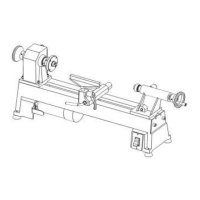
INSTALLING FACEPLATE
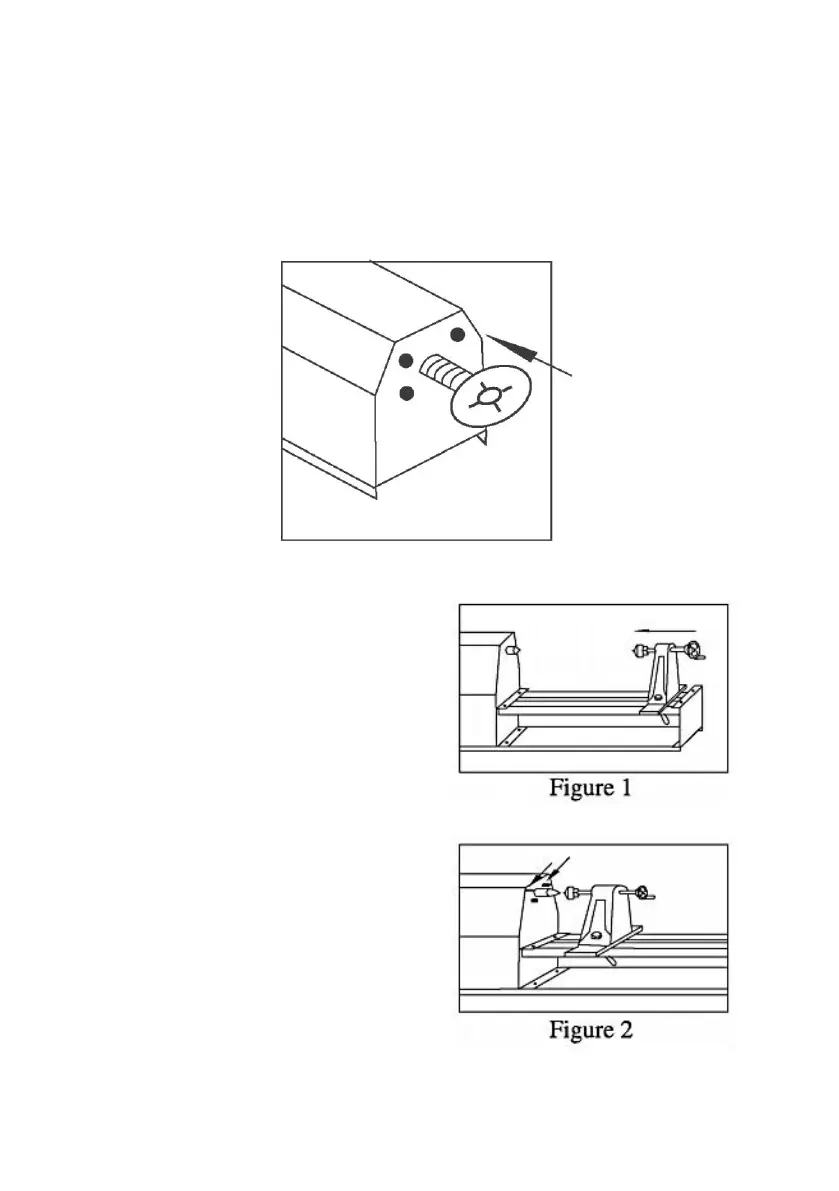
The faceplate is supplid with your lathe. To install the faceplate:
1. Disconnect the lathe from power source.
2. Remove drive center from driving spindle.
3. Align the center hole of faceplate to the thread of spindle.(as figure)
4. Screw faceplate into spindle.
ALIGNING CENTERS
If the centers are not in the
lines,make the following adjustments:
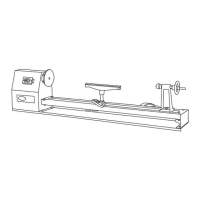
1. Move the tail stock assembly close
to the drive center assembly.(as
figure 1)
2. Lock the tail stock assembly.
3. Loosen the four hex bolts around
the drive center.(as figure 2)
4. Swing the drive center so that the
two centers are in lines,then tighten
the bolts.


 To Next Page