5.8 Configuring the webcam
In the following cases, you need to configure the
webcam of the machine:
n
First installation of the machine
n
Exchange of the CAM computer
n
Exchange of the control unit
n
Exchange of the webcam
1. Open the DENTALCNC Application settings with the
following icon in the main iconbar:
2. Open the General settings with the following icon in
the local iconbar:
3. Select the following icon next to the Webcam selec-
tion label:
A window opens.
4. Select the webcam SMI from the drop-down list at
the top of the window.
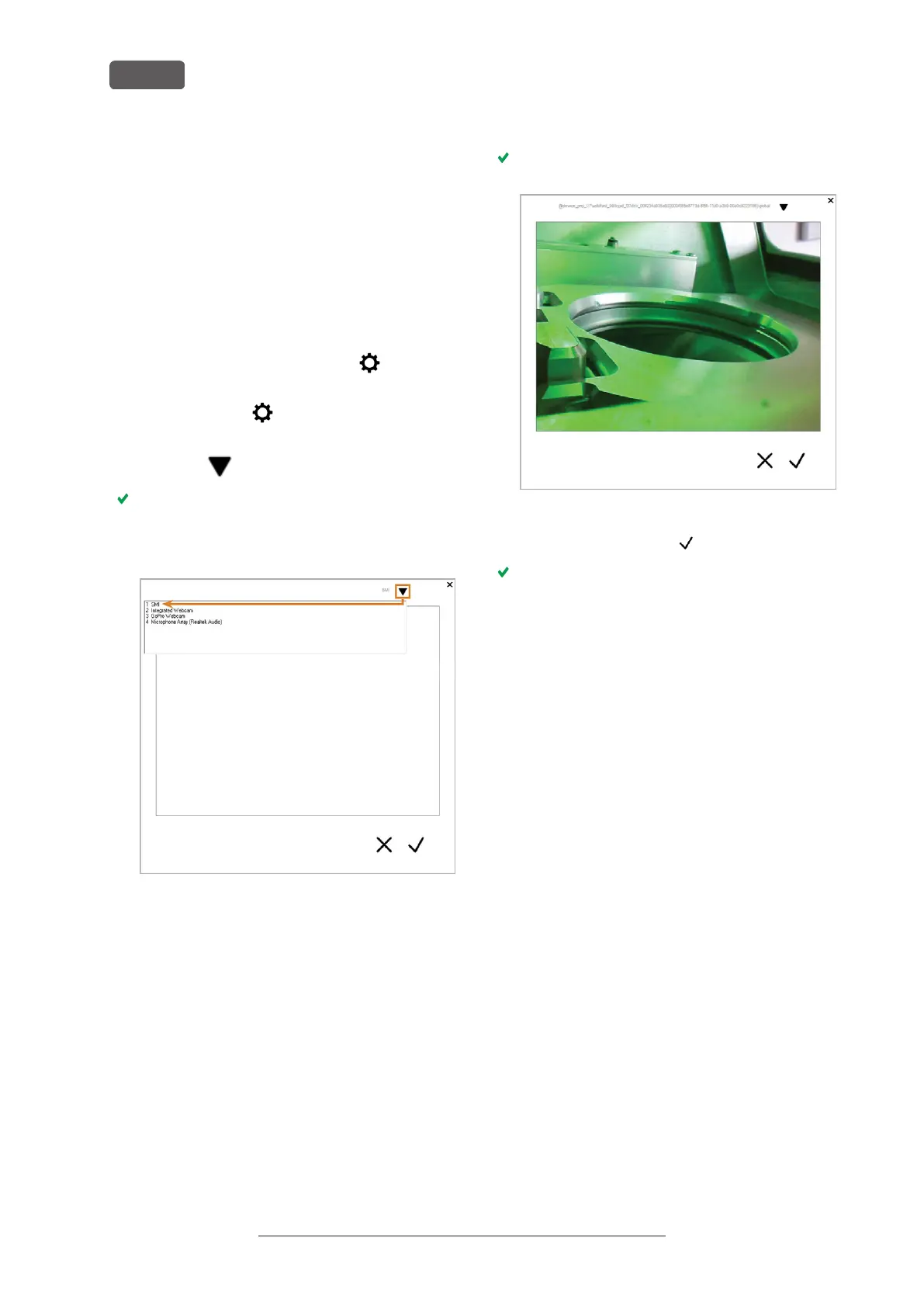
FIG. 28 SELECTING THE CORRECT WEBCAM
The current still image of the webcam displays.
FIG. 29 EXAMPLE:WEBCAM IMAGE
5.
Select the depicted icon:
The window closes. The webcam configuration is
saved to the CAM computer.
Original Operating Instructions:R5
Version: 12/16/2021
R5 – Installing the machine
EN 28



 To Next Page