6. Close the working chamber door.
7. Resume the job.
DENTALCNC allows you to resume the job from
the last tool change. For more information, see
the corresponding documentation.
If tools break regularly, you can find additional
information in the troubleshooting section:
Troubleshooting – on page76
7.4.4 How to proceed in case of a pow er fail-
ure
NOTICE
Damaging of the multi-
purpose compartment flap
when you open it manually
If compressed air is being conducted through the
machine while you open the multi-purpose compart-
ment flap, the flap mechanics may get damaged.
Before you manually open the multi-purpose com-
partment flap, close the external compressed air sup-
ply valve.
As long as the machine is not powered, you do not
have access to the working chamber.
After a short power failure, restart the machine and
the CAM computer.
If you need to access the working chamber in case of
a longer power failure, perform an emergency open-
ing of the working chamber door.
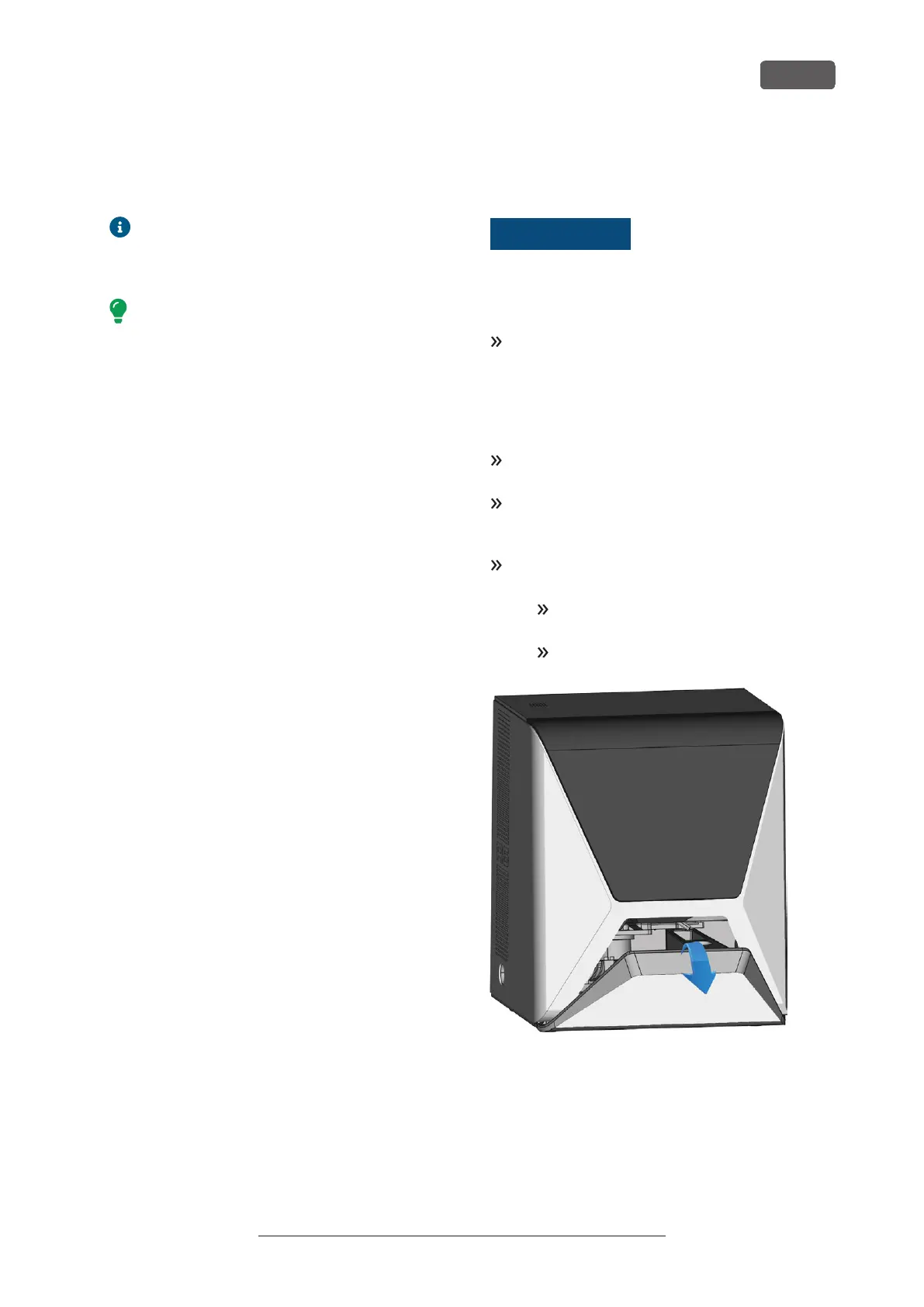
If you need to access the multi-purpose com-
partment, do the following:
Close the external compressed air supply
valve.
Carefully pull the flap down with your hands.
FIG. 61 MANUALLY PULLING DOWN THE FLAP OF THE MULTI-PURPOSE
COMPARTMENT
R5 – Operation: Executing jobs
EN 49
Original Operating Instructions:R5
Version: 12/16/2021



 To Next Page