4
the battery is fully charged;
Blue: the battery is being charged;
Red and flash: the battery is low;
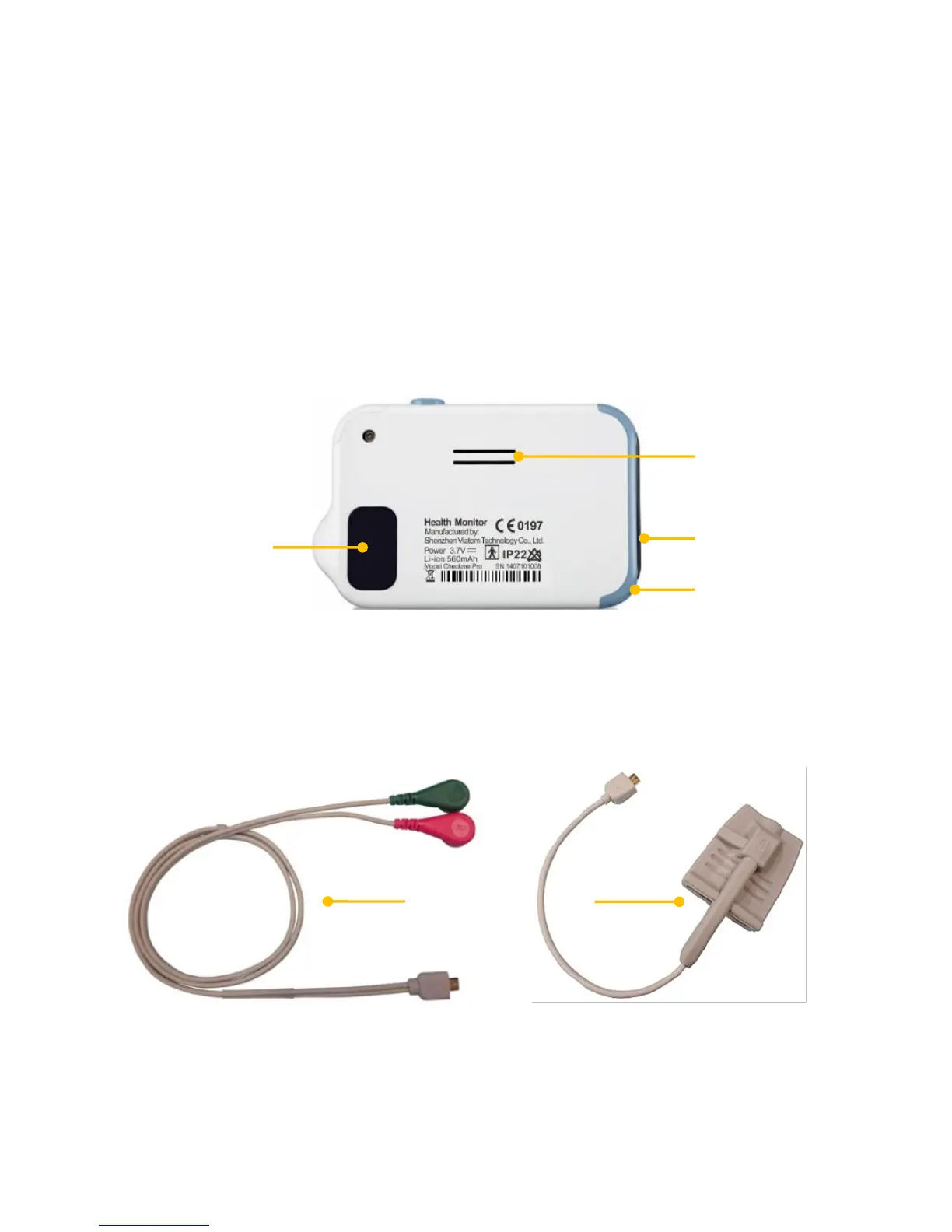
5. Multi-functional micro D connector
It connects with external SpO2 cable, ECG cable, or charging cable.
6. Home, Power On/Off
When the monitor is off, press this button to power it on.
When the monitor is on, press and hold it for 2 seconds to turn
it off.
During operation, pressing this button will switch to Main
Screen, or Calendar Screen, or return to upper menu.
7. ECG right electrode
Use right thumb to press on it.
8. Speaker
9. ECG left electrode
Put it to your left palm, left abdomen or left knee.
10. Neck strip hole (neck strip not provided)
11. ECG back electrode
Use right index finger or middle finger to press on it.
12. ECG cable with 2 lead wires
Connect the micro D connector side to the device and the other side
to your left/right wrists or right clavicle /left lower abdomen.
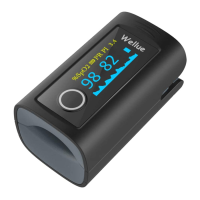
13. SpO
2
external finger sensor


 To Next Page