Press : to show Hi, that’s high limit value.
Press :to show Li, that’s low limit value.
(3) Clear the preset quantity
Press to clear all the pre-set value.
(4) Save the quantity preset
(1) input the preset quantity in the unit weight window.
(2) Press twice to show “Centr” and before it
disappear ,press to show “Er P”,
Press to exit
Press to show “SAVE”,
Under this condition,
Press show “Hi” ,press 1-5 numeric key to save the
high limit value,
Press to show “Lo”, press 1-5 numeric key to save
the low limit value.
(5) Read the preset quantity
Press twice ,it will show “Centr” and before it disappear,
press to show “Er P”
Press to exit
Press to show “rEAd”
And under this condition,
press to show “HI”, then press numeric key to read the high
value storage.
6
V. Keyboard Function
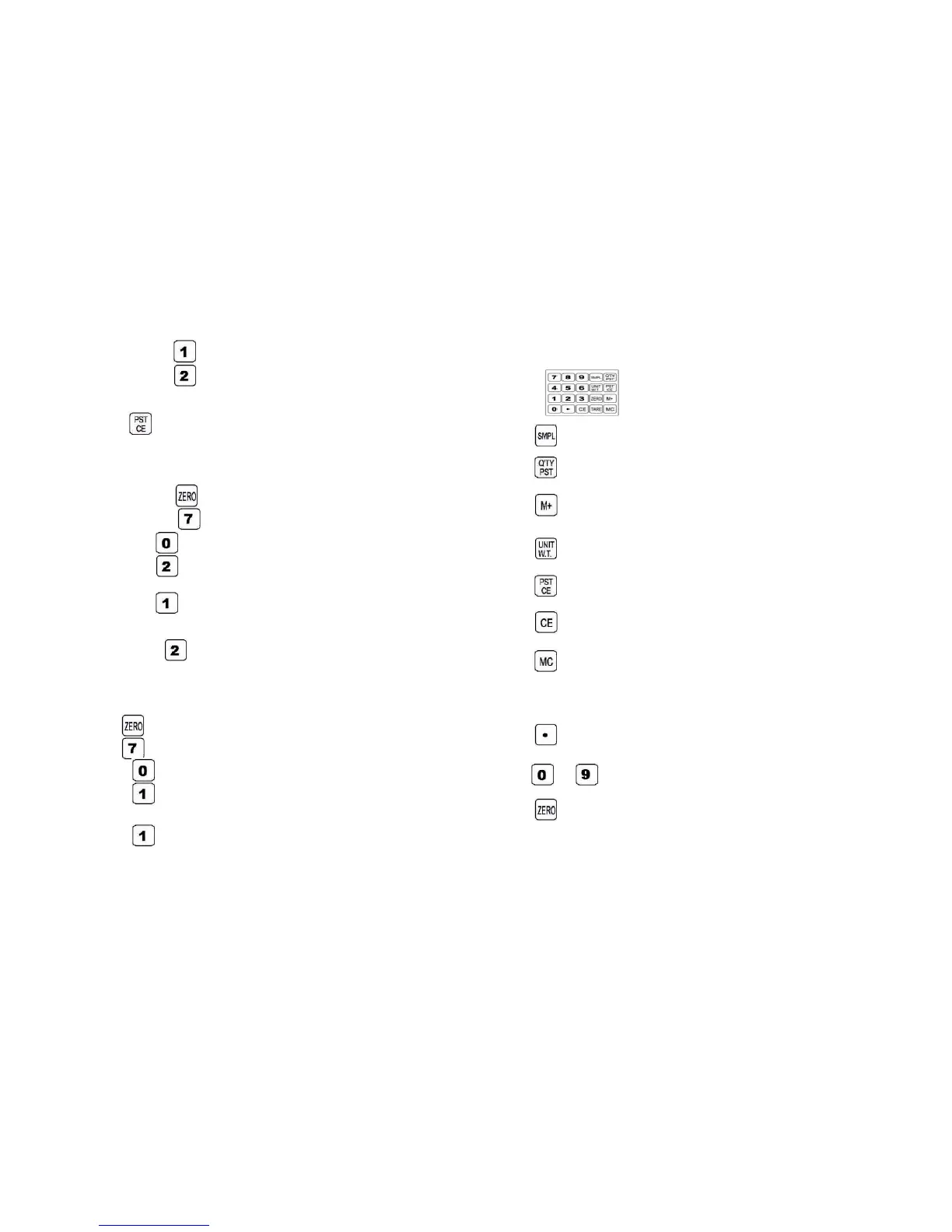
:Use this key to set and confirm the quantity
: Use this key to preset the quantity
:This key is used for weight accumulation
:Use this key to set and confirm the unit weight
:Use this key to eliminate the pre-set value
:Use this key to clear the readings entered.
:Use this key to clear the total accumulated weight under
ACCUMULATION mode
:Decimal point key
~ :Numeric key used for the entry of weight limits
: If there is a minor weight displayed without anything on
3



 To Next Page