028 -0427-15 _UI-V T8350_ A4 _ EN www.viconics.com June 2020
20
VT8350 [ User Interface Guide ]
ZIGBEE NETWORK 1/2
The ZigBee Network screen shows only in models with onboard ZigBee or optional ZigBee add-on module.
When creating a ZigBee network, there must be one and only one device with its Node Type set to Coordinator.
For a ZigBee network with a single Room Controller (RC), the RC is set as Coordinator to pair with the Sensor End Devices (SED).
Setting the RC back to Router will remove the paired SEDs.
For a ZigBee network with a Multi-Purpose Manager (MPM) paired to multiple RCs, the MPM is set as Coordinator and the RCs
are set as Router. The Coordinator MPM controls the pairing of the Router RCs to the SEDs
Note: Before pairing any ZigBee devices, the network must rst be created by the Coordinator.
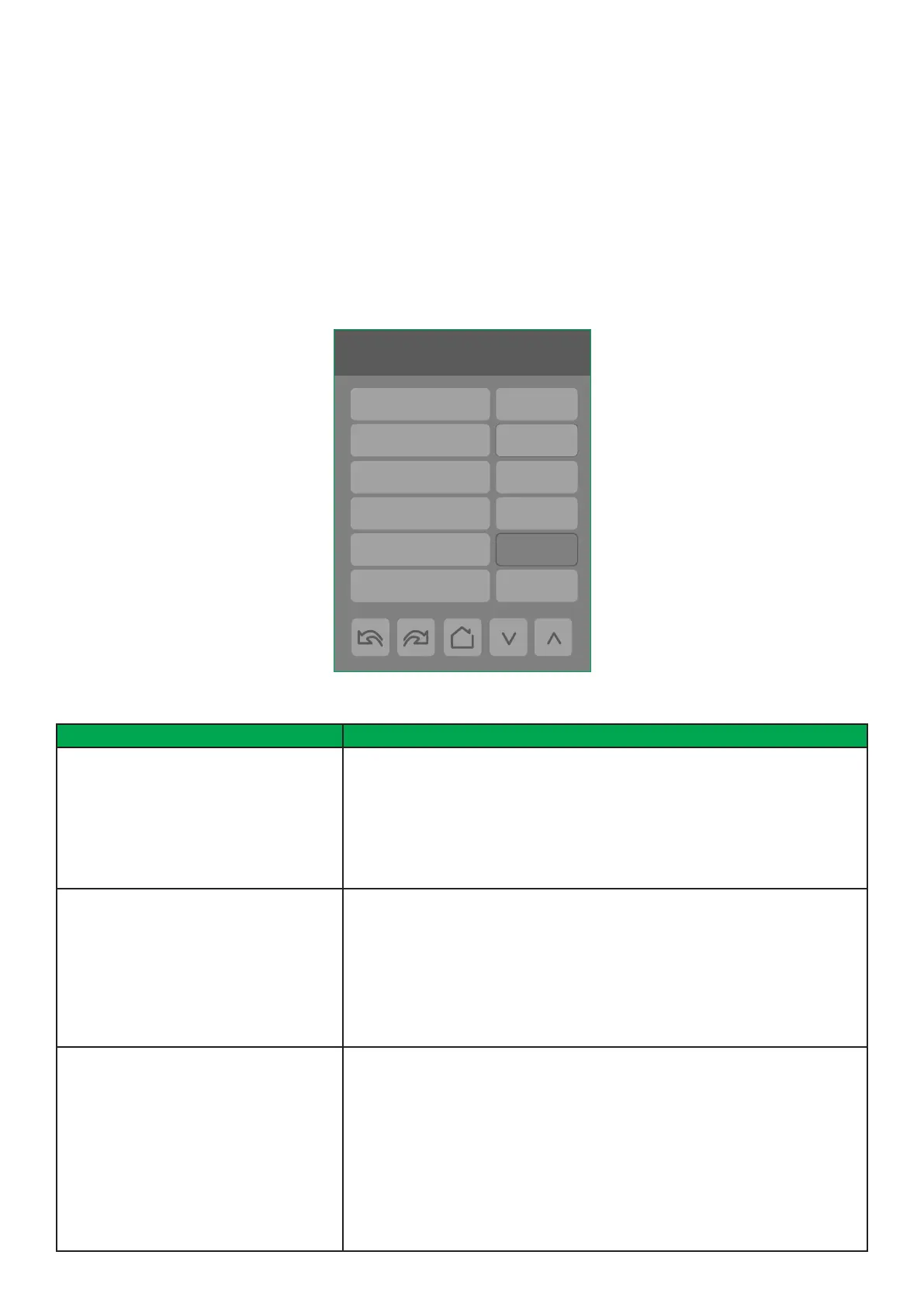
1/2 ZigBee Network
Node type Router
PAN ID
Channel 10
Security Low
Network Status No NWK
Permit join
0
Off
PARAMETER DETAILS
Conguration Parameters Default Value Signicance and Adjustments
Node type
Default: Router
Node Type
Sets device to act as Router or Coordinator in a network.
Coord.: Creates the network and manages the binding of wireless devices.
Router: Joins a network created by a coordinator (Coordinator permit join must
be set to ‘ON’).
Choices: Coord. or Router
PAN ID
Default value: 0
ZigBee Pan ID
Personal Area Network Identication that links specic Room Controllers to spe-
cic ZigBee coordinators. For every Room Controller reporting to a coordinator,
set the SAME PAN ID value both on the coordinator and the Room Controller.
Note: The default value of 0 is NOT a valid PAN ID and causes ZigBee to be
disabled.
Range: 1 to 65535
Channel
Default value: 10
ZigBee Channel
The channel (wireless frequency) on which the ZigBee network transmits and
receives data. The channel of the Coordinator must match that of the routers to
exchange data.
The default value of 10 is NOT a valid channel and causes ZigBee to be disabled.
The valid range of available channels is from 11 to 25.
Using channels 15, 20, and 25 is recommended. Channel 25 is considered as be-
ing the best one because it is furthest from the Wi-Fi channels.
Range: 10 to 25



 To Next Page