028 -0427-15 _UI-V T8350_ A4 _ EN www.viconics.com June 2020
31
VT8350 [ User Interface Guide ]
PARAMETER DETAILS
Conguration Parameters Default Value Signicance and Adjustments
UI16 config
Default value: None
Universal Input Configuration No. 1
None: No function will be associated with the input. Input can be used for remote
network monitoring.
Rem NSB: Remote night setback (NSB) timer clock input. The scheduling gets
set as per the binary input and provides low cost setback operation via a dry
contact
Motion NO and Motion NC: Advanced PIR occupancy functions using a
Normally Open (NO) or Normally Closed (NC) remote PIR motion sensor.
Window: Forces system to disable any current heating or cooling action by Room
Controller when window is open.
Choices: None, Rem NSB, Motion NO, Motion NC, Window
UI17 config
Default value: None
Universal Input Configuration No. 2
None: No function associated with input
Door Dry: Room Controller goes to standby mode when door is opened then
closed followed by no presence detection for the next 10 seconds if the local PIR
is used in this application. The “Occupancy command” in the Options screen
must be set to “Local Occupancy” and “Occupancy Source” must be set to
“Motion”.
Override: A closed contact forces the Room Controller to go in occupied mode.
An open contact keeps the current occupancy mode.
Filter: backlit ashing lter alarm shows on the Room Controller screen when
input is energized
Service: backlit ashing Service alarm shows on Room Controller screen when
input is energized.
Choices: None, Door Dry, Override, Filter and Service
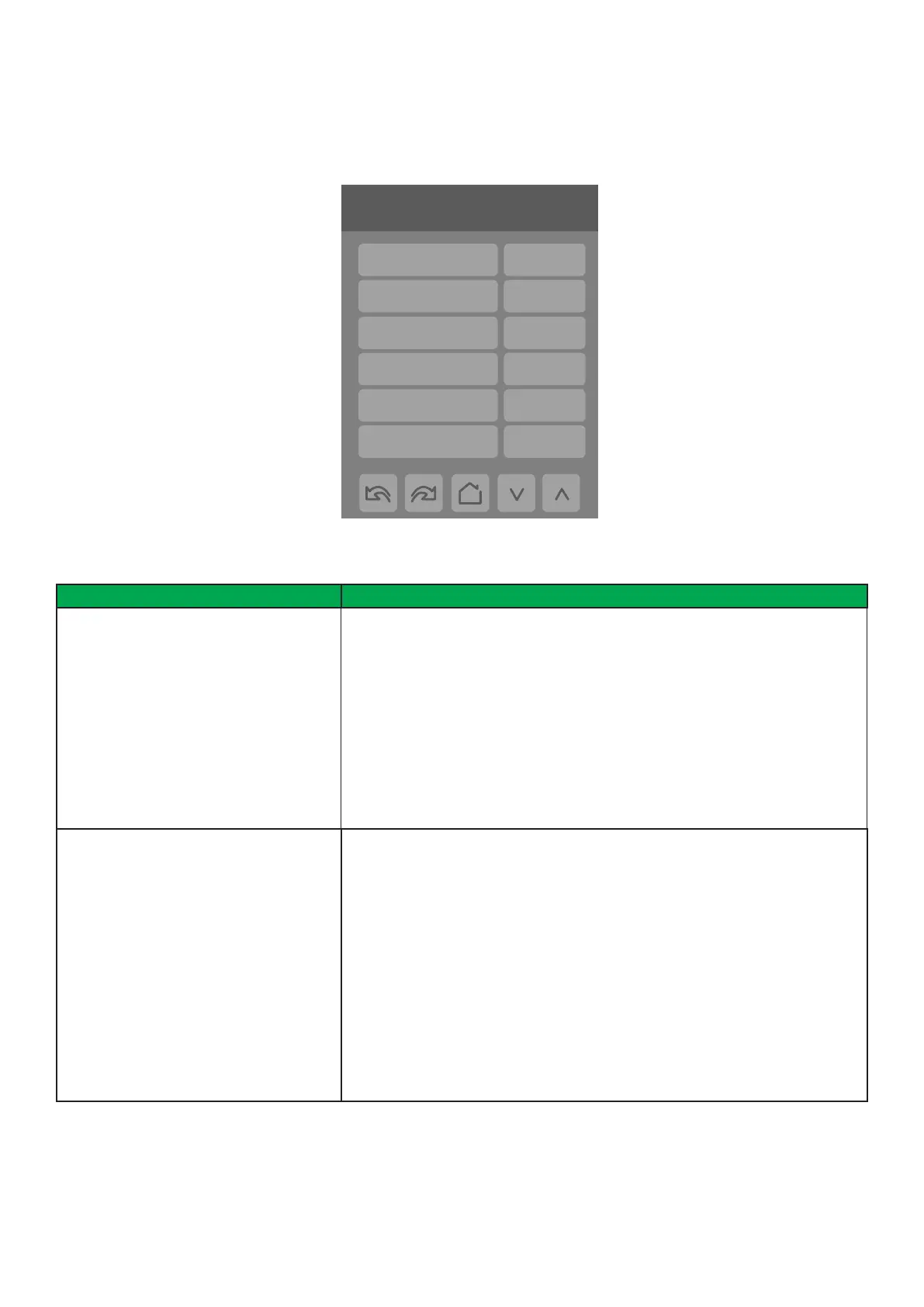
1/9 Configuration
UI16 config None
UI17 config None
UI19 config None
Occupancy src Motion
Smart recovery Off
Setpoint func. Attach SP
Configuration Screens
CONFIGURATION 1/9


 To Next Page