028 -0427-15 _UI-V T8350_ A4 _ EN www.viconics.com June 2020
48
VT8350 [ User Interface Guide ]
Display Screens
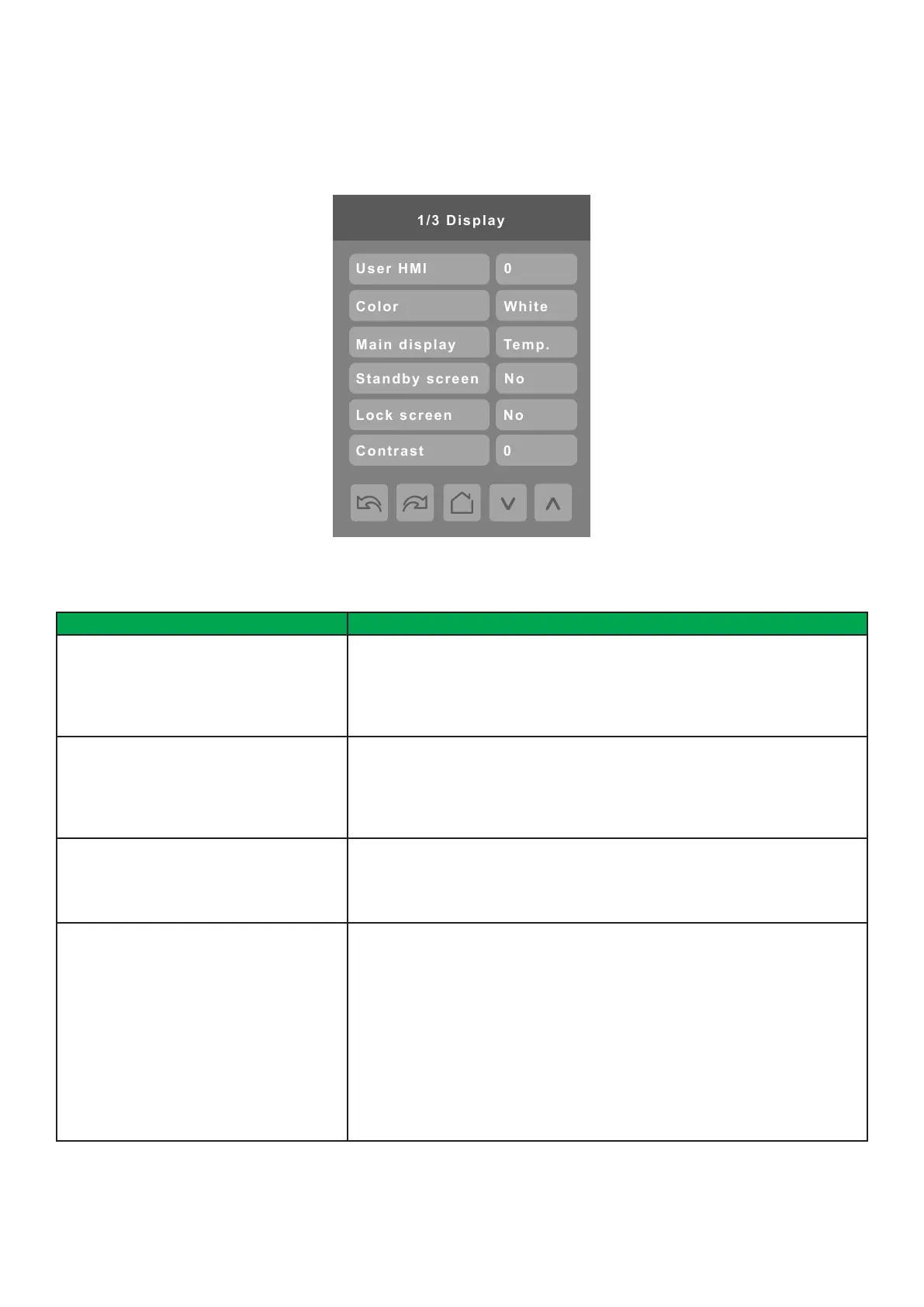
DISPLAY 1/3
PARAMETER DETAILS
Conguration Parameters Default Value Signicance and Adjustments
User HMI
Default value: 0
User HMI
Sets layout of icons on the home screen for various applications. Refer to
Customized screen for more information.
Range: 0 to 12
Color
Default value: White
HMI Color
Change background color of the display screen.
Choices: White, Green, Blue, Grey or Dark Grey, Pink, Purple, Red, Orange,
Black
Main display
Default value: Temp.
Main Display
Shows temperature or setpoint on main display.
Choices: Temperature or Setpoint
Standby screen
Default value: No
Standby Screen
When the device is left unattended for 150 seconds, the standby image will
appear. A custom image can be uploaded using the Uploader Tool.
No: No Stand by image (Screen dims when no motion is detected)
Yes: Stand by Image is displayed after 150 seconds
Occ. only: Standby image displays after 150 seconds. Screen turns off after 30
minutes only in occupied or override mode.
Screen: Standby image displays after 150 seconds. Screen turns off after 30
minutes only in unoccupied or standby mode
Choices: No, Yes, Occ. Only or Screen



 To Next Page