028 -0427-15 _UI-V T8350_ A4 _ EN www.viconics.com June 2020
50
VT8350 [ User Interface Guide ]
DISPLAY 2/3
PARAMETER DETAILS
Conguration Parameters Default Value Signicance and Adjustments
Language
Default value: English
Display Language
Select language for main display.
Choices: English, French, Spanish, Chinese, Russian, Arabic, Bulgarian,
Czech, Danish, Dutch, Finnish, German, Hebrew, Hungarian, Indonesian, Italian,
Japanese, Norwegian, Polish, Portuguese, Slovak, Swedish and Turkish
Units
Default value: °C
Temperature Scale
Changes the local display units. Refer to Network Units to change the network
units broadcasted over the network.
Choices: °C for SI or °F for Imperial.
Low backlight
Default value: 60%
Low Backlight
Sets display backlight intensity. This feature is activated (screen dims) 150
seconds after no activity on the Room Controller.
Adjustable: 0 to 100%.
Night backlight
Default value: 5%
Night Backlight
Sets backlight display intensity. Parameter only available for models with motion/
light detectors. The screen backlight progressively decreases down to this setting
when room is dark.
This feature is used mostly in hospitality applications when a darker non obtrusive
lighting level is desired when room is dark.
Adjustable: 0 to 100%.
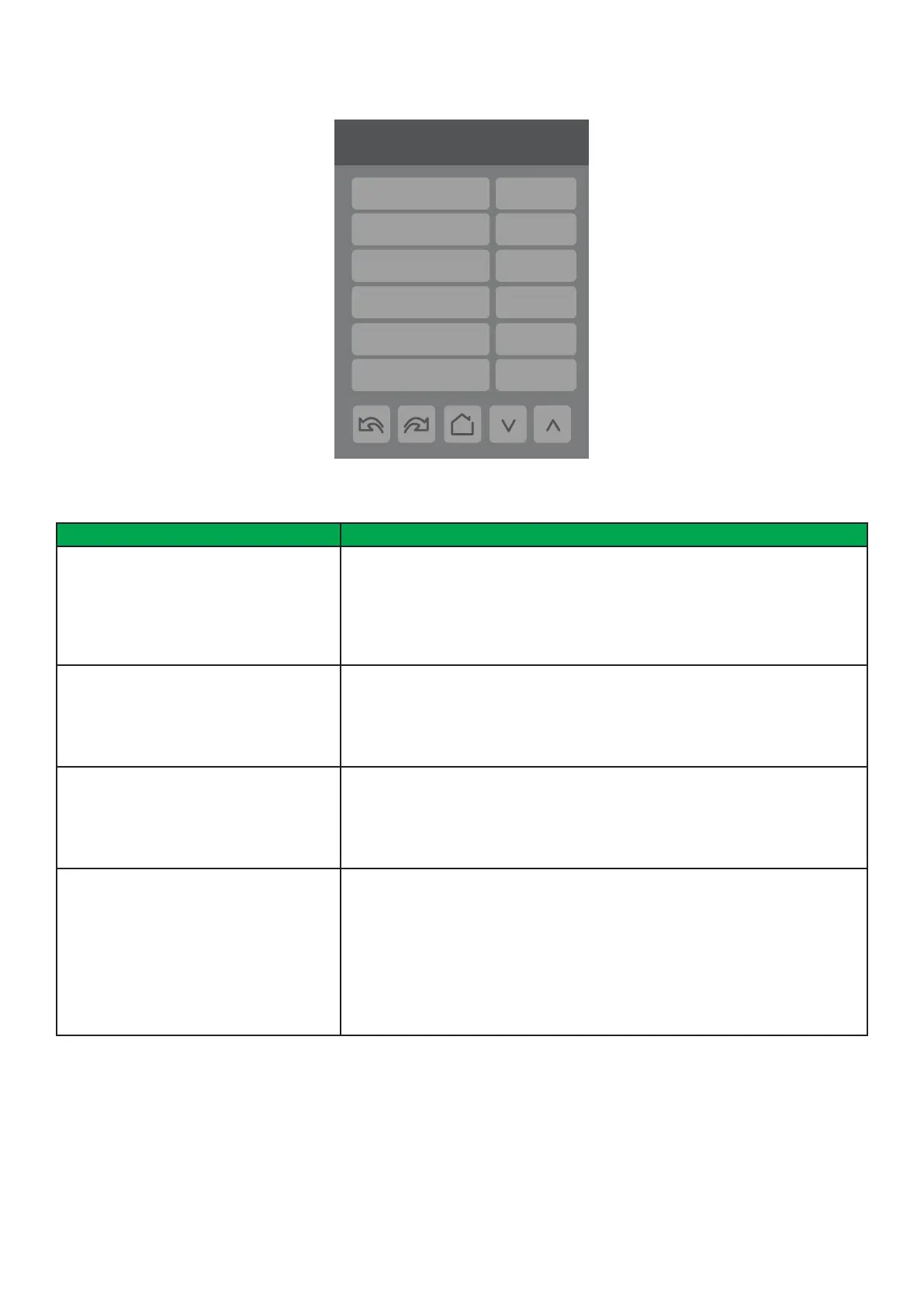
2/3 Display
Language English
Units °C
Low backlight 60 %
Night backlight 5 %
RH display Disabled
CO2 display
Disabled



 To Next Page