028 -0427-15 _UI-V T8350_ A4 _ EN www.viconics.com June 2020
55
VT8350 [ User Interface Guide ]
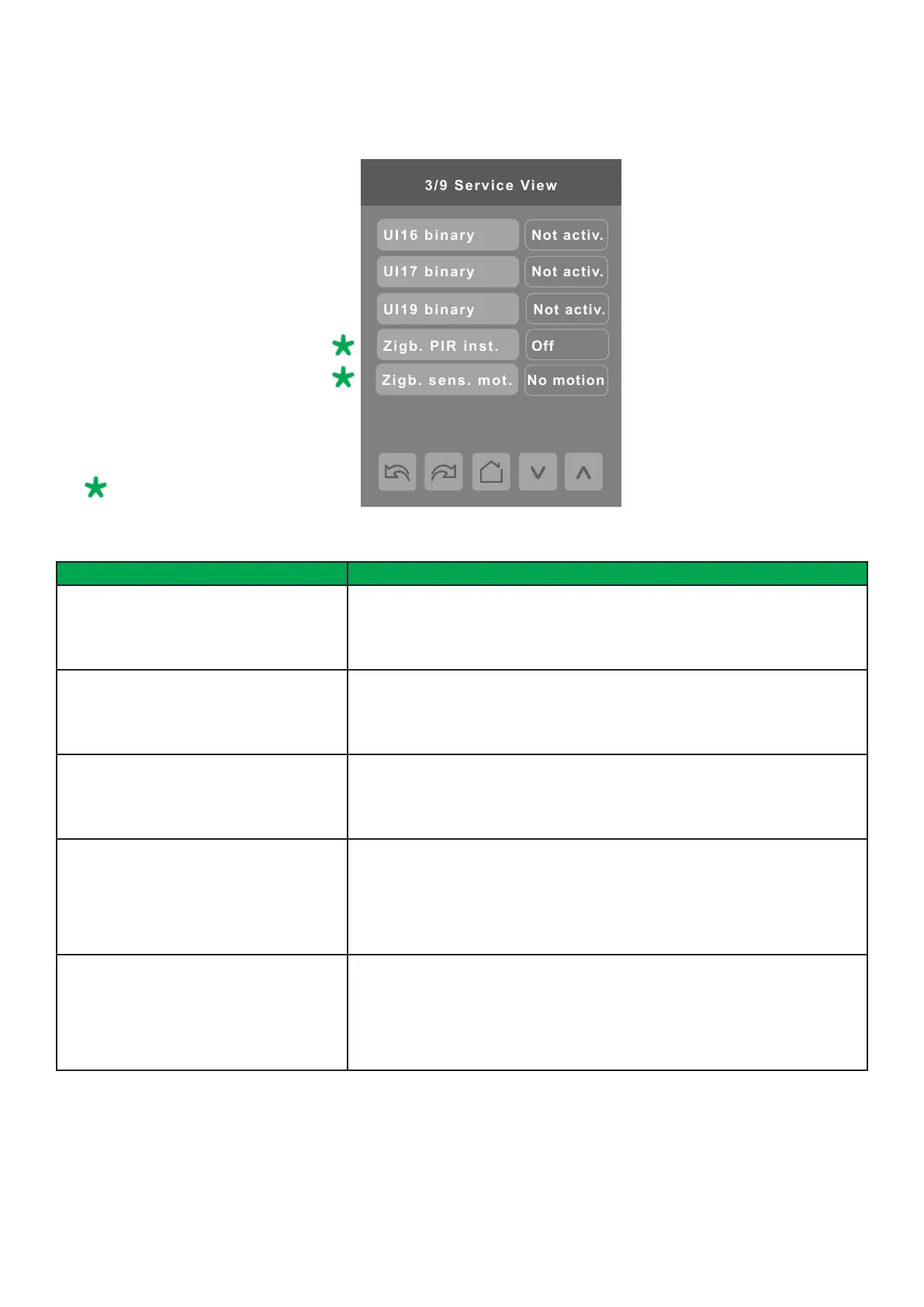
SERVICE VIEW 3/9
PARAMETER DETAILS
Conguration Parameters Default Value Signicance and Adjustments
UI16 binary
Read Only
Universal Input Configuration No. 1
Shows status of input.
Display Readings: Activated or Not Activated
UI17 binary
Read Only
Universal Input Configuration No. 2
Shows status of input.
Display Readings: Activated or Not Activated
UI19 binary
Read Only
Universal Input Configuration No. 3
Shows status of input.
Display Readings: Activated or Not Activated
Zigb. PIR inst.
Read Only
ZigBee Passive Infrared Sensor Installed
Shows if ZigBee wireless motion sensor is paired to a Room Controller or not.
NOTE: This parameter is for ZigBee wireless motion sensors only.
Display Readings: Off or On
Zigb. sens. mot.
Read Only
ZigBee Sensor Motion
Shows if motion is detected by any of the ZigBee wireless motion sensors.
NOTE: This parameter is for ZigBee wireless motion sensors only.
Display Readings: Motion or No Motion
Only for models with onboard ZigBee
or optional ZigBee add-on module.


 To Next Page
 Loading...








