14. Do not try
to
modify the inner circuit at will
to
avoid damaging the
instrument and endangering the safety of the users.
15 .
Safety Symbol Description
:
四、
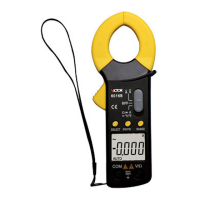
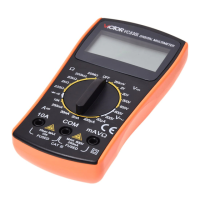
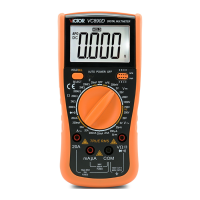
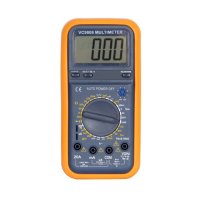
Front
Front
Front
Front
Panel
Panel
Panel
Panel
&
&
&
&
Button
Button
Button
Button
Function
Function
Function
Function
Description
Description
Description
Description
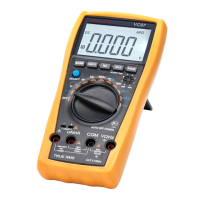
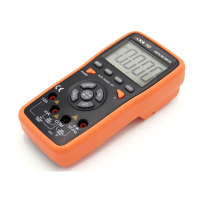
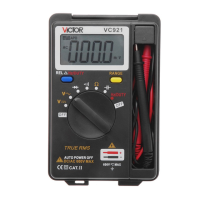
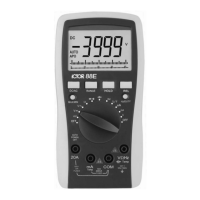
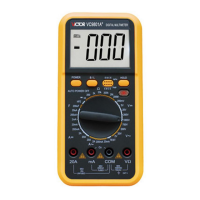
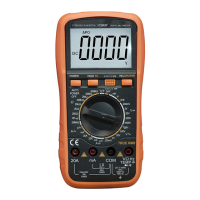
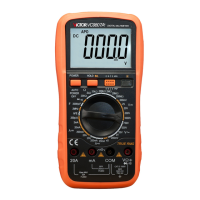
1. Instrument Model Number
2.LCD Display : Display the measured data and unit.
3.Function Button
3.1.MAX ( Max
Value
Hold
)
: Press the button, the reading
is
renewe d
and the max value
is
held on LCD.
3.2.SELECT ( Function Switch
) :
Press the button, DC/AC mode,
/ , ℃ / ℉ performance switch.
3.3.HOLD
( Data Hold
) :
Press the button, the reading
is
locked, press t he
button again, the lock
is
cleared.
3.4.RANGE ( Auto/Manual Range Switch ) : Auto Range
is
the original
states, press the button
to
switch
to
the Manual Range. At the Manual


 To Next Page