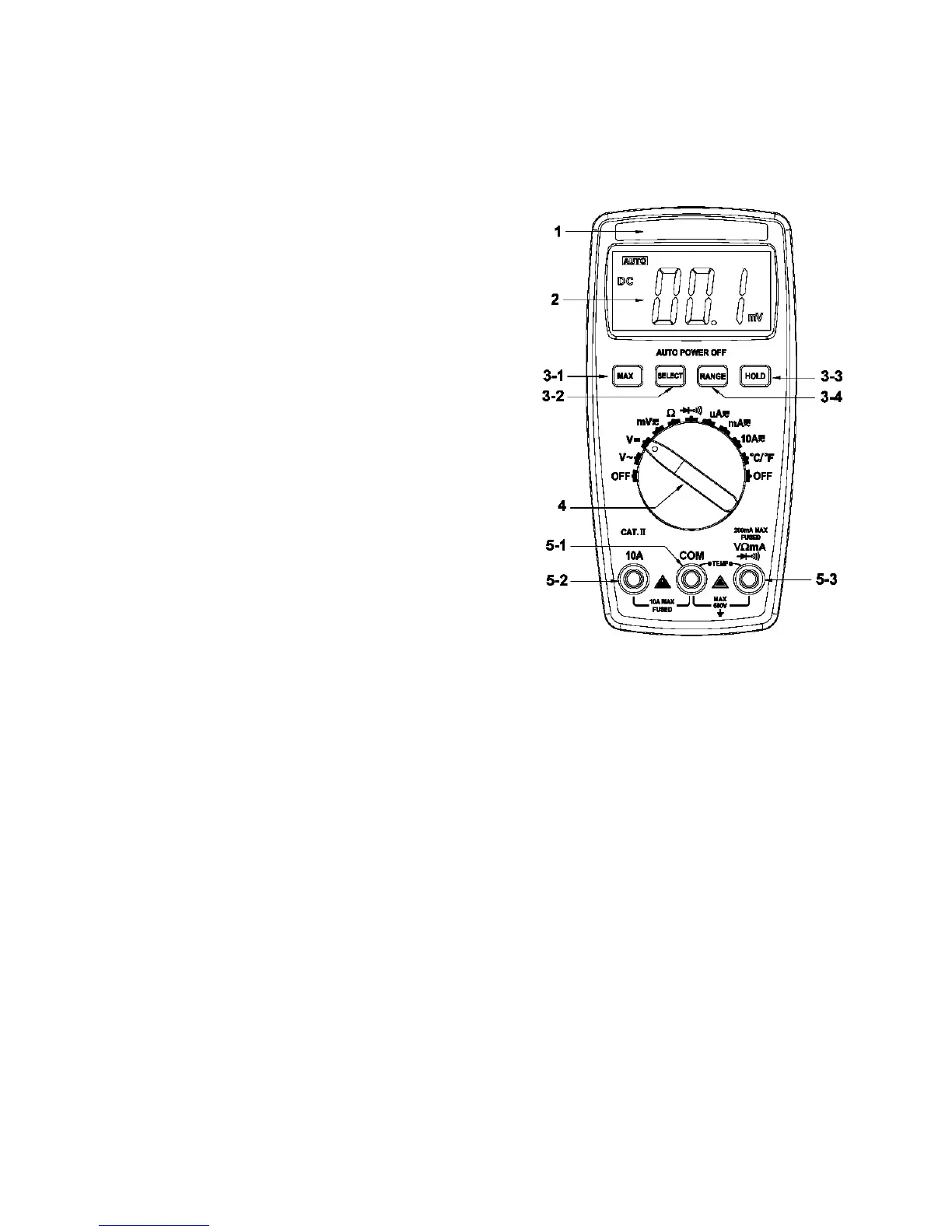
Range mode, press the button once, the range
is
switched
to
the higher
one, press the button again
to
switch the range
to
the lowest one when
measuring the highest range, the cycle
is
in proper order from low
to
high. Keep pressing the button for 2 sec., return
to
Auto Range mode.
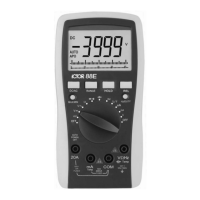
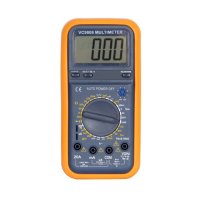
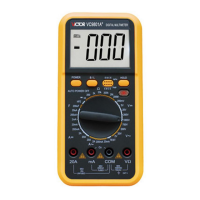
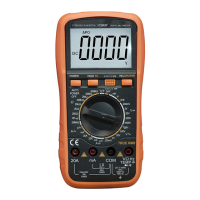
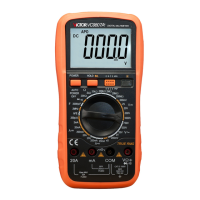
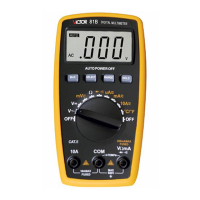
4.Knob Switch : Change the measuring
function and range 。
5.Input Terminals
5.1.Current 、 V oltage 、 Diode 、
Resistance 、 Buzzer 、
Temperature “ - ” Input terminal.
5.2.10A “ + ” input terminal.
5.3.V oltage 、 Diode 、 Resistance 、
Buzzer 、 Temperature and Current
less than 200mA “ + ” input terminal.
五、 Other
Other
Other
Other
Functions
Functions
Functions
Functions
Stop working for 15 seconds during measurement, the instrument will be
auto power off (sleeping mode)
to
save the power; in the auto power offer
mode, press any function button or change the knob switch, the instrument
will get into the auto power on mode (working mode); the auto power offer
mode will be cancelled by pressing the HOLD button
to
turn on the
instrument.
六、
Property
Property
Property
Property
1
1
1
1
.
General
General
General
General
Property
Property
Property
Property
1-1 .
Display
: LCD
1-2 . Max
Display
: 1999 ( 3 1/2 )
counts
automatic polarity display
and
unit
display


 To Next Page